
Digital Signage · HYPERVISUAL Switzerland
Digital Signage erklärt: die Bildschirme, die Software und wo sie zum Einsatz kommen.
Bildschirme, die zeigen, was Sie wollen, wo und wann Sie wollen: LED, LCD, transparent, holografisch, Kioske und Totems. Verkauf, Vermietung, Montage und Wartung in der Schweiz und in Europa.
Was ist Digital Signage?
Bildschirme, die Bilder und Videos Ihrer Wahl zeigen, zentral von einem Ort aus aktualisiert. Vier Bausteine bilden ein System: Wählen Sie einen aus.
Was die Menschen sehen, abgestimmt auf den Ort und sein Licht.
- LED, LCD, transparent oder holografisch
- Innen, aussen oder hinter einem Schaufenster
- Für einen Ort gekauft oder für einen Anlass gemietet
Der kleine Computer, der die Inhalte auf dem Bildschirm wiedergibt.
- Im Bildschirm integriert oder als separate Box
- Ihre eigenen Quellen oder DATAVSN
- Im Netzwerk, das mit Ihrer IT-Abteilung abgestimmt wurde
Wo Sie veröffentlichen, planen und aktualisieren, was jeder Bildschirm zeigt.
- Veröffentlichen, planen und aktualisieren Sie alles von einem Ort aus
- DATAVSN, unser eigenes CMS, gehostet in der Schweiz
- Vorgeschlagen, nie aufgezwungen
Bilder und Videos, die im Voraus vorbereitet und nach Bildschirm, Zone und Uhrzeit programmiert werden.
- Bilder und Videos
- Ein Programm nach Bildschirm, Zone und Uhrzeit
- Massgeschneiderte Touch-Anwendungen für Kioske
Bildschirme in fünf Familien.
Jede hat ihren Platz, ihr Licht und ihre Aufgabe. Blättern Sie durch.

01LED-Bildschirme
Ein Bild, jede Grösse, innen oder aussen.
- Feiner Pixel Pitch für Innenräume, P0.9 bis P2.6
- Outdoor-Panels mit Schutzart IP65
- Für einen Ort gekauft oder für einen Anlass gemietet
Indoor-LED Outdoor-LED Event-LED LED-Trailer Schaufenster-LED

02LCD-Bildschirme
Für Schaufenster, Theken und Wände.
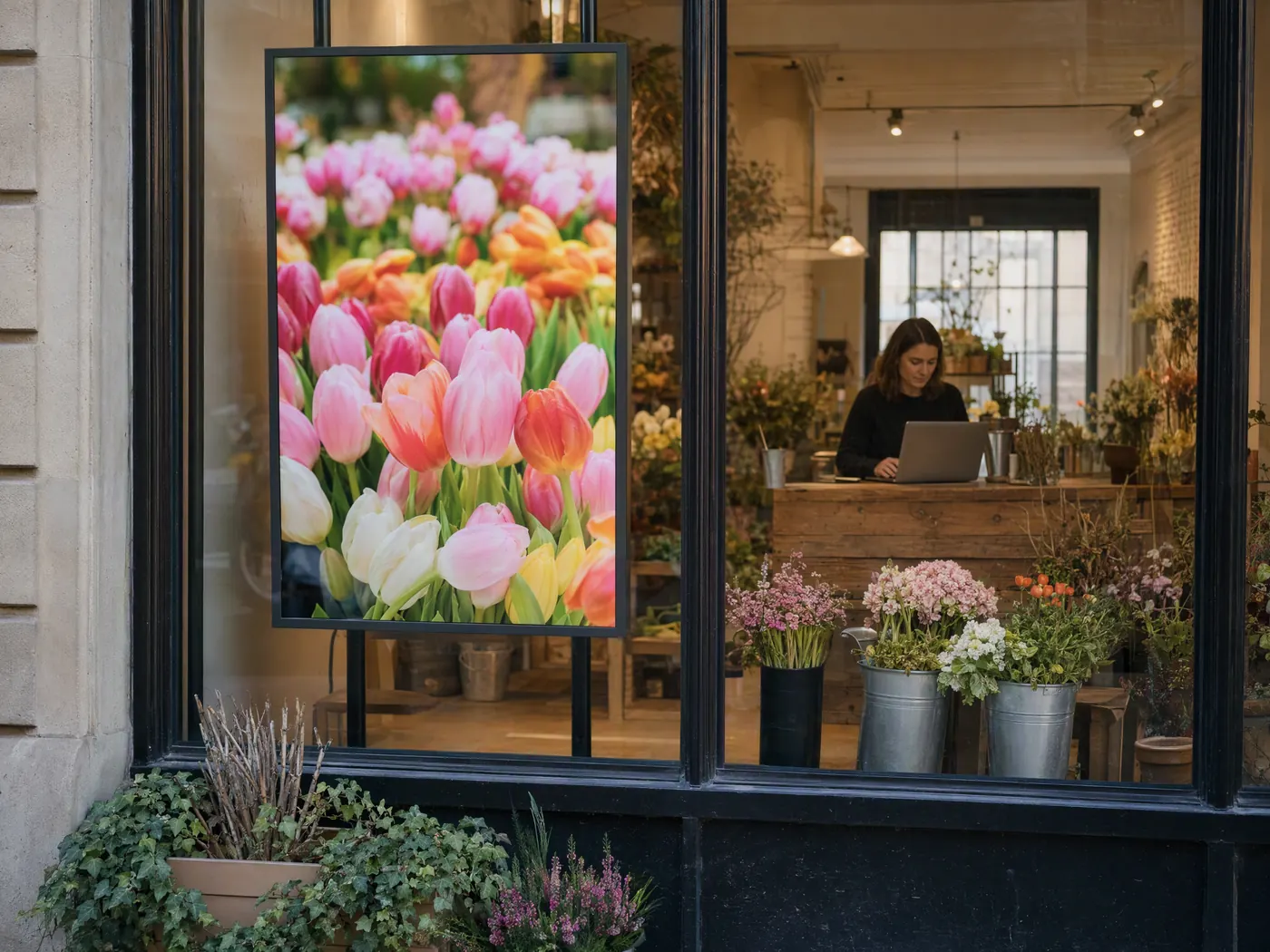
- 1’000 bis 5’000 Nits hinter einem Schaufenster
- Open-Frame-Bildschirme, in Ihre Möbel eingebaut
- Totems auf eigenem Sockel
Schaufenster-Display Open-Frame-Bildschirme Totems und Kioske
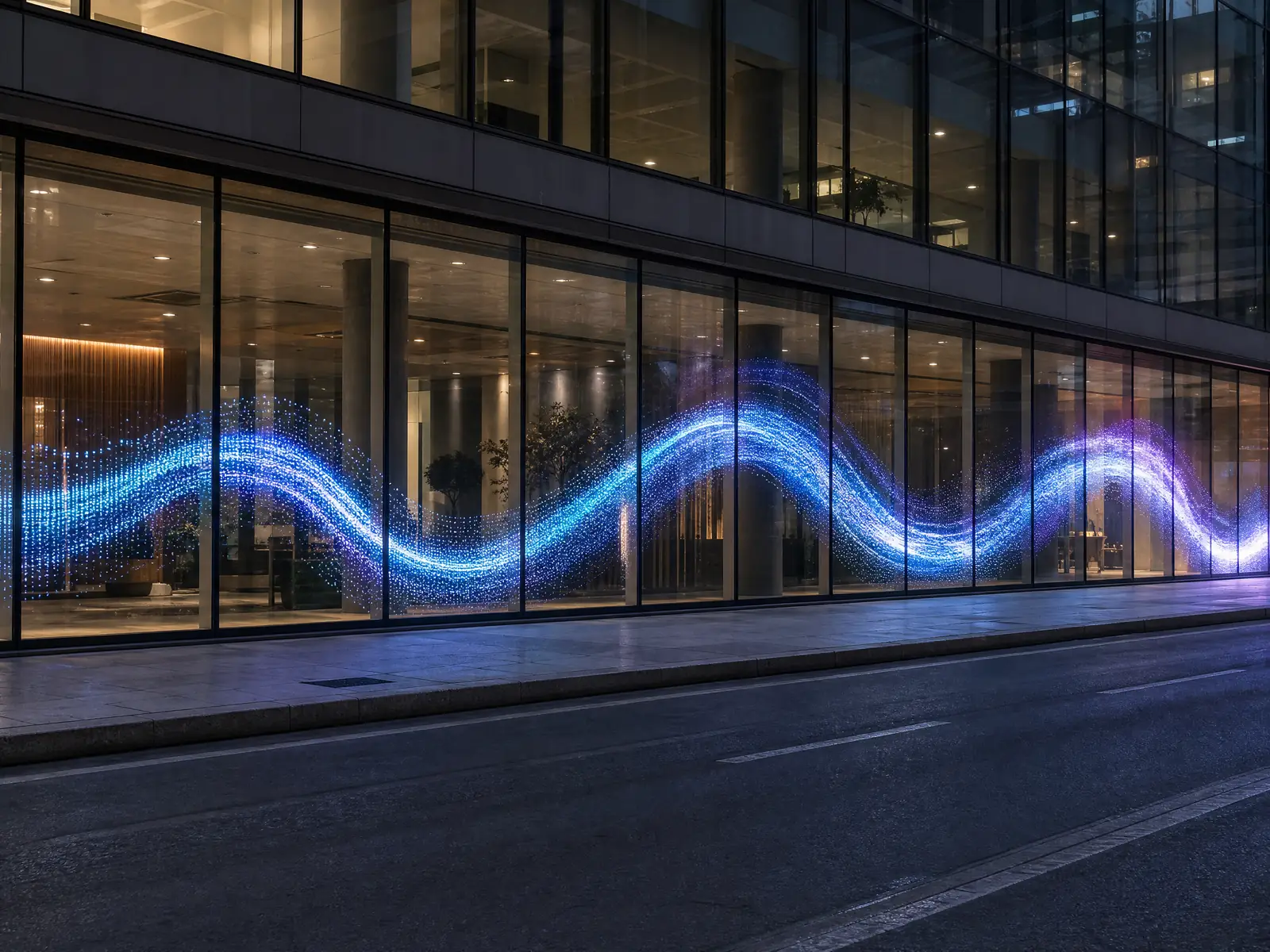
03Transparente Bildschirme
Das Bild auf dem Glas, die Sicht bleibt frei.
- LED-Folie auf Verglasung
- Unsichtbare holografische LED in einem Schaufenster
- OLED und MicroLED in Vitrinen
LED-Folie Holografische LED Transparentes OLED Transparentes MicroLED Transparente Totems
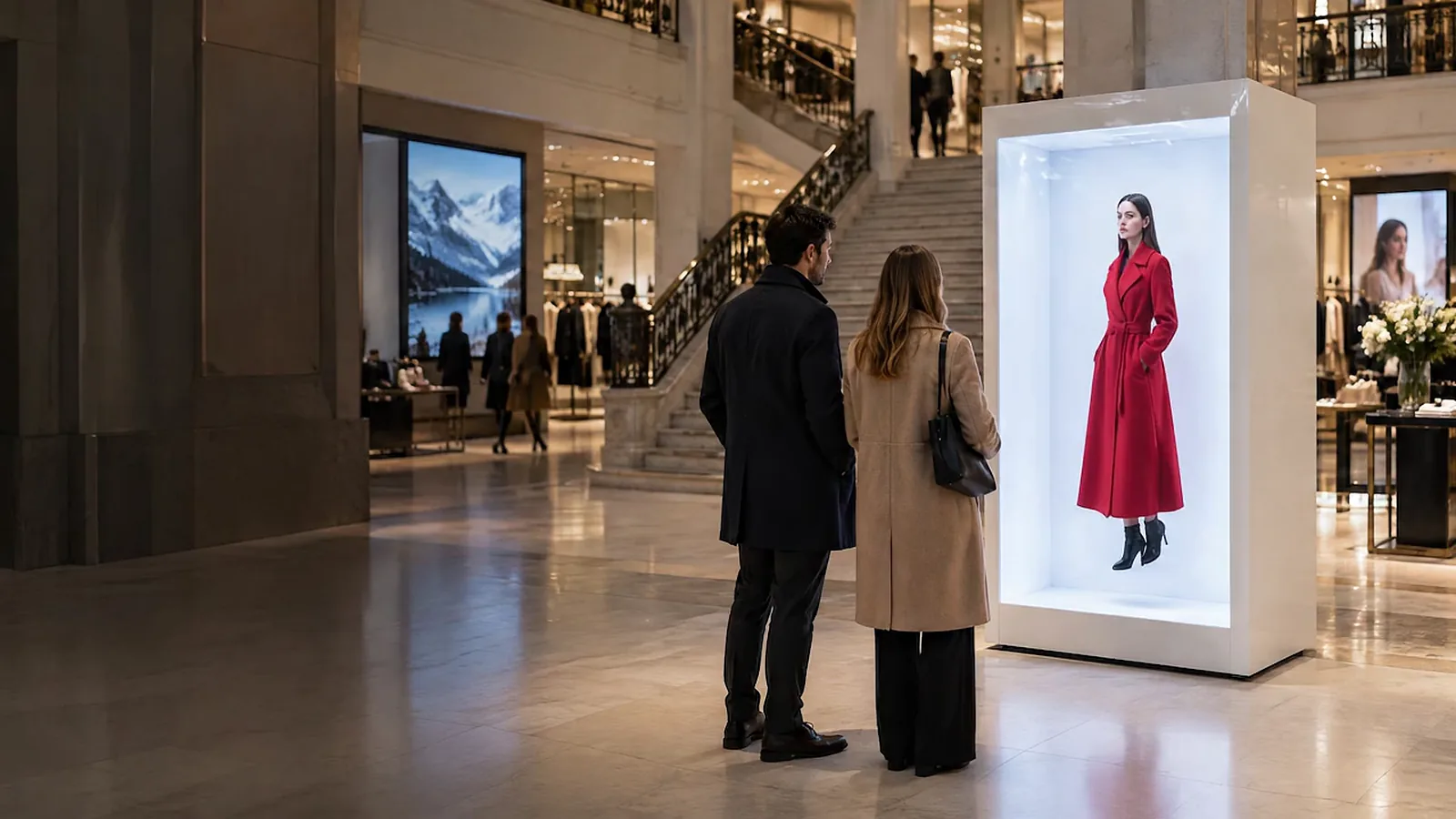
04Hologramme
Ein Bild, das in der Luft zu schweben scheint.
- HYPERVSN: LEDs auf einem sich drehenden Rotor
- HoloBox: lebensgross, in einer Box
- HoloBox Nova: ein Avatar, der zuhört und antwortet
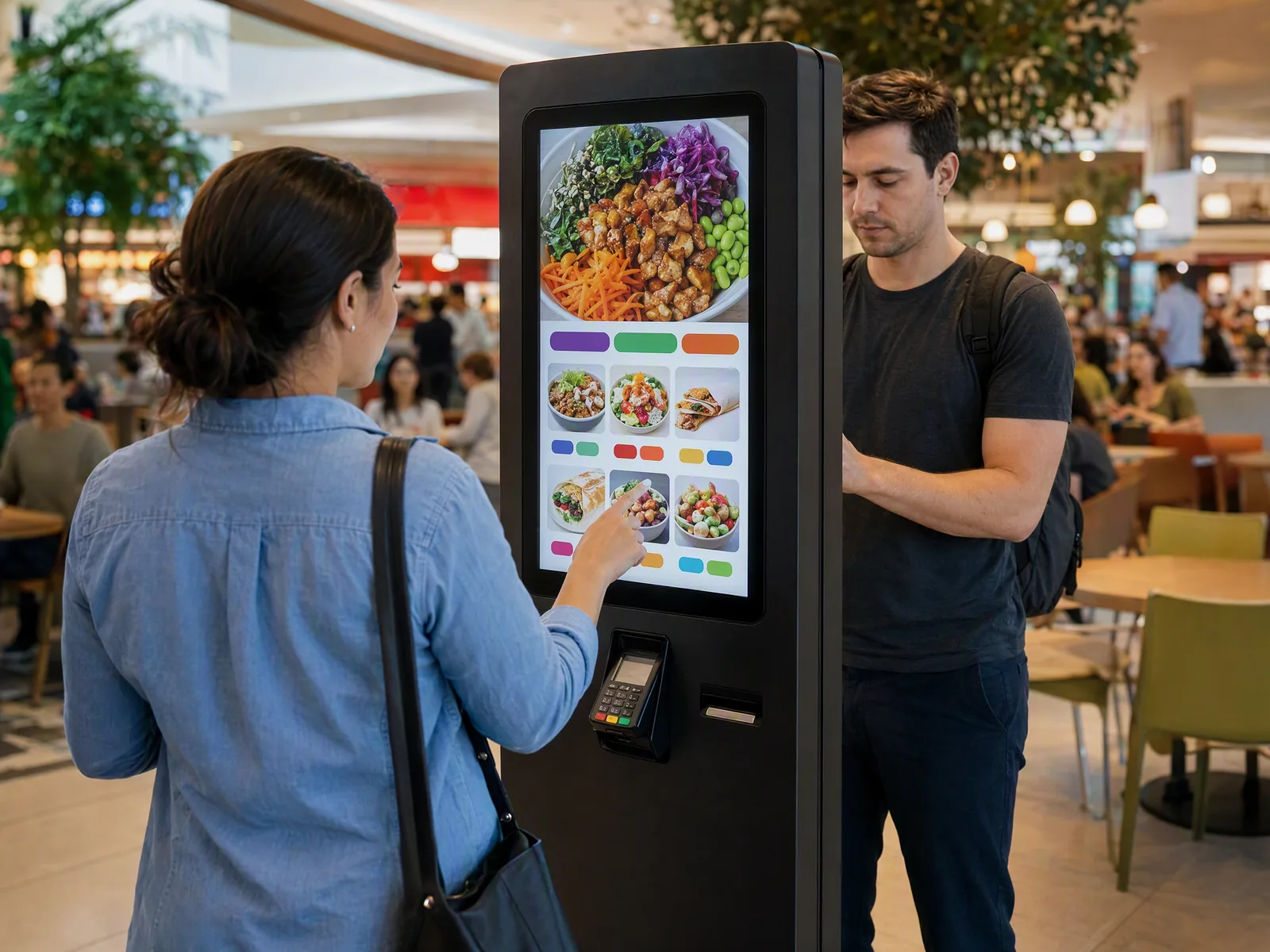
05Kioske und Totems
Orientieren, informieren, bestellen und bezahlen.
- Ein Totem ist weithin sichtbar
- Ein Kiosk wird in Griffweite bedient
- Bestell- und Bezahlkioske
Totems und Kioske Bestell- und Bezahlkioske Transparente Totems
Die Software dahinter.
Ihre Bildschirme geben Ihre eigenen Quellen wieder oder laufen auf DATAVSN, dem CMS, das HYPERVISUAL in der Schweiz entwickelt und hostet. Vorgeschlagen, nie aufgezwungen.
01Die Basis
Veröffentlichen
Veröffentlichen, planen und aktualisieren Sie Ihre Bildschirme von einem einzigen Ort aus.
02Option
Messen
Anonyme Zählung, Stopprate, Betrachtungsdauer. Nur Messwerte: Kein Gesicht wird erkannt, kein Bild gespeichert.
03Option, setzt Messen voraus
Reagieren
Der für das anonyme Profil vor dem Bildschirm ausgewählte Inhalt.
DATAVSN steuert die LED-Bildschirme, Totems und Open-Frame-Bildschirme, die es verwaltet; Kioske laufen mit eigenen Anwendungen, die HYPERVISUAL entwickelt.
Im Einsatz.
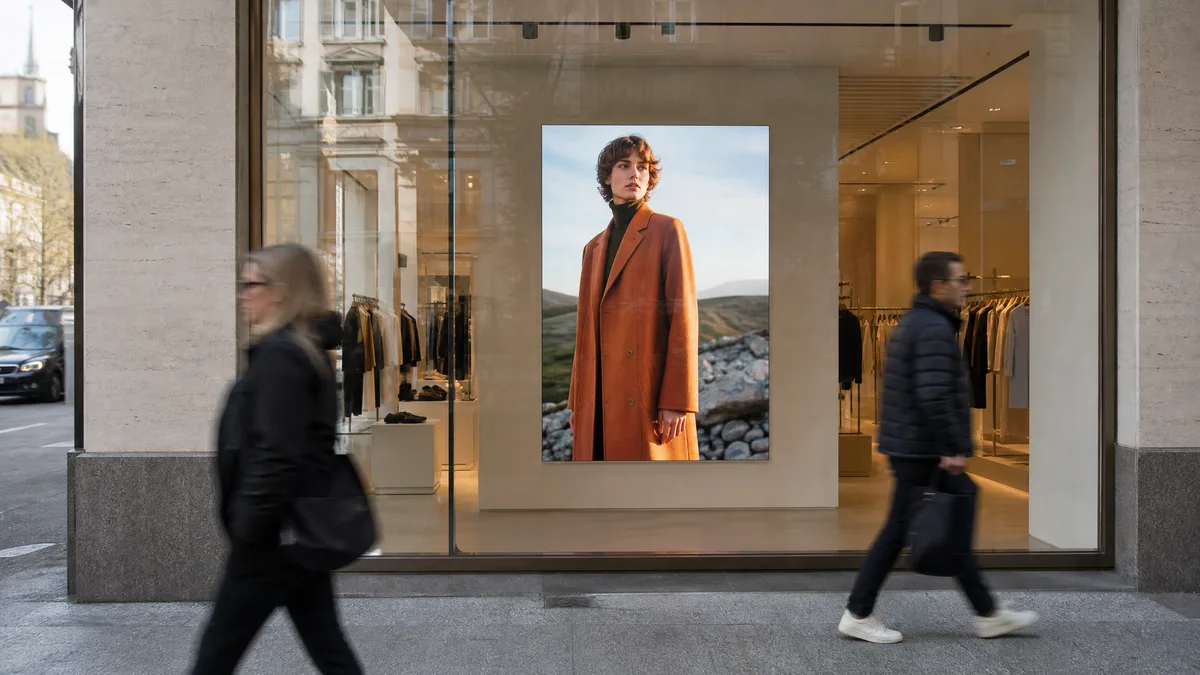
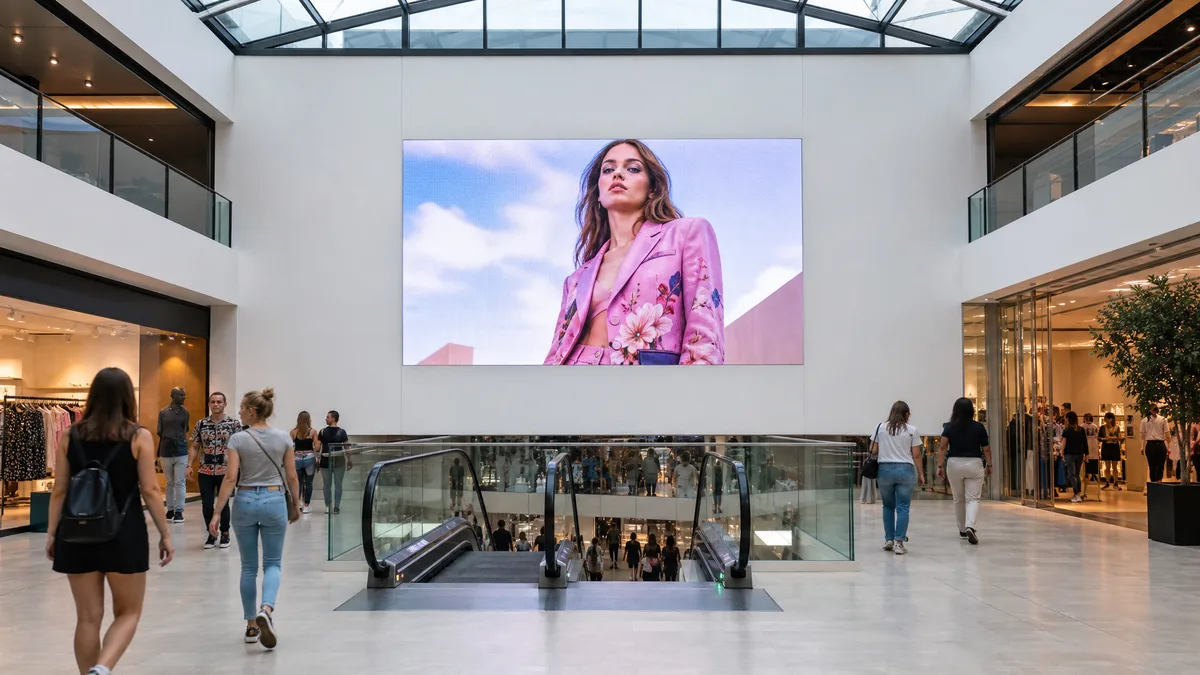
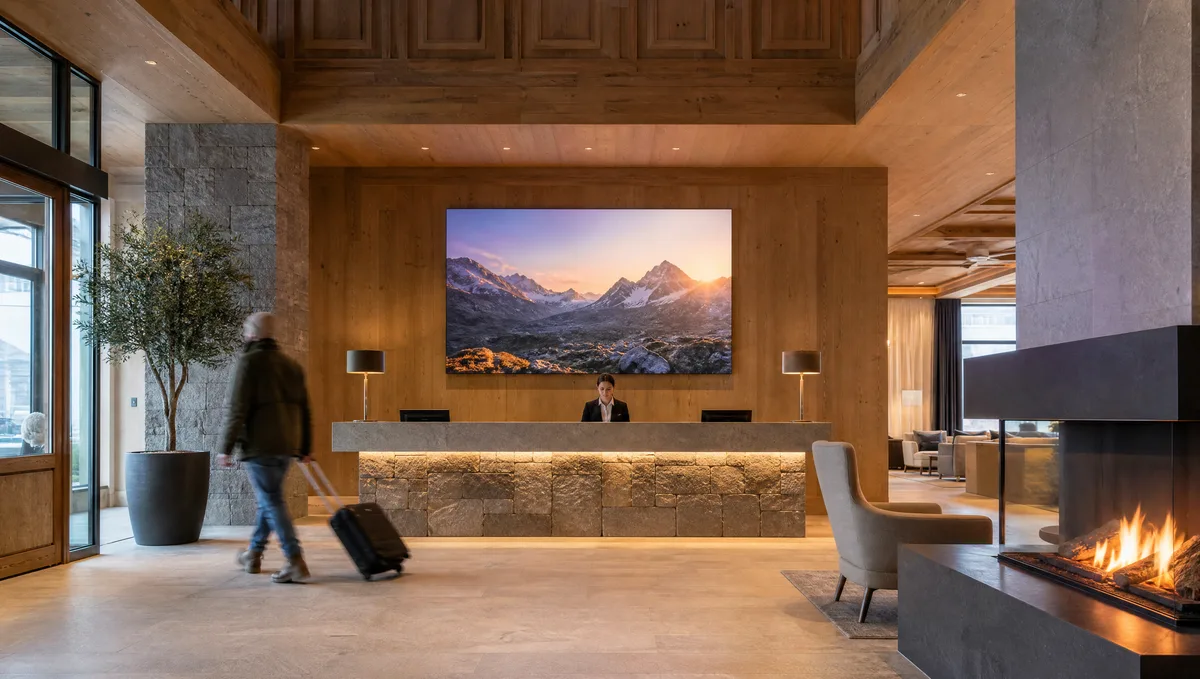
Detailhandel, Einkaufszentren und Hotels ausführlich, dazu eine Seite für jede Branche, die wir ausstatten.
Kaufen oder mieten.
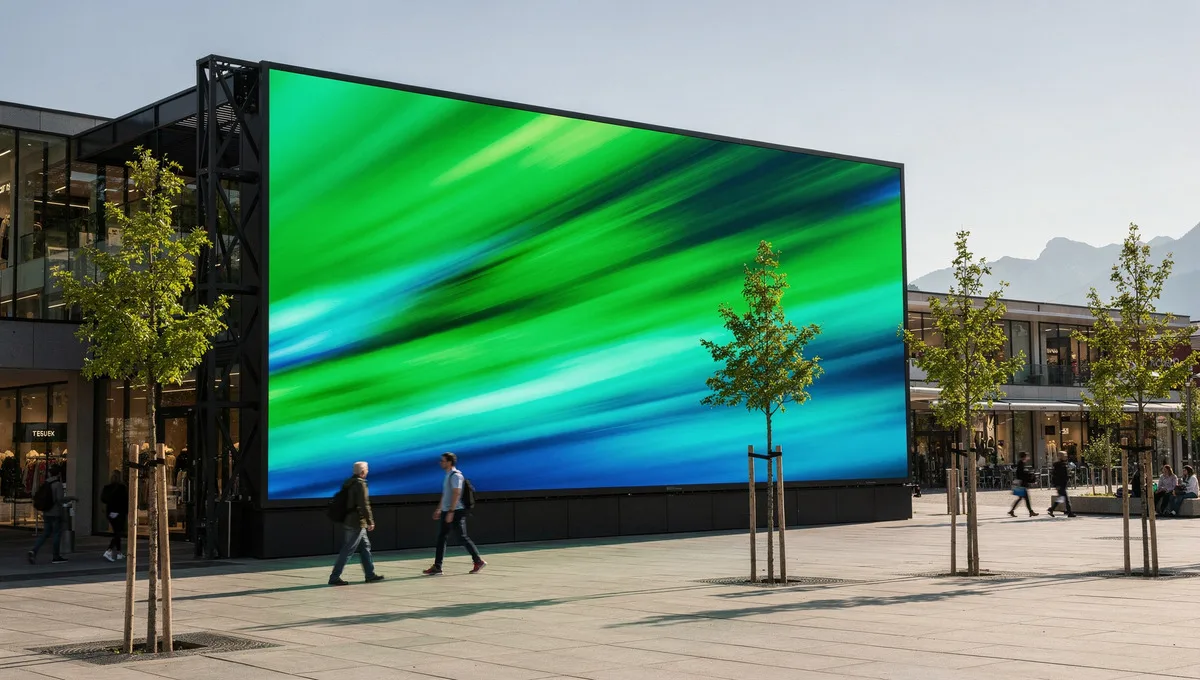
Kaufen Sie, wenn der Bildschirm an einen Ort gebunden ist. Mieten Sie, wenn er an einen bestimmten Anlass gebunden ist.
Verkauf
Für einen Ort
Showroom, Lobby, Fassade, Laden.
- Geliefert, installiert und gewartet
- Hardware-Garantie: 24 Monate
- Ihre eigenen Quellen oder DATAVSN
Sprechen wir über Ihre Bildschirme
Teilen Sie uns mit, was Sie wo und wann zeigen möchten. Bei Bedarf besichtigen wir den Standort, und anschliessend unterbreiten wir Ihnen eine schriftliche Offerte.
- Was Sie zeigen möchten. Ein Produkt, eine Botschaft, ein Programm.
- Wo der Bildschirm hinkommt. Ein Schaufenster, eine Lobby, eine Terrasse, eine Bühne.
- Kaufen oder mieten und das Datum, auf das es ankommt.
