Logiciels · HYPERVISUAL Switzerland
Développement logiciel sur mesure pour bornes, totems et écrans.
Logiciel sur mesure : l’application que vos visiteurs utilisent du bout des doigts, avec vos étapes, votre contenu et leur langue. Développée par HYPERVISUAL.
Que doit faire votre écran ?
Indiquer le chemin, enregistrer les arrivées, prendre la commande, faire participer le public, répondre aux questions. Choisissez la tâche : HYPERVISUAL développe l’application qui s’en charge.
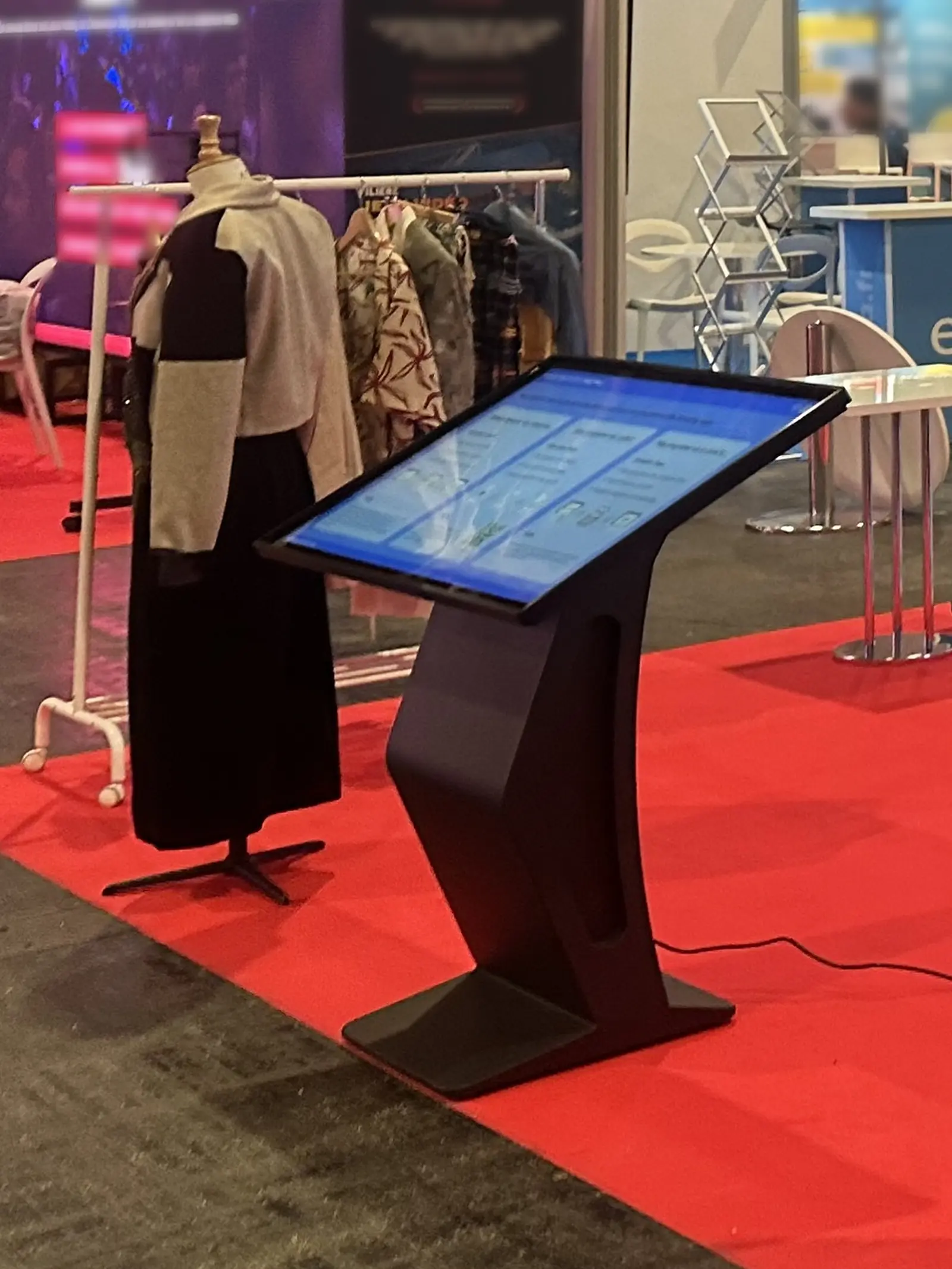
Totem ou borne
Indiquer le chemin.
- Le plan de chaque niveau
- Une recherche, puis l’itinéraire
- Le programme de la journée
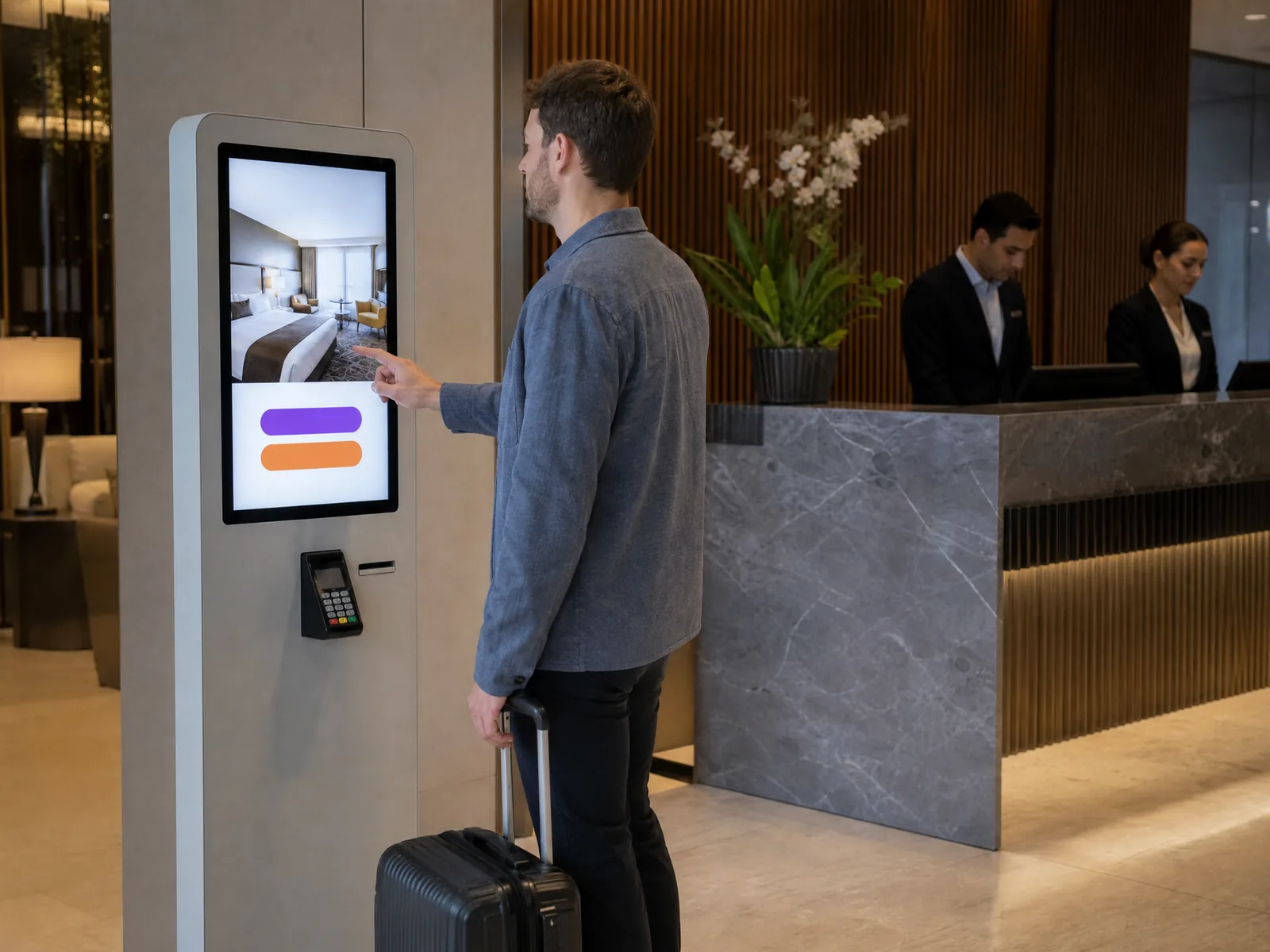
Borne de check-in
Enregistrer les arrivées.
- Arrivée et coordonnées du client
- Paiement sur le terminal intégré
- Dans une clinique : un numéro, pas de nom
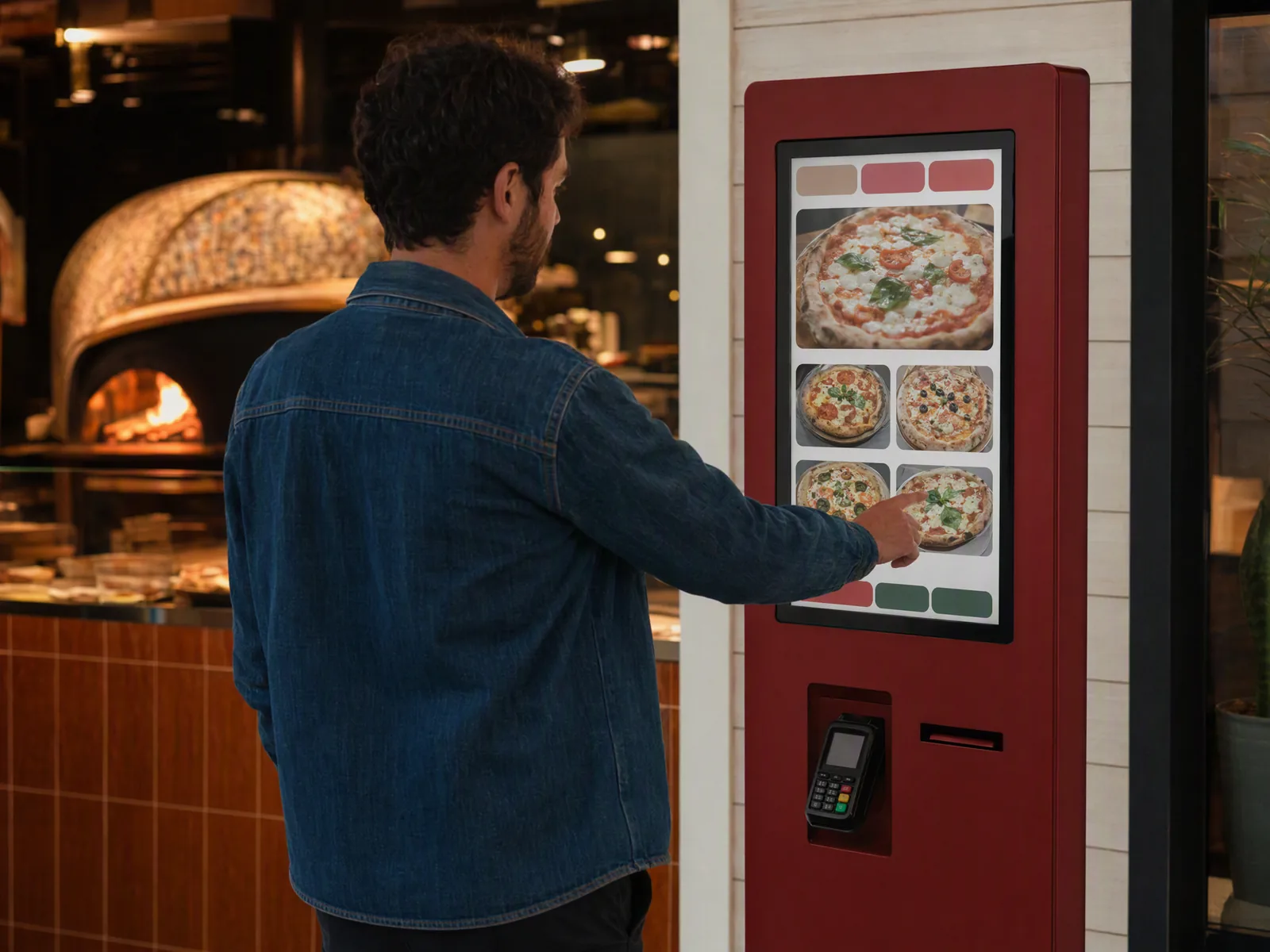
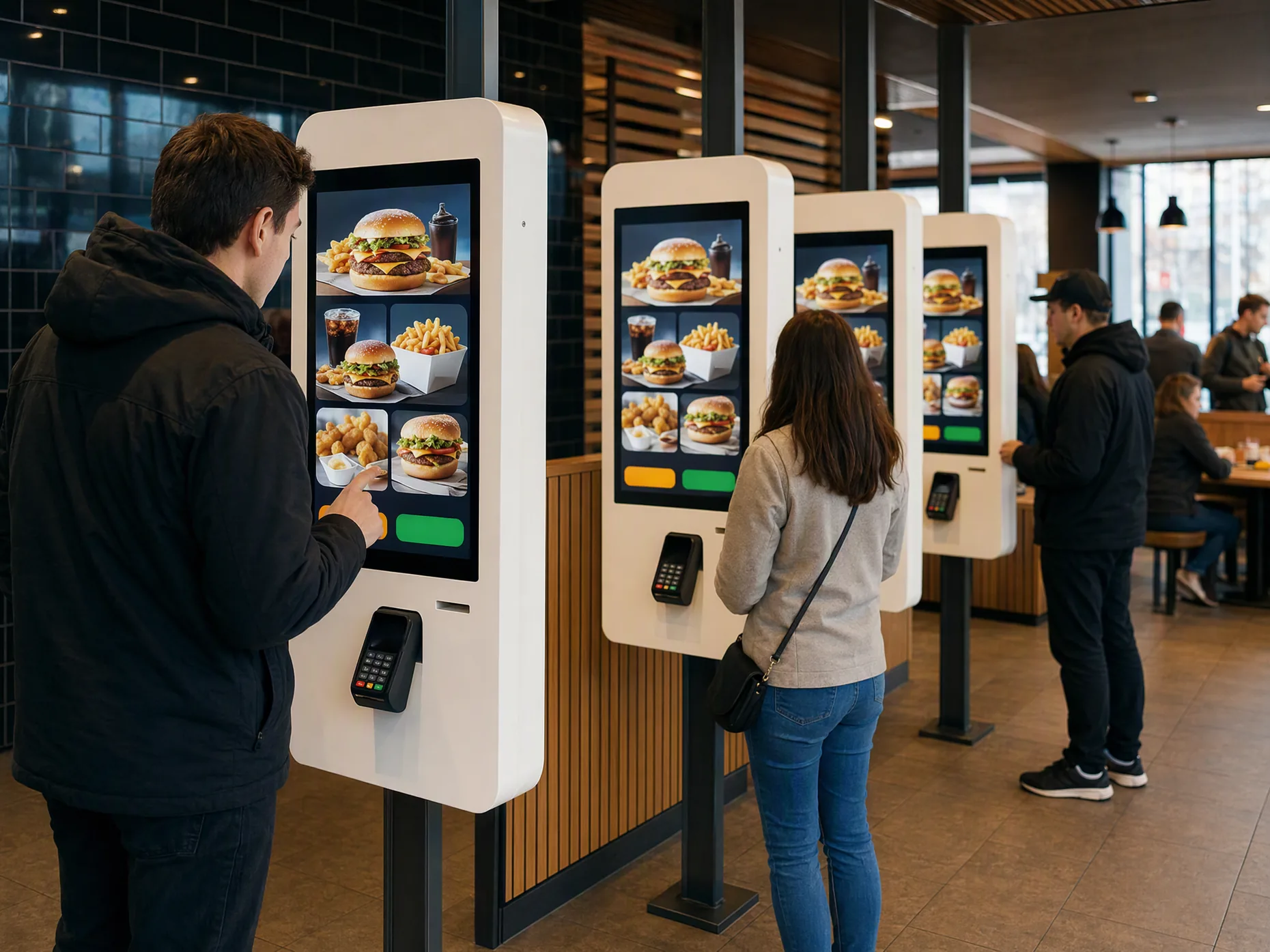
Borne de commande
Prendre la commande.
- Votre menu, vos étapes
- Paiement sur le terminal
- Retrait au comptoir
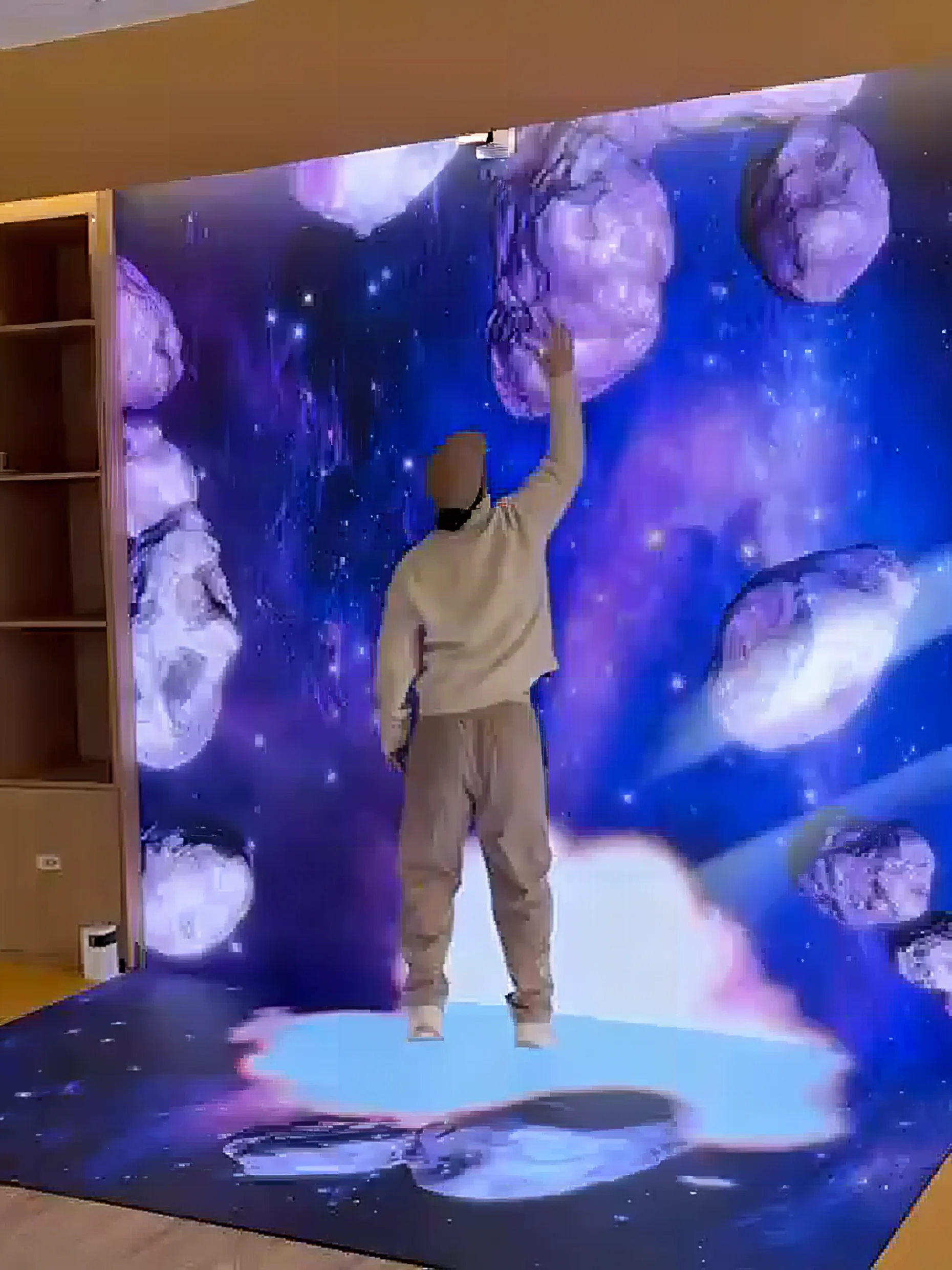
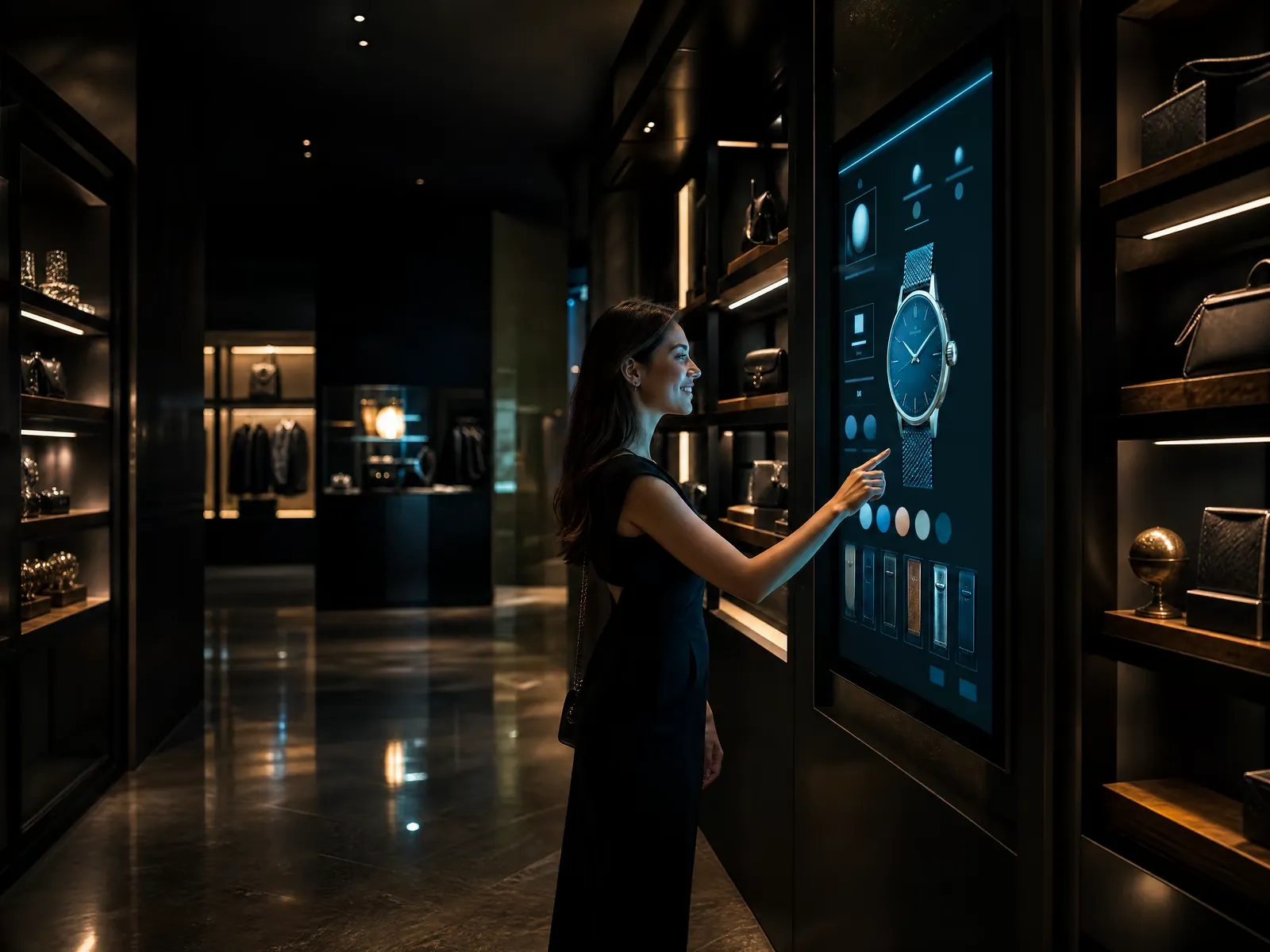
Borne, totem ou écran géant interactif
Faire participer le public.
- Un jeu saisonnier
- Un sondage à la sortie
- Un configurateur de produits
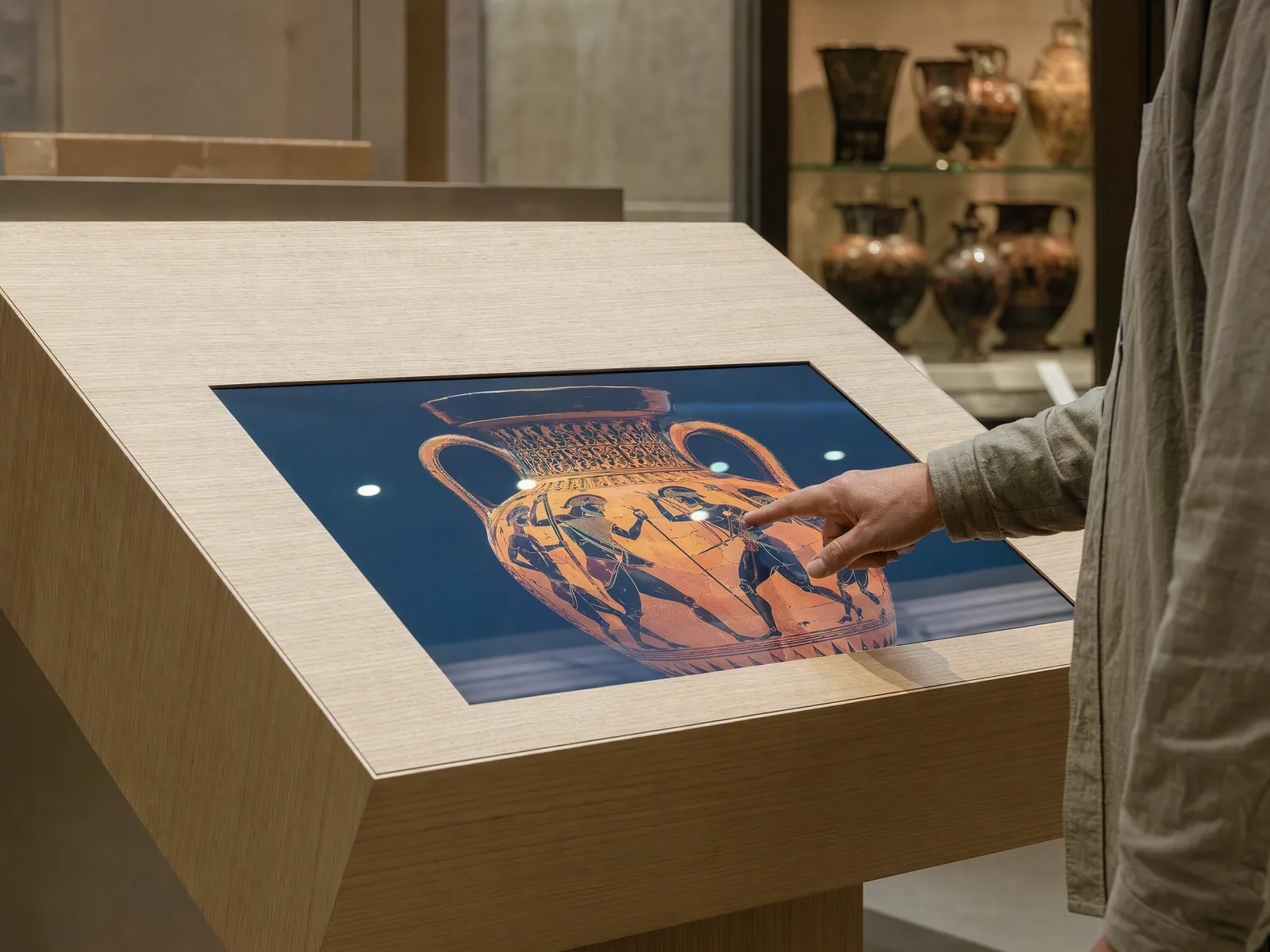
Borne ou écran tactile
Répondre aux questions.
- Une recherche, un catalogue
- Accès à une base de données
- Horaires d’ouverture, un programme
Vous avez un besoin particulier ? Dites-nous ce que l’écran doit faire : l’application sera développée sur mesure.
Décrivez-leLes écrans où elle tourne.
Des bornes, des totems et des écrans que l’on touche ou sur lesquels on marche. L’écran et son application proviennent de la même entreprise.
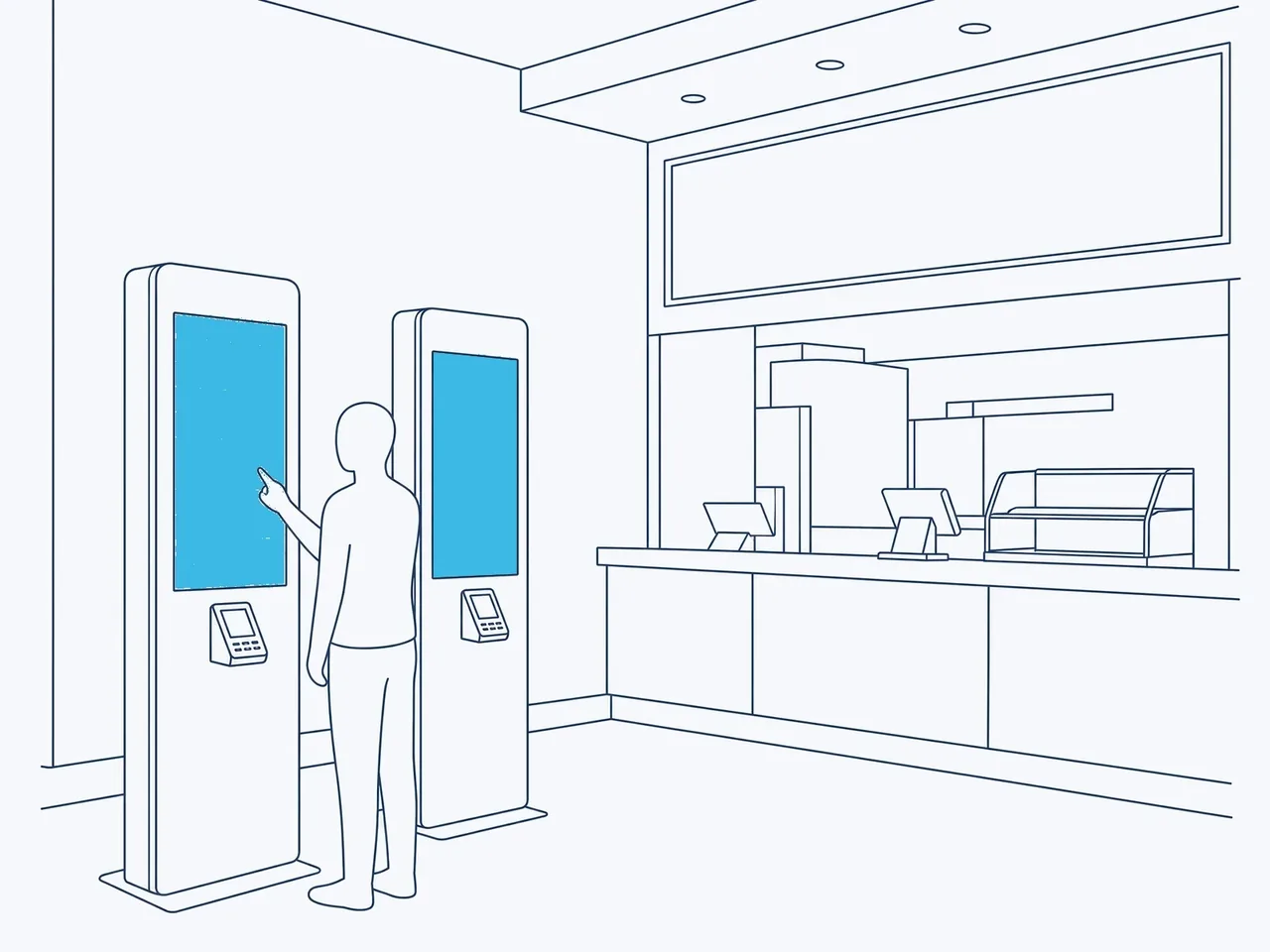
Bornes de commande et paiement
- Commander, payer, retirer
- Un terminal de paiement intégré
- Simple ou double face
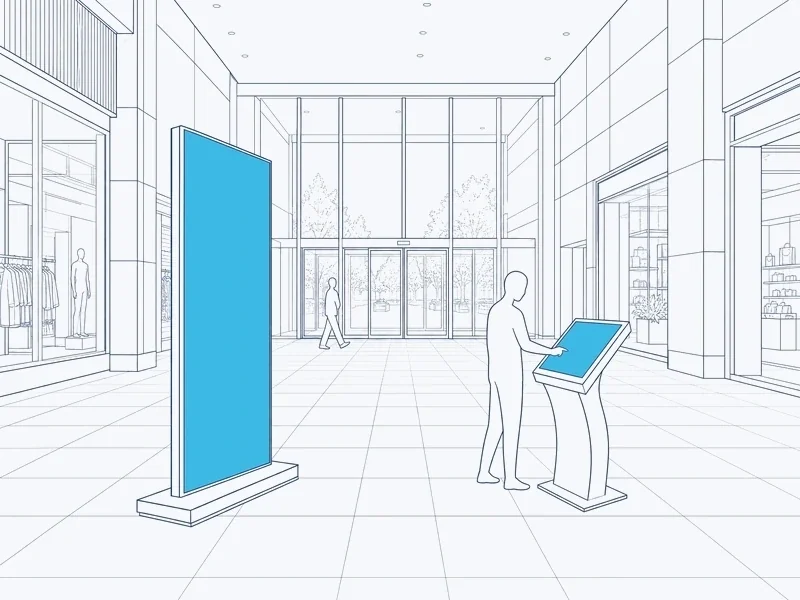
Totems et bornes tactiles
- Un plan, une recherche, un catalogue
- Bornes de 21,5 à 55 pouces
- Fonction tactile en option sur un totem
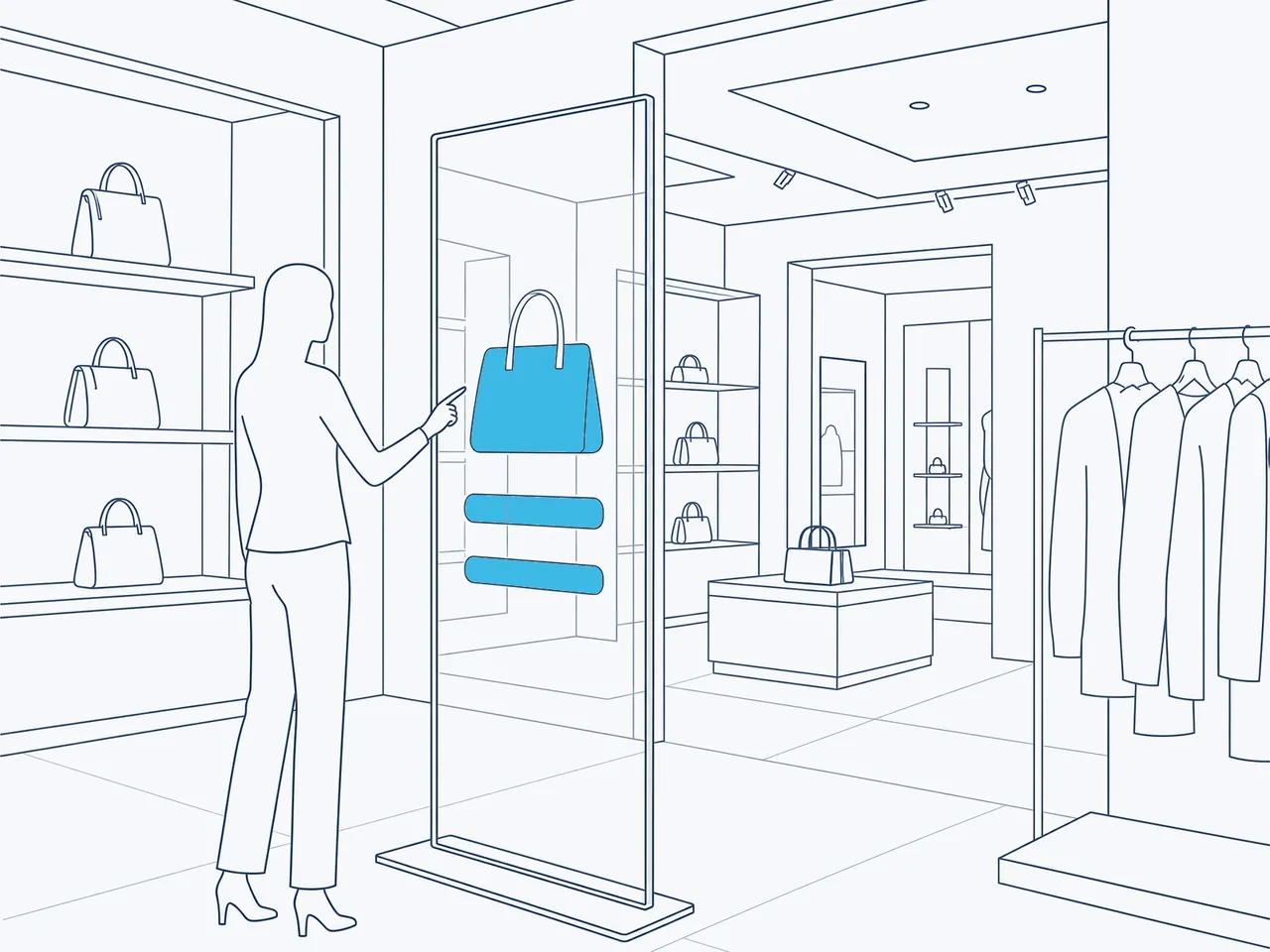
Totems transparents
- Naviguer directement sur la vitre
- Un terminal de paiement, si vous le souhaitez
- Le produit reste visible
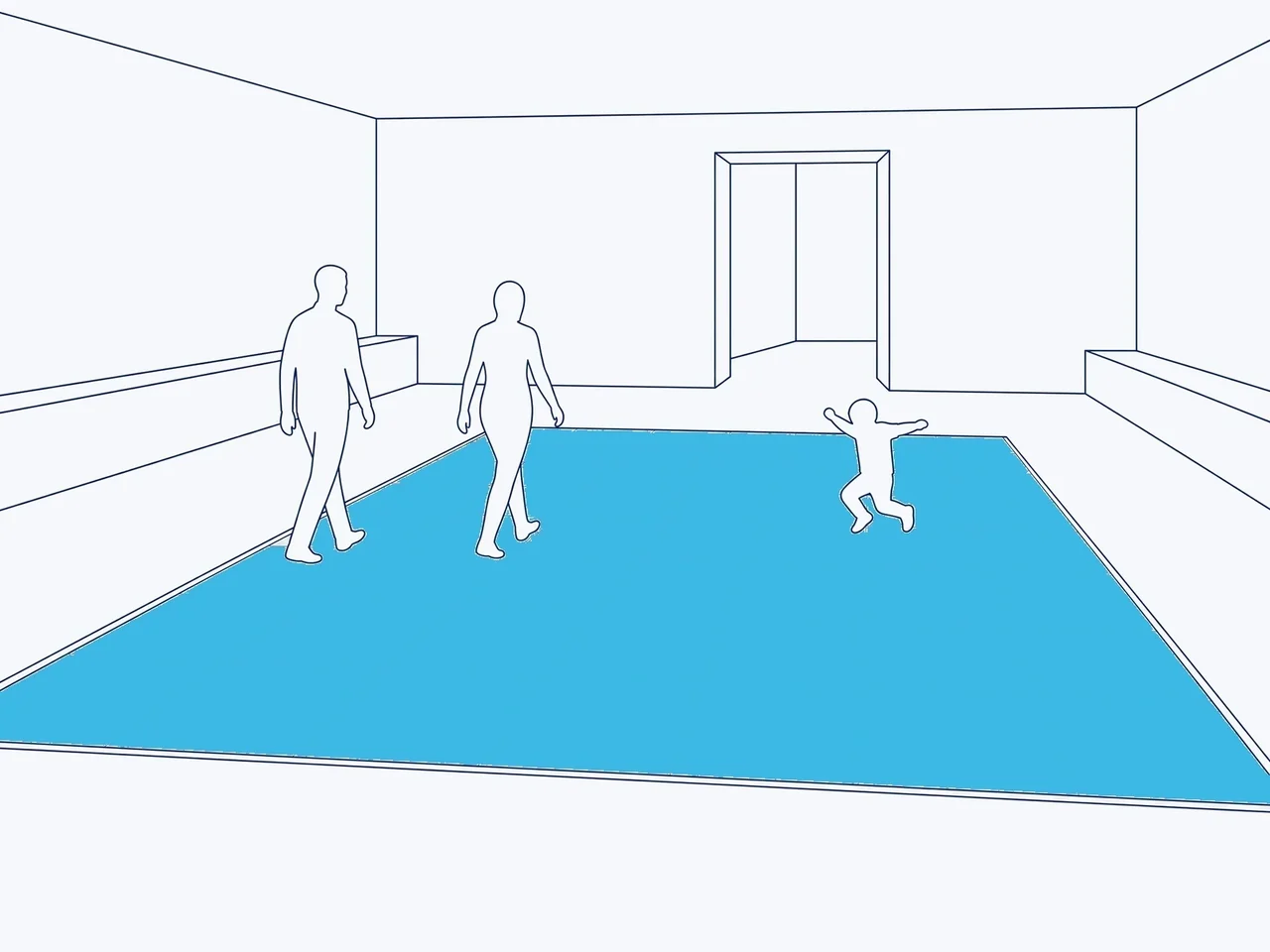
Sol LED et écran géant LED interactifs
- L’image réagit aux pas et aux mains
- Effets sélectionnés pour votre thème
- Un jeu qui se joue avec les mains
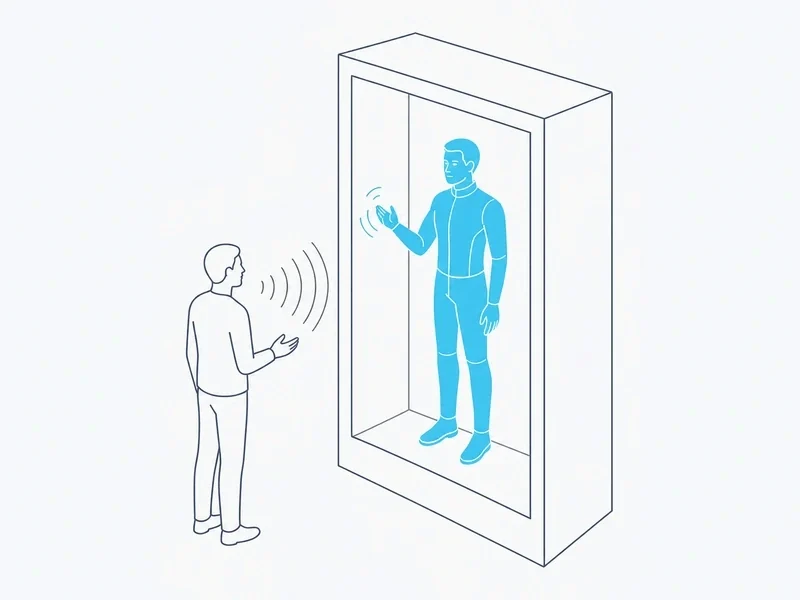
HoloBox Nova Son propre éditeur, intégré au produit : votre équipe y rédige les questions et les réponses.
Déroulement d’un projet.
Six étapes, de ce que l’écran doit faire jusqu’au jour où votre équipe prend le relais.
01
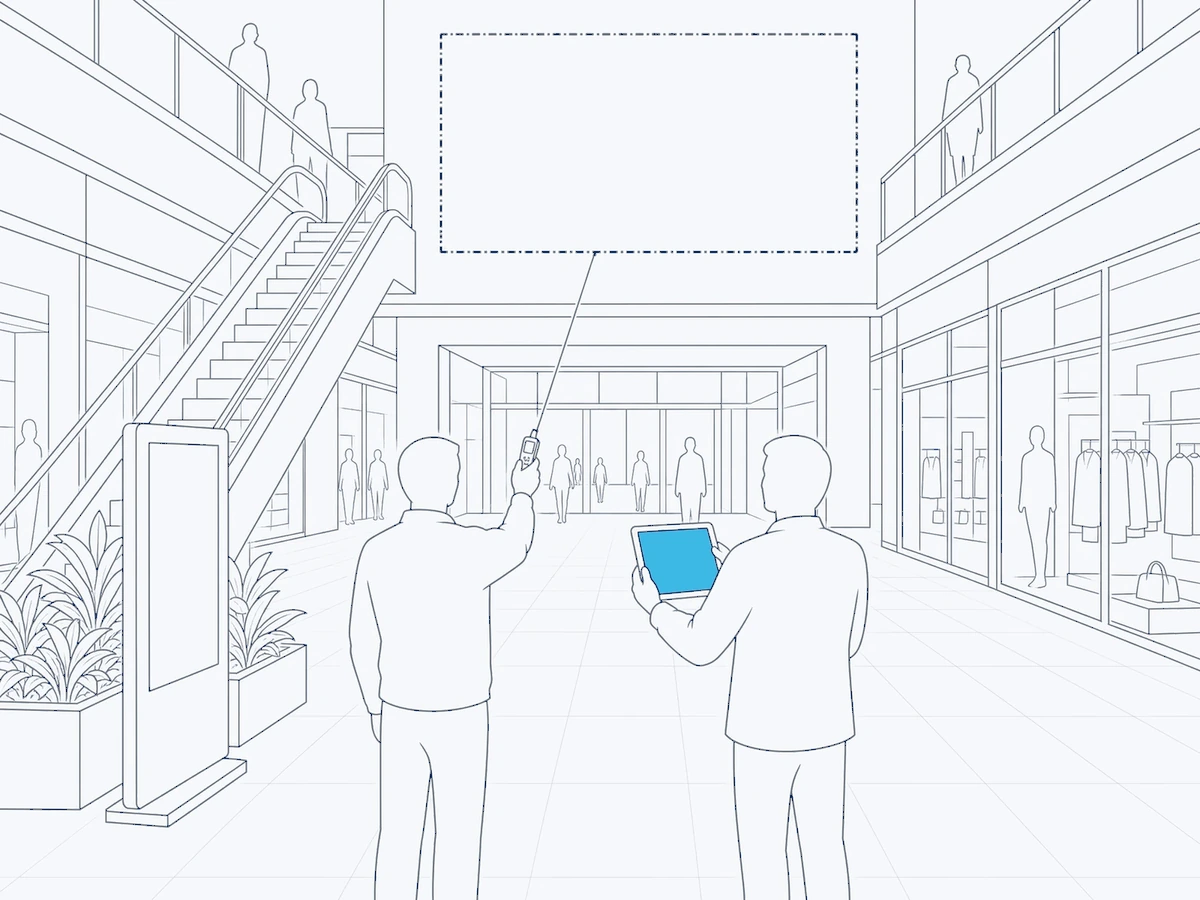
Votre besoin
Ce que l’écran doit faire, pour qui, dans quelles langues et où il se trouve. Nous nous déplaçons si nécessaire, puis nous vous soumettons une offre écrite.
02
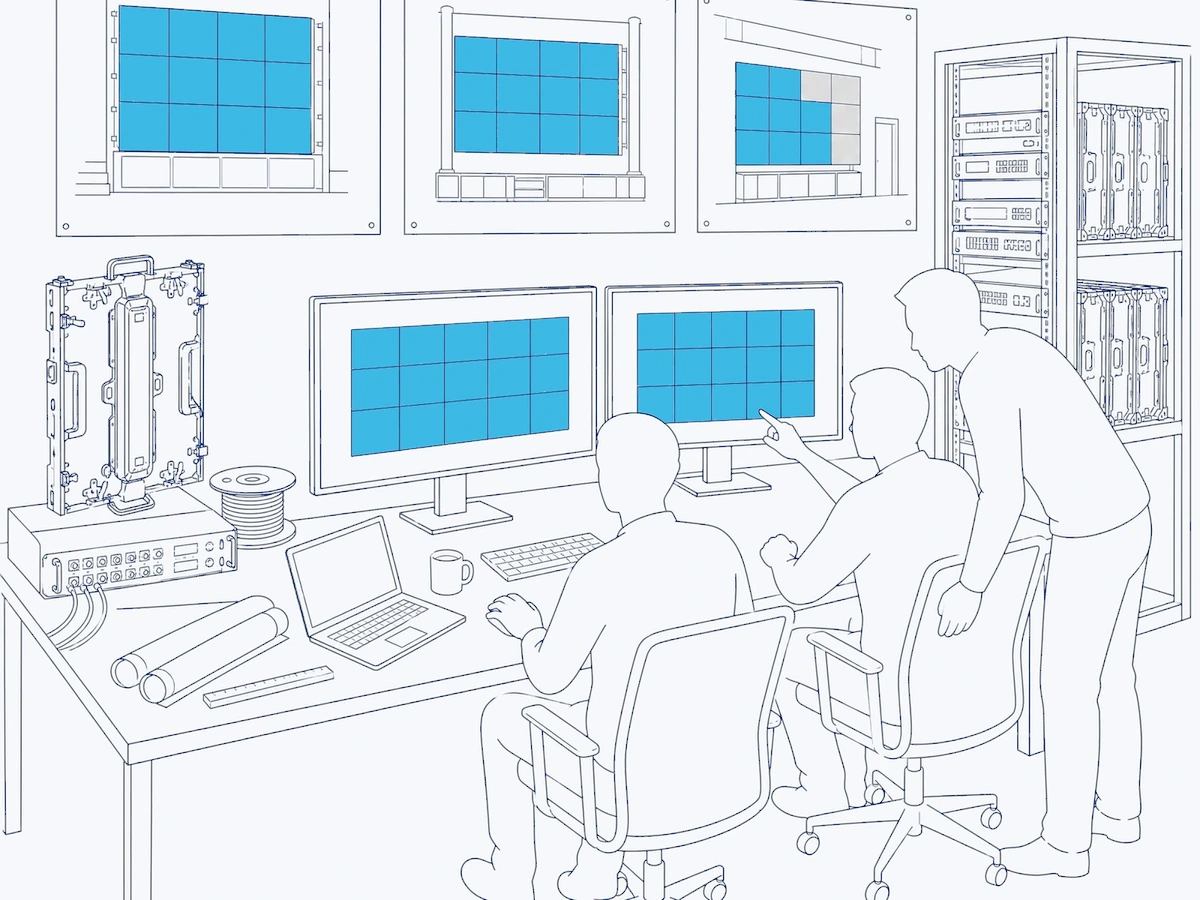
Une offre écrite
L’application, les écrans sur lesquels elle fonctionne et leur installation, poste par poste. Nos offres sont valables 15 jours.
03
Le cahier des charges
Les étapes de l’application, écran par écran, définies avec vous avant le début du développement.
04
Développé par HYPERVISUAL
Chaque écran de l’application, dans chacune des langues que vous avez choisies.
05
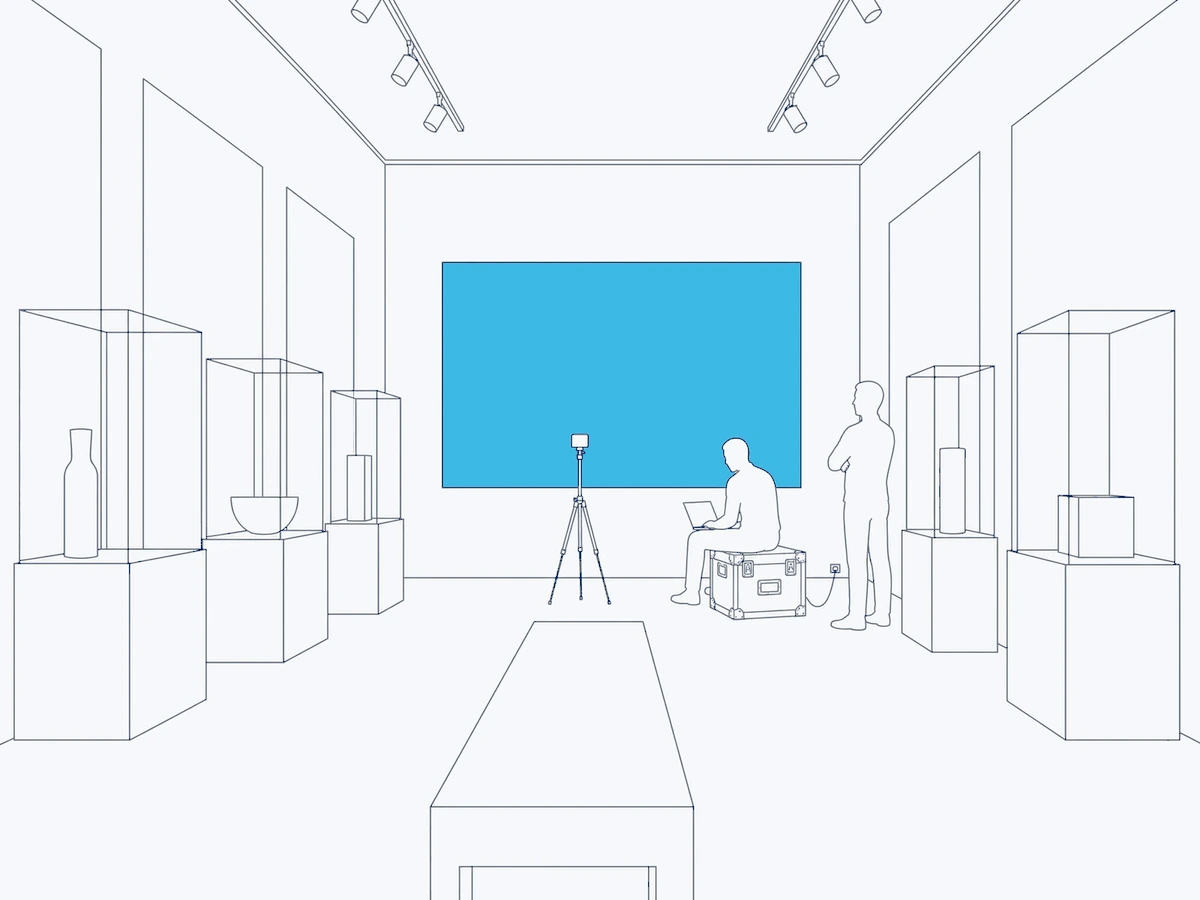
Installé et testé sur site
Notre équipe installe la borne ou le totem ; un test complet y est effectué, du premier écran au dernier.
06
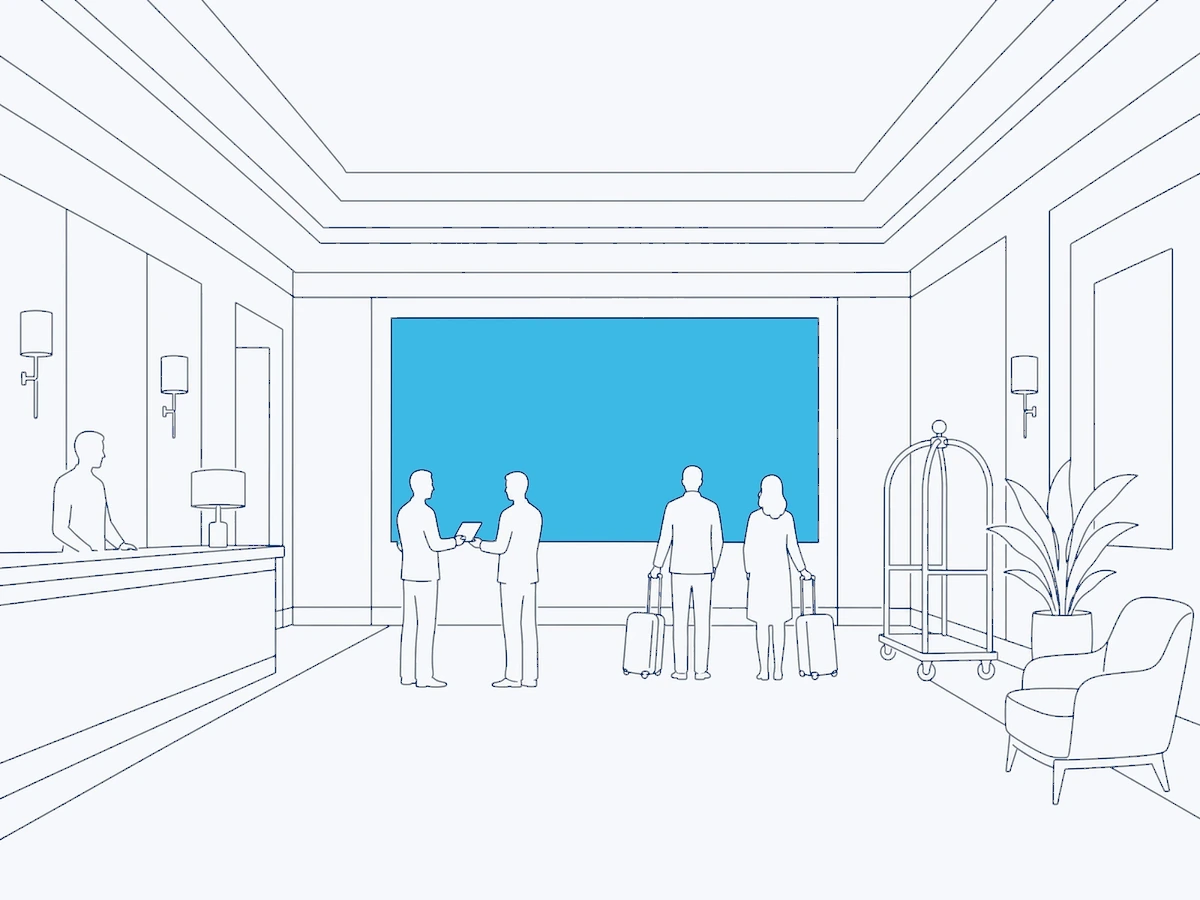
Votre équipe prend le relais
Nous montrons à votre équipe comment modifier le contenu : un menu, un annuaire, un programme. Ensuite, elle le modifie elle-même.
Autour de l’application.

Parlons de votre application
Dites-nous ce que l’écran doit faire, et pour qui. Nous nous déplaçons si nécessaire, puis nous vous soumettons une offre écrite.
- La tâche. Indiquer le chemin, enregistrer les arrivées, prendre la commande, un jeu ou un sondage, répondre aux questions.
- Le lieu. Un hall d’accueil, un comptoir, une salle d’attente ou un stand, et les langues qui y sont parlées.
- Les écrans. Une borne, un totem ou un écran tactile, ceux que vous possédez déjà ou que vous envisagez d’acquérir.