Notre propre CMS, développé par HYPERVISUAL et hébergé en Suisse. La mesure d’audience et l’interactivité s’ajoutent en option. Proposé, jamais imposé.
DATAVSN est avant tout un CMS, et un CMS complet à part entière. La mesure d’audience est une option. L’interactivité est une deuxième option, et elle nécessite cette mesure.
01La base
Publier
Importez une fois, diffusez où vous le souhaitez
Par écran, par zone et par heure
Plusieurs sites, un seul compte
Un message de sécurité, en un seul envoi
02Option
Mesurer
Passants et arrêts
Temps de présence, temps d’attention
Tranches d’âge et genre estimés
Des indicateurs seulement : aucun visage reconnu, aucune image conservée.
03Option, en plus de la 02
Réagir
Une boucle par défaut
Une séquence par profil anonyme
La première personne détectée la détermine
Règles rédigées par votre équipe
Chaque niveau repose sur celui qui le précède. Pour afficher un contenu différent à une autre personne, l’écran doit d’abord mesurer qui se trouve devant lui.
Proposé, jamais imposé : vos écrans diffusent également vos propres sources. Suivez une campagne
Écrans pilotés, et les autres.
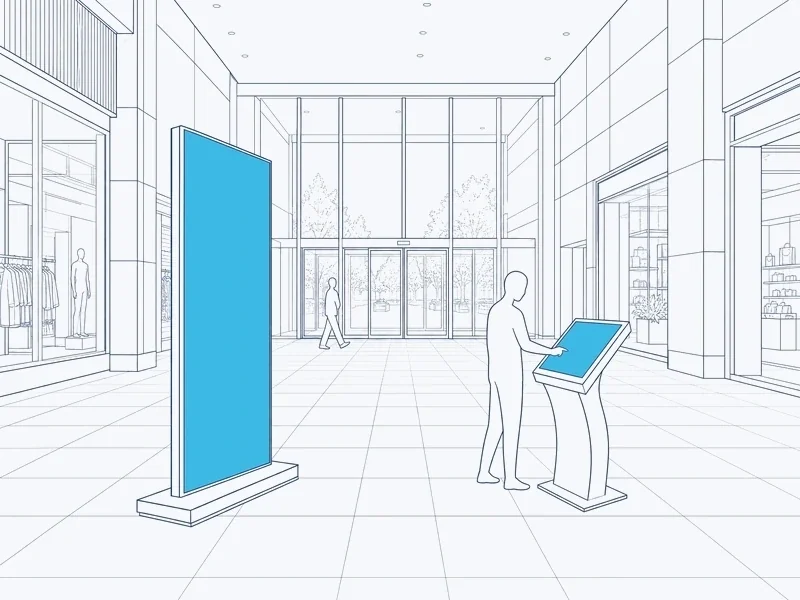
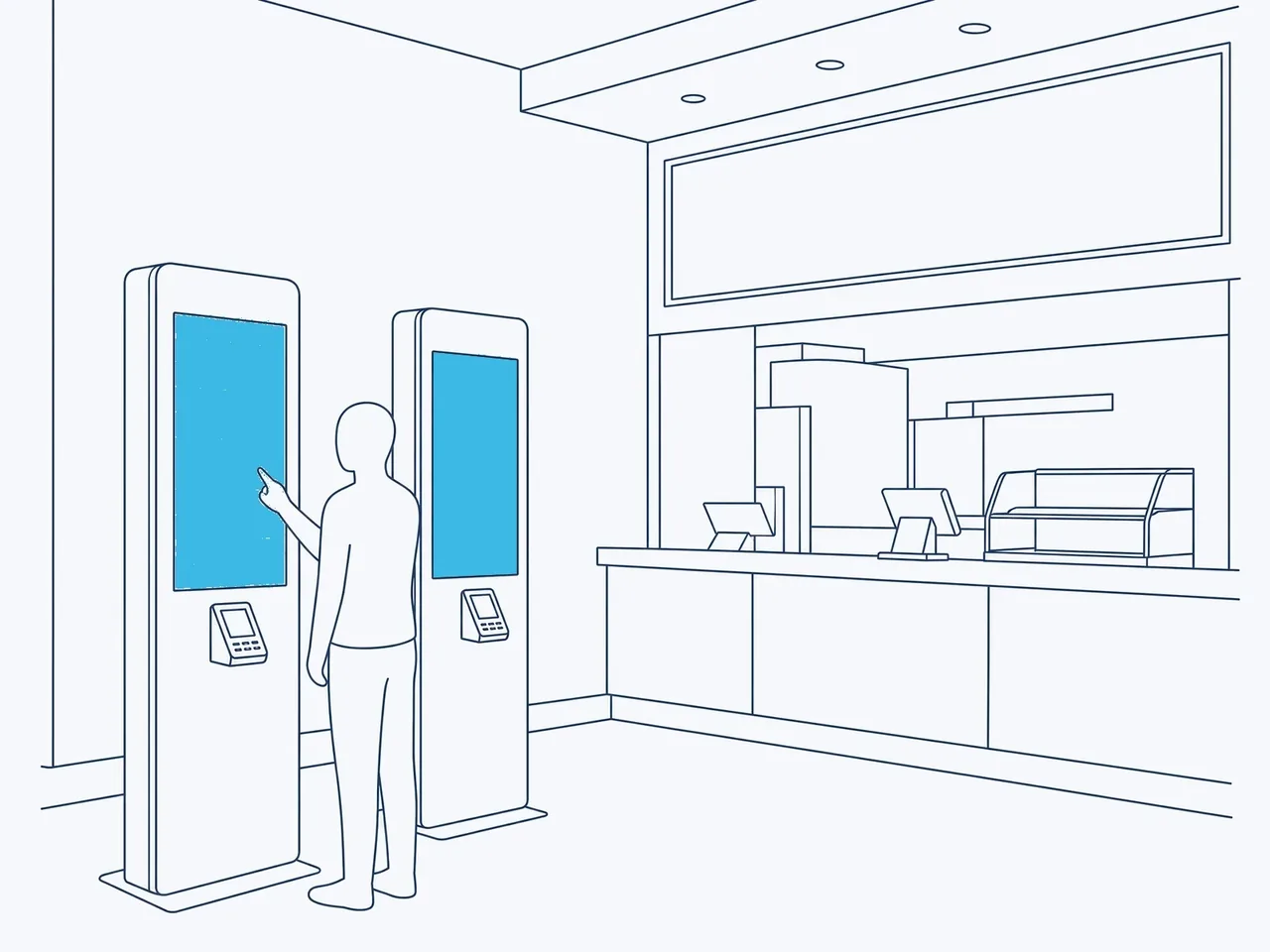
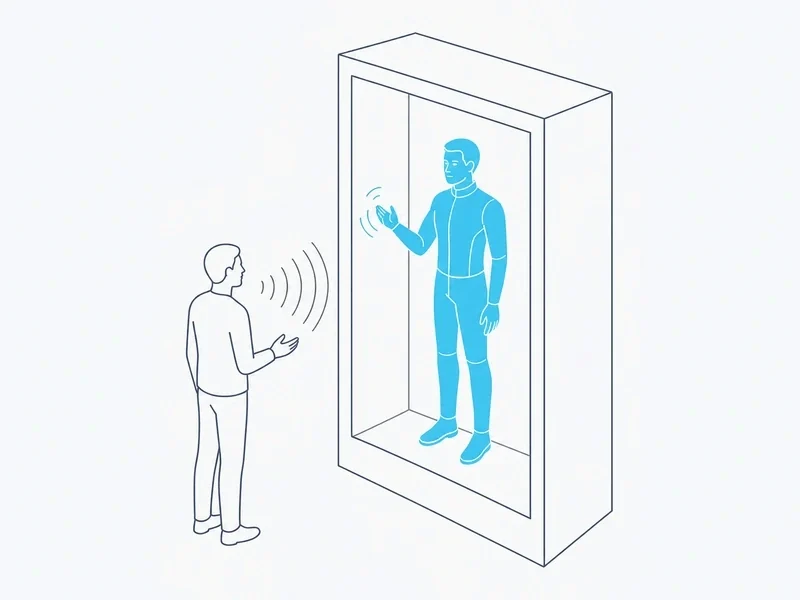
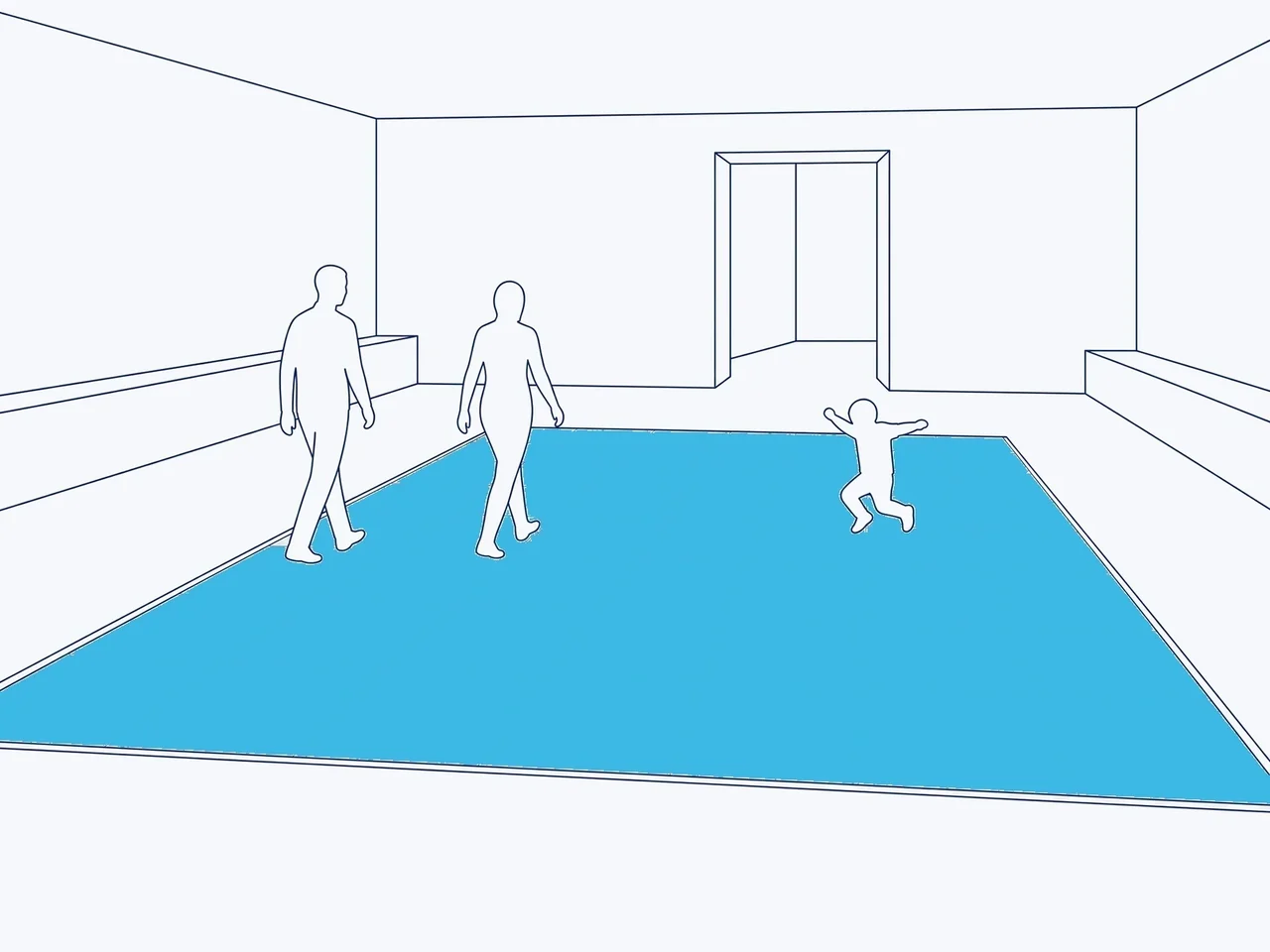
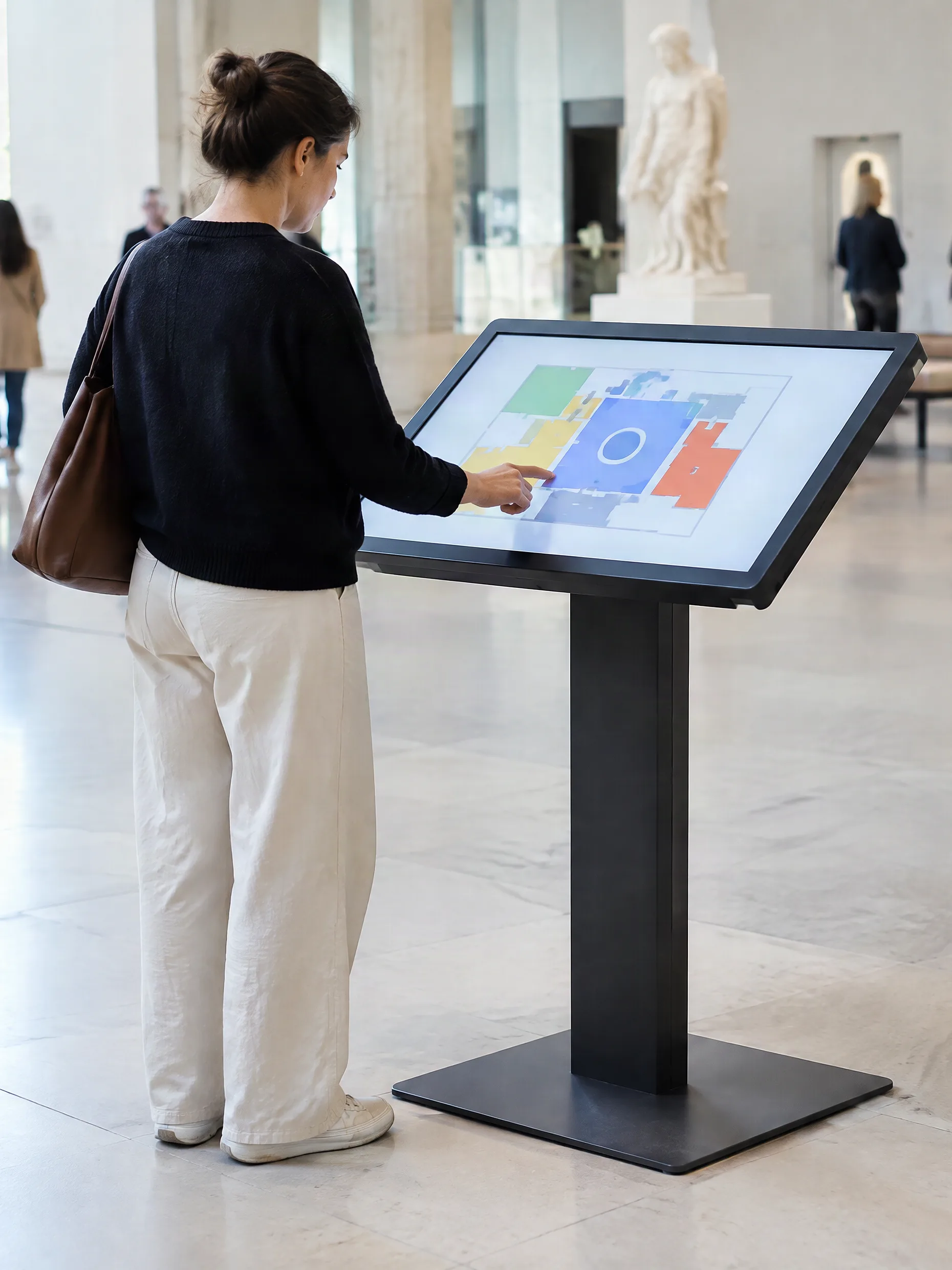
DATAVSN pilote les écrans que vous achetez pour un emplacement fixe. Les bornes, la HoloBox Nova et quelques autres fonctionnent avec leur propre logiciel ou diffusent leurs propres sources.
DATAVSNDans un navigateur webLa programmationPar écran, zone et heureHébergé en SuisseEnvoyé aux lecteursUne boutiqueSa propre équipeUn centre commercialSes propres zones et son équipeUne terrasseLe même compteLecteur de l’atriumHors ligne : conserve ses chiffresTotem d’alléeEn ligne · à jourMessage de sécuritéEn un seul envoiCaméra sur l’écranSeulement les personnes devantLe lecteurL’image est traitée iciSéquence pour ce profilFixée par la première personne détectéeTableau de bord en temps réelPar heure, contenu et siteChaque lundiDans votre boîte de réception
Une campagne, du bureau à la rue.
Suivez une campagne dans DATAVSN : publiée une fois, diffusée où et quand vous l’avez décidé, mesurée si vous le souhaitez, puis restituée en chiffres.
Faites défiler pour la suivre
01Le bureau
Importez une seule fois.
Une vidéo et une image sont importées une seule fois dans DATAVSN, à partir d’un navigateur web. Elles sont alors prêtes à être diffusées sur les écrans de chacun de vos sites.
02La programmation
Définissez les horaires.
Le matin, à midi et le soir, écran par écran et zone par zone : le programme est préparé à l’avance et modifié à distance.
03Envoi
Envoyé depuis la Suisse.
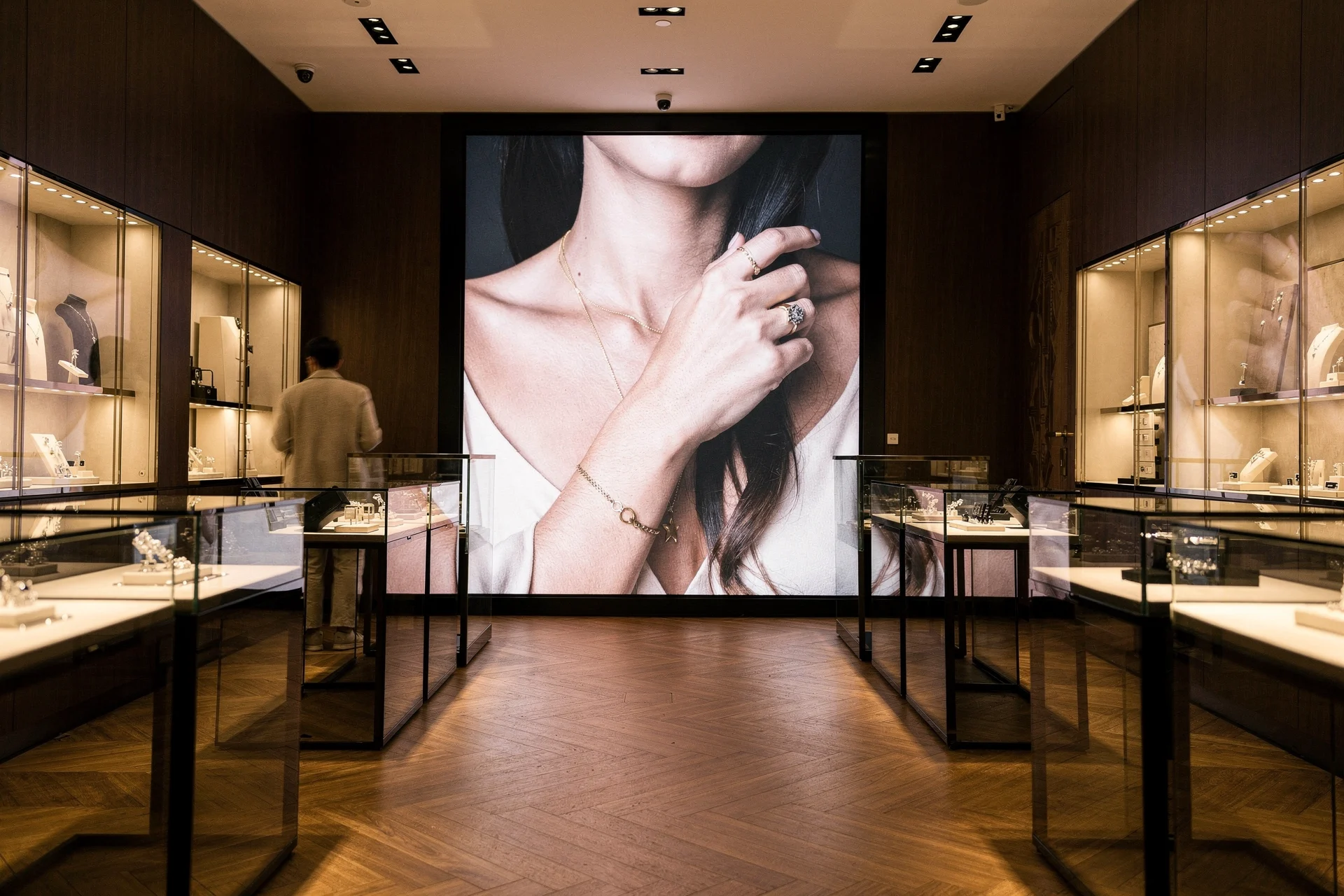
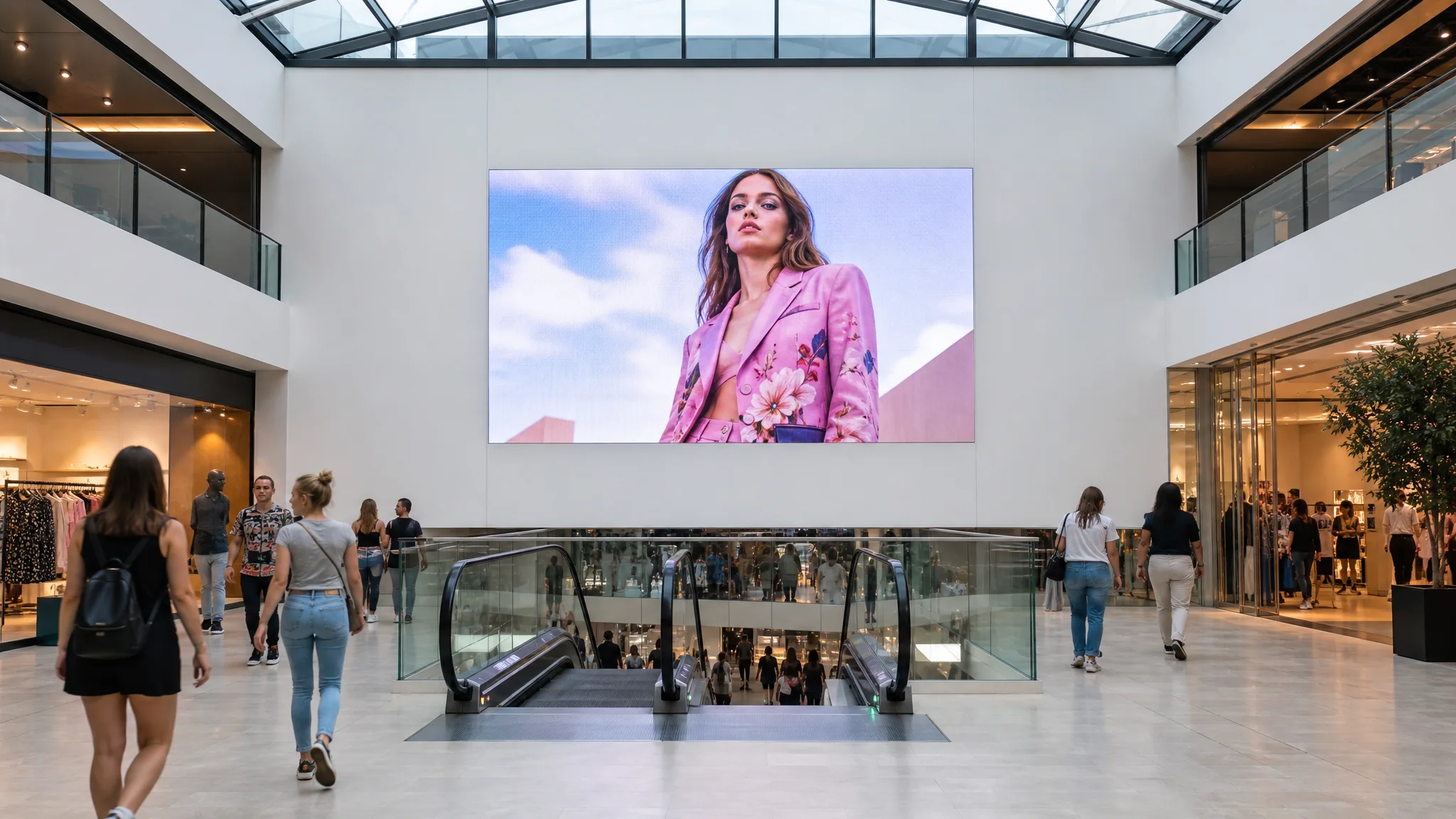
DATAVSN est hébergé en Suisse. La campagne parvient aux lecteurs des écrans qu’il pilote ; la borne et le plafond LED gardent leur propre logiciel et leurs propres sources.
04Vos sites
Plusieurs sites, un seul compte.
Une boutique, un centre commercial, une terrasse : tout dans un seul compte, chacun avec ses propres écrans, ses zones et son équipe.
05Les lecteurs
Tous les lecteurs, d’un coup d’œil.
Chaque lecteur indique s’il est en ligne et à jour. Hors ligne, il conserve ses chiffres et les envoie quand le réseau revient.
06Le centre commercial
Un message, en un seul envoi.
Un même message sur tous les écrans que DATAVSN pilote dans le centre, au même moment, envoyé par les personnes de votre choix.
07Option 1 · Mesurer
Compter, sans savoir qui.
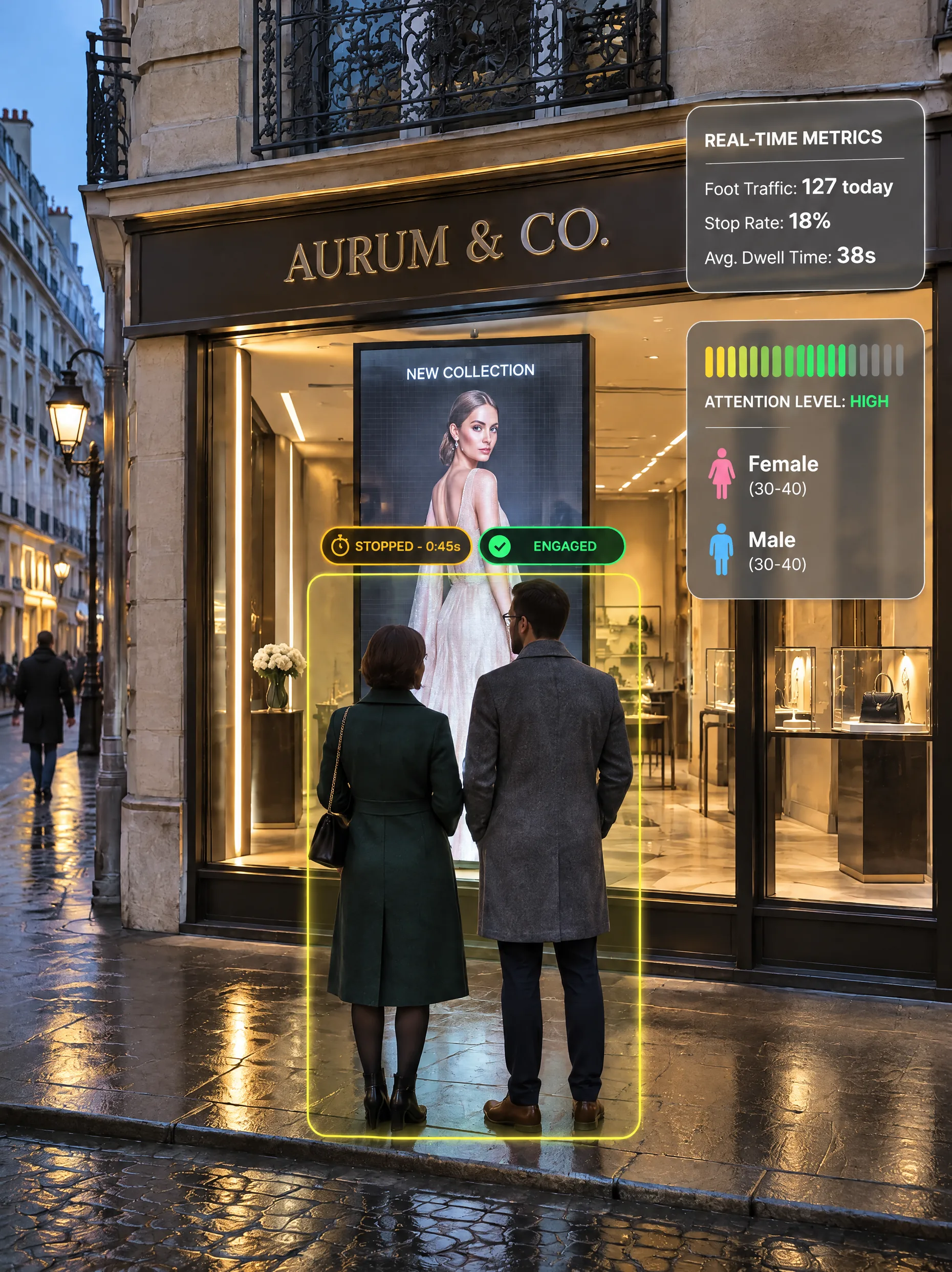
Une petite caméra située sur le bord supérieur de l’écran ne voit que les personnes qui se trouvent devant elle.
Passants
1’240
Taux d’arrêt
18 %
Temps d’attention
6,2 s
Des indicateurs seulement : aucun visage reconnu, aucune image conservée.
08Le lecteur
Traitement sur le lecteur.
L’image est traitée sur le lecteur. Seuls des chiffres anonymes parviennent à votre tableau de bord. Aucun visage n’est reconnu.
09Option 2 · Réagir
L’écran répond.
Lorsqu’une personne s’arrête, l’écran diffuse la séquence que votre équipe a définie pour ce profil anonyme. S’il y a deux personnes, la première détectée détermine la séquence ; l’autre suit.
10Les chiffres
Retour en chiffres.
Par heure, par contenu et par site, dans un tableau de bord en temps réel : quelle campagne retient l’attention, où et quand.
11Lundi
Votre semaine, déjà analysée.
Chaque lundi, un rapport dans votre boîte de réception et dans le tableau de bord : performances, sites classés, audience et perspectives pour la semaine à venir.
Vue d’ensemble
Un CMS. Deux options.
Publiez avec le CMS seul. Ajoutez la mesure quand vous en avez besoin, puis l’interactivité en plus.
La base de toute installation DATAVSN. Votre équipe publie directement sur ses propres écrans, sans passer par un intermédiaire.
BibliothèqueExemple
new-collection.mp4
01
Importez une seule fois.
Vidéos et images, importées une seule fois
Prêtes pour chaque site
Mises à jour à distance
ProgrammationExemple
07:0012:0019:00
Vitrine sur rue
Entrées
Allées
Espace de restauration
Terrasse
02
Par écran, par zone et par heure.
À chaque zone son programme
Heure après heure, jour après jour
Préparé à l’avance
SitesExemple
Boutique1 écranAB
Centre commercial5 écransCD
Terrasse1 écranE
03
Plusieurs sites, un seul compte.
À chaque site ses propres écrans
À chaque équipe ses propres droits
Une vue d’ensemble du réseau
LecteursExemple
Vitrine sur rueEn ligne · à jour
Totem d’entréeEn ligne · à jour
AtriumHors ligne · conserve ses chiffres
Espace de restaurationEn ligne · à jour
TerrasseEn ligne · à jour
04
Tous les lecteurs, d’un coup d’œil.
En ligne ou hors ligne
À jour ou non
Le contenu affiché, écran par écran
SécuritéExemple
AVIS DE SÉCURITÉVeuillez suivre les instructions de notre personnel.
Centre commercial · tous les écrans que DATAVSN piloteEnvoyer maintenant
05
Un message, en un seul envoi.
Sur tous les écrans que DATAVSN pilote
Envoyé par les personnes de votre choix
Sur l’ensemble d’un site ou d’une zone
Mesurer l’audience.
Une option, anonyme : une petite caméra située sur le bord supérieur de l’écran compte, chronomètre et estime. Vous consultez les chiffres par heure, par contenu et par site.
AudiencePassants et spectateurs
Passants à portée de vue de l’écran
Spectateurs : personnes qui l’ont regardé
Répartition estimée par genre
Tranches d’âge estimées
Le profil le plus souvent observé
AttentionCombien de temps elle est retenue
Temps de présence
Temps d’attention
Taux d’arrêt : spectateurs parmi les passants
Attention par genre estimé
Comment chaque vidéo ou image retient l’attention
ContexteQuand et où
Portée par jour et par semaine
Attention par jour et par semaine
Heures de pointe
Sites comparés
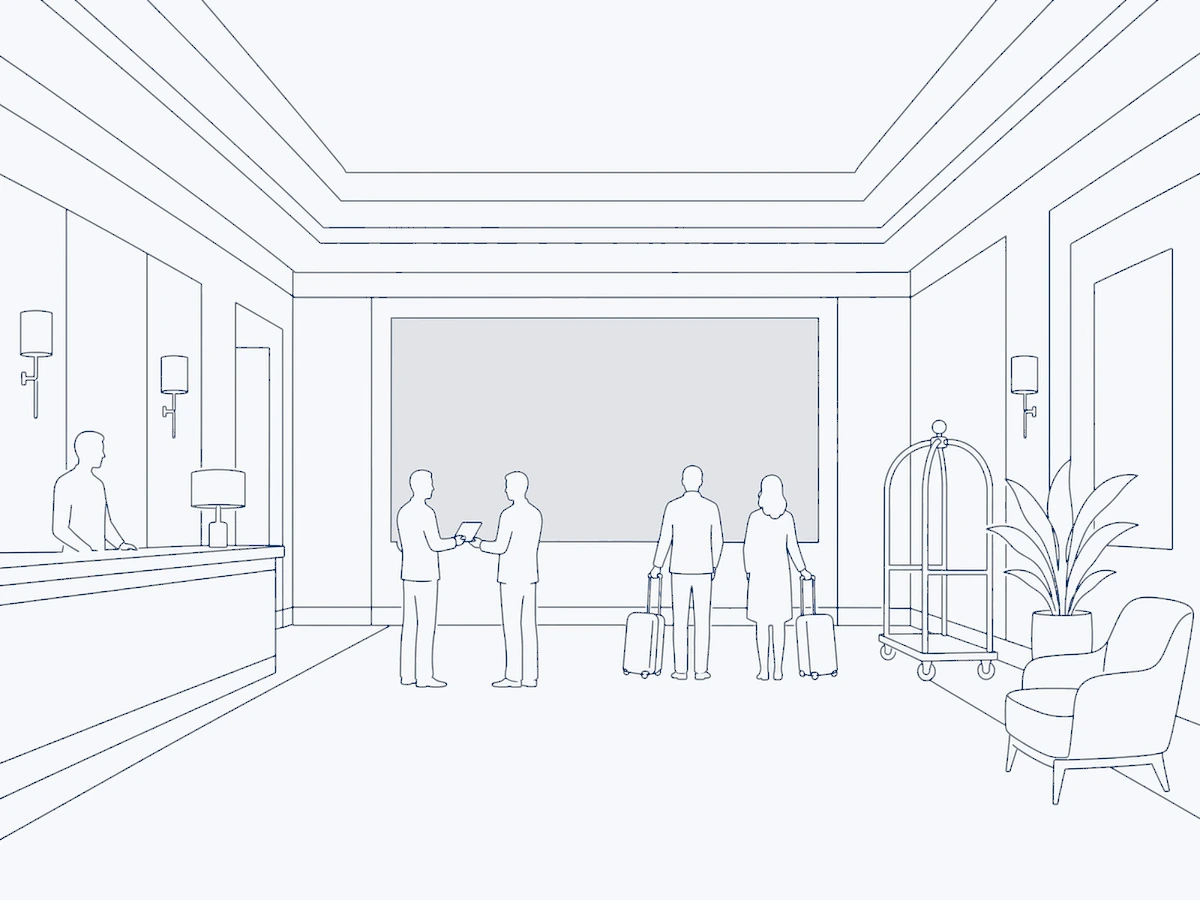
Là où c’est pertinentLà où les gens passent : vitrines sur rue, centres commerciaux. Jamais dans le hall d’accueil d’un hôtel.
Des indicateurs seulement : aucun visage reconnu, aucune image conservée.
Personne 1Personne 2
Réagir à chaque arrêt.
La deuxième option, basée sur la mesure : l’écran diffuse la séquence que votre équipe a définie pour le profil anonyme qui se trouve devant lui.
En l’absence de spectateur, l’écran diffuse votre contenu habituel, comme c’est le cas avec le CMS seul.
Huit profils anonymesConstruits à partir d’un genre et d’une tranche d’âge estimés, plus une boucle par défaut.
Règles rédigées par votre équipeQuelle séquence pour quel profil : c’est votre équipe qui décide, dans DATAVSN.
Nécessite la mesurePas de mesure, pas de réaction : l’interactivité repose sur l’option 1.
Écrans tactiles, sondages, commandes ? Il s’agit de logiciels sur mesure, développés par HYPERVISUAL. Logiciels sur mesure
Vos chiffres, déjà analysés.
Un tableau de bord en temps réel pour chaque site et un rapport envoyé chaque lundi : aucune requête à rédiger, rien à configurer chaque semaine.
AudienceExemple
Passants1’240
Taux d’arrêt18 %
Temps d’attention6,2 s
Par heure
Par site
Boutique
Centre
Terrasse
DATAVSNRapport hebdomadaire
01Performance
02Sites
03Audience
04Semaine à venir
Exemple
01PerformanceLa semaine sur l’ensemble du réseau, par rapport à la semaine précédente, et les heures de pointe.
02SitesLe classement de vos sites, avec leur évolution.
03AudienceGenre et tranches d’âge estimés, attention et temps passé devant les écrans.
04Semaine à venirLes tendances, les sites et les évolutions d’audience à surveiller.
Par heure, contenu et siteOù et quand chaque campagne retient l’attention.
Sites comparésClassés, avec leur évolution sur la semaine.
ExportationsVos chiffres, à intégrer dans vos propres outils.
Comptés, jamais identifiés.
DATAVSN compte les personnes et estime des profils anonymes. Il n’identifie jamais personne.
Seulement les personnes devant l’écran
La caméra, placée sur le bord supérieur de l’écran, ne voit que les personnes qui se trouvent devant.
Sur le lecteur
Le traitement de l’image s’effectue sur le lecteur, au niveau de l’écran.
Des chiffres, pas des personnes
Ce qui s’affiche sur votre tableau de bord, ce sont des chiffres anonymes : des comptages, des durées et des tranches estimées.
Aucun visage reconnu
Pas de reconnaissance faciale, pas de détection des émotions, personne n’est reconnu lorsqu’il revient.
Hébergé en Suisse
Le contenu, la programmation et les chiffres sont stockés et traités en Suisse.
Les visiteurs sont informés
Nous fournissons une affiche d’information pour chacun des écrans où l’audience est mesurée.
Le démarrage, étape par étape.
Logiciel et écrans par la même équipe : nous installons les lecteurs, les caméras si vous mesurez l’audience, et DATAVSN, puis nous restons à vos côtés.
01
Vos écrans
Les écrans que vous avez ou prévoyez, vos sites, et ce que vous voulez publier et savoir.
02
Une offre écrite
Nous nous déplaçons si nécessaire, puis nous vous soumettons une offre écrite : le niveau de chacun des écrans, les lecteurs et les caméras.
03
Installé et configuré
Notre équipe pose les lecteurs et, si vous mesurez l’audience, les caméras, puis configure DATAVSN pour vos écrans et vos sites.
04
Votre équipe publie
Votre équipe apprend à publier, programmer et consulter les chiffres sur ses propres écrans.
05
La même équipe
Mises à jour logicielles et assistance technique pour les lecteurs, assurées par l’équipe qui les a installés.
Ce dont nous avons besoin
Un réseau à chaque lecteurConnexion par câble ou Wi-Fi sur site.
Une affiche pour les visiteursNous la fournissons ; vous la posez à chacun des écrans où l’audience est mesurée, une fois la mesure activée.
Votre contenuVidéos et images provenant de votre équipe ou de votre agence.
Selon nos conditions générales, le logiciel est garanti 12 mois pour un fonctionnement conforme à sa documentation.
Vos questions. Réponses directes.
Tout ce qui est propre à vos écrans est précisé dans l’offre écrite.
Peut-on utiliser DATAVSN uniquement comme CMS ?
Oui. Le CMS est la base de toute installation DATAVSN et un outil complet à lui seul : votre équipe publie, programme et met à jour ses écrans depuis un seul endroit, sans caméra sur site. La mesure d’audience, puis l’interactivité, s’y ajoutent quand vous en avez besoin.
Pourquoi l’interactivité nécessite-t-elle la mesure d’audience ?
Parce qu’un écran ne peut réagir qu’à ce qu’il mesure. Pour diffuser une autre séquence à un autre visiteur, DATAVSN doit d’abord estimer le profil anonyme de la personne se trouvant devant l’écran : c’est cela, la mesure. Les applications tactiles, telles que les sondages ou les commandes, sont des logiciels sur mesure développés par HYPERVISUAL.
La caméra reconnaît-elle les visages ?
Non. L’image est traitée sur le lecteur ; votre tableau de bord ne reçoit que des chiffres anonymes : comptages, durées, tranches d’âge et genre estimés. Il n’y a ni reconnaissance faciale ni détection des émotions. Des indicateurs seulement : aucun visage reconnu, aucune image conservée.
Quels écrans DATAVSN pilote-t-il ?
Les écrans que vous achetez pour un emplacement fixe : écrans LED intérieurs et extérieurs, écrans LED vitrine, film LED transparent, LED holographique invisible, écrans vitrine, totems et écrans open frame. Les bornes fonctionnent avec l’application développée pour elles par HYPERVISUAL, la HoloBox Nova avec son propre éditeur ; le plafond LED, la LED interactive, le mobilier LED et les hologrammes diffusent leurs propres sources. DATAVSN n’est jamais loué.
Est-ce que cela fonctionne avec les écrans dont nous disposons déjà ?
Des écrans de toutes marques, avec leur propre système Android ou un boîtier ajouté. La mesure et l’interactivité demandent une caméra sur l’écran et un lecteur capable de les faire fonctionner : indiquez-nous dès le départ les niveaux que vous envisagez, et l’offre indique le lecteur adapté.
Que voyons-nous, et quand ?
Un tableau de bord en temps réel, par heure, par contenu et par site, ainsi qu’un rapport chaque lundi, dans votre boîte de réception et dans le tableau de bord : performances, classement des sites, audience et perspectives pour la semaine à venir. Vos chiffres peuvent également être exportés.
Où se trouvent les données, et que faut-il indiquer aux visiteurs ?
DATAVSN est hébergé en Suisse : le contenu, la programmation et les chiffres y sont stockés et traités. Là où l’audience est mesurée, une affiche d’information se trouve près de chacun des écrans concernés : nous la fournissons, l’exploitant de l’écran la pose.
Quelle est la tarification de DATAVSN ?
Nous ne publions pas de tarif. DATAVSN est chiffré avec vos écrans, dans une offre écrite qui détaille chaque poste un par un : le niveau retenu pour chacun des écrans, les lecteurs et les caméras, l’installation et l’assistance.
Parlez-nous de vos écrans et de ce que vous attendez d’eux. Nous revenons vers vous avec une offre écrite : le niveau retenu pour chacun des écrans, et ce dont il a besoin.
Vos écrans. Combien, où, et lesquels vous avez déjà.
Le niveau. Le CMS seul, avec la mesure, ou avec l’interactivité en plus.
La date qui compte. Une inauguration, une nouvelle saison, une campagne.
Statistiques, vidéos, cartes et réseaux sociaux utilisent des cookies : ils ne se chargent que si vous acceptez. Vous pouvez changer d’avis à tout moment.
Fonctionnel
Toujours activé
L’accès ou le stockage technique est strictement nécessaire dans la finalité d’intérêt légitime de permettre l’utilisation d’un service spécifique explicitement demandé par l’abonné ou l’utilisateur, ou dans le seul but d’effectuer la transmission d’une communication sur un réseau de communications électroniques.
Préférences
L’accès ou le stockage technique est nécessaire dans la finalité d’intérêt légitime de stocker des préférences qui ne sont pas demandées par l’abonné ou l’internaute.
Statistiques
Le stockage ou l’accès technique qui est utilisé exclusivement à des fins statistiques.Le stockage ou l’accès technique qui est utilisé exclusivement dans des finalités statistiques anonymes. En l’absence d’une assignation à comparaître, d’une conformité volontaire de la part de votre fournisseur d’accès à internet ou d’enregistrements supplémentaires provenant d’une tierce partie, les informations stockées ou extraites à cette seule fin ne peuvent généralement pas être utilisées pour vous identifier.
Marketing
L’accès ou le stockage technique est nécessaire pour créer des profils d’internautes afin d’envoyer des publicités, ou pour suivre l’utilisateur sur un site web ou sur plusieurs sites web ayant des finalités marketing similaires.