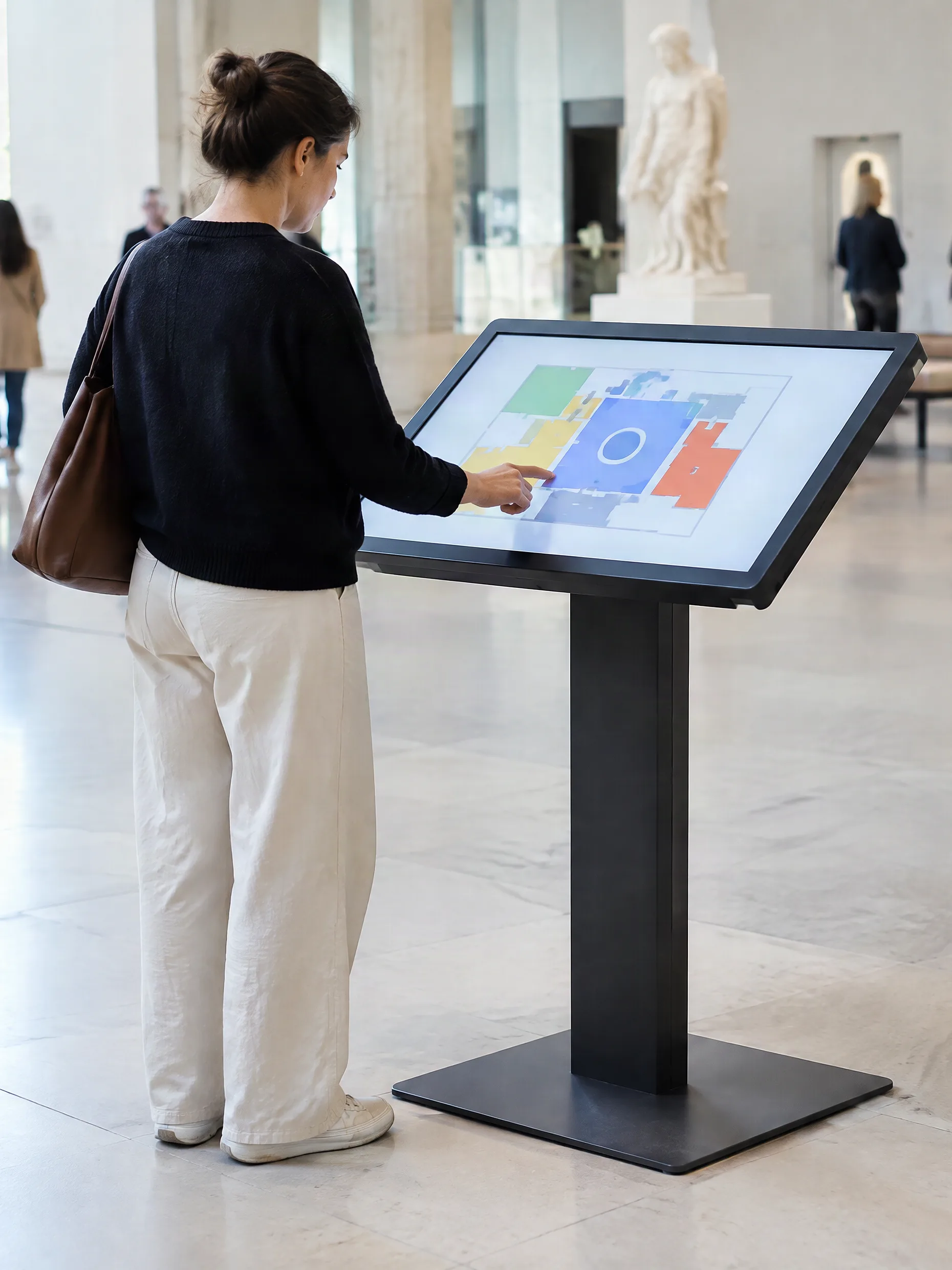
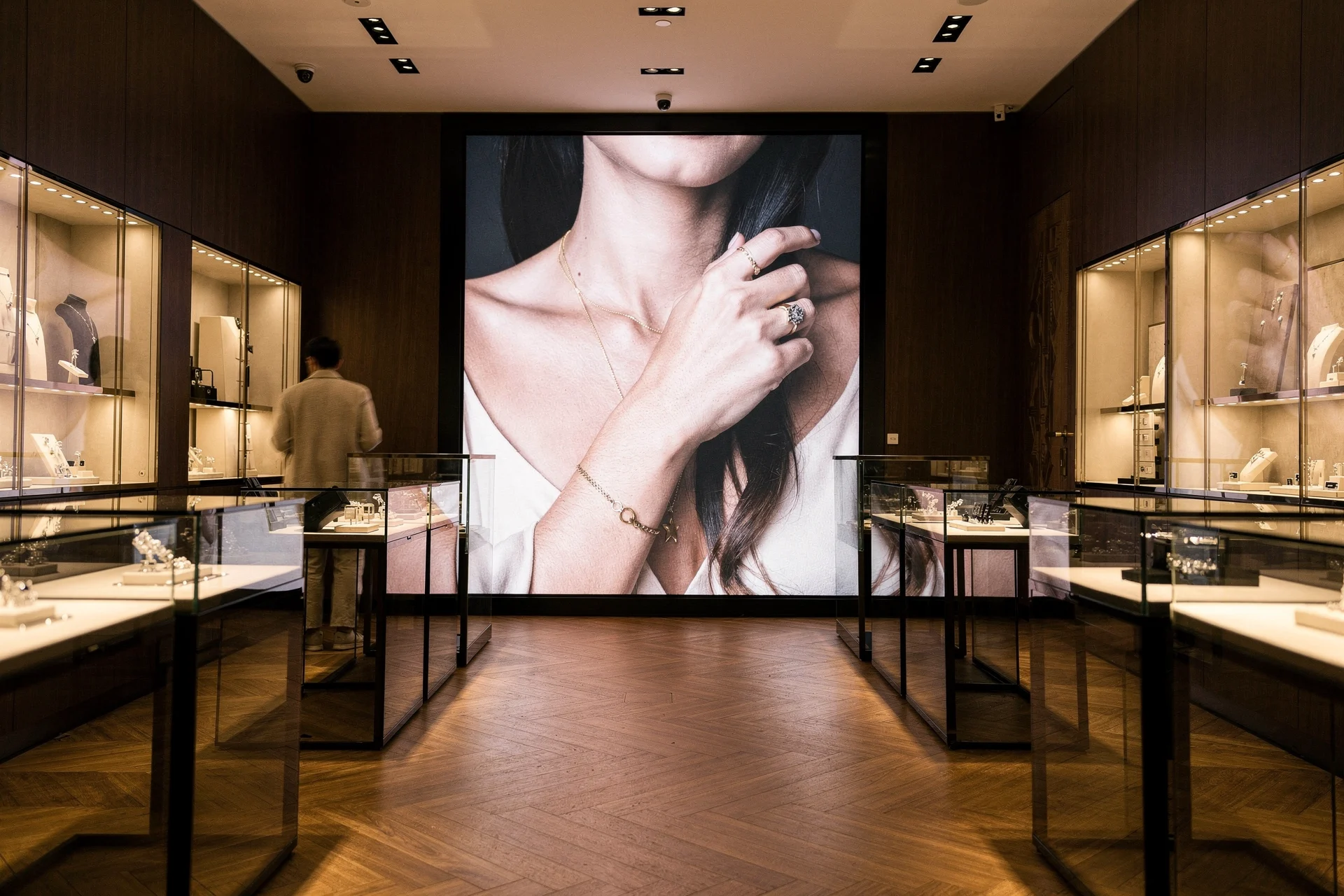
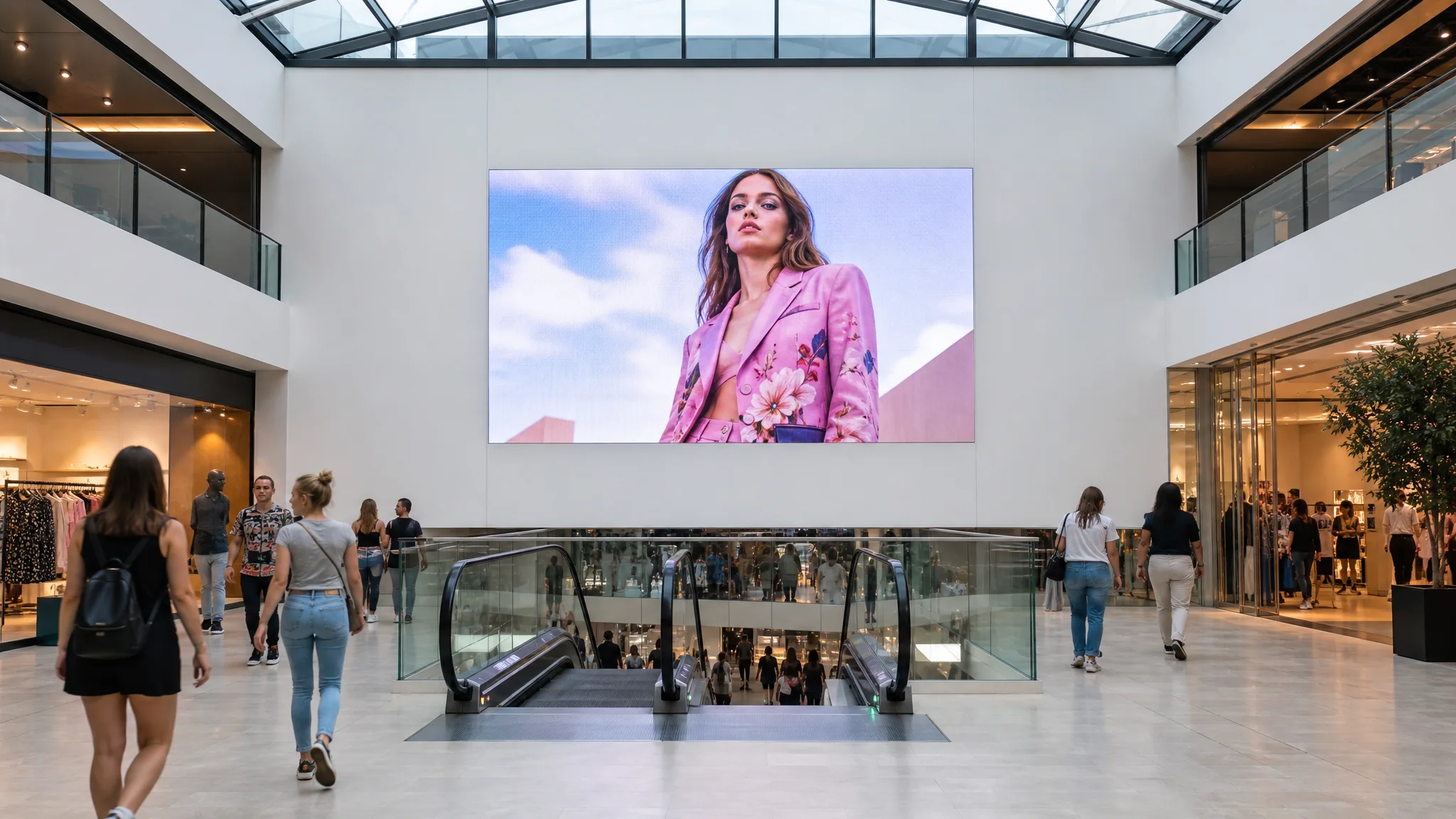
DATAVSN is a CMS first, and a complete one on its own. Audience measurement is an option. Interactivity is a second option, and it needs the measurement.
01The base
Publish
Upload once, send anywhere
By screen, zone and hour
Several sites, one account
One safety message, at once
02Option
Measure
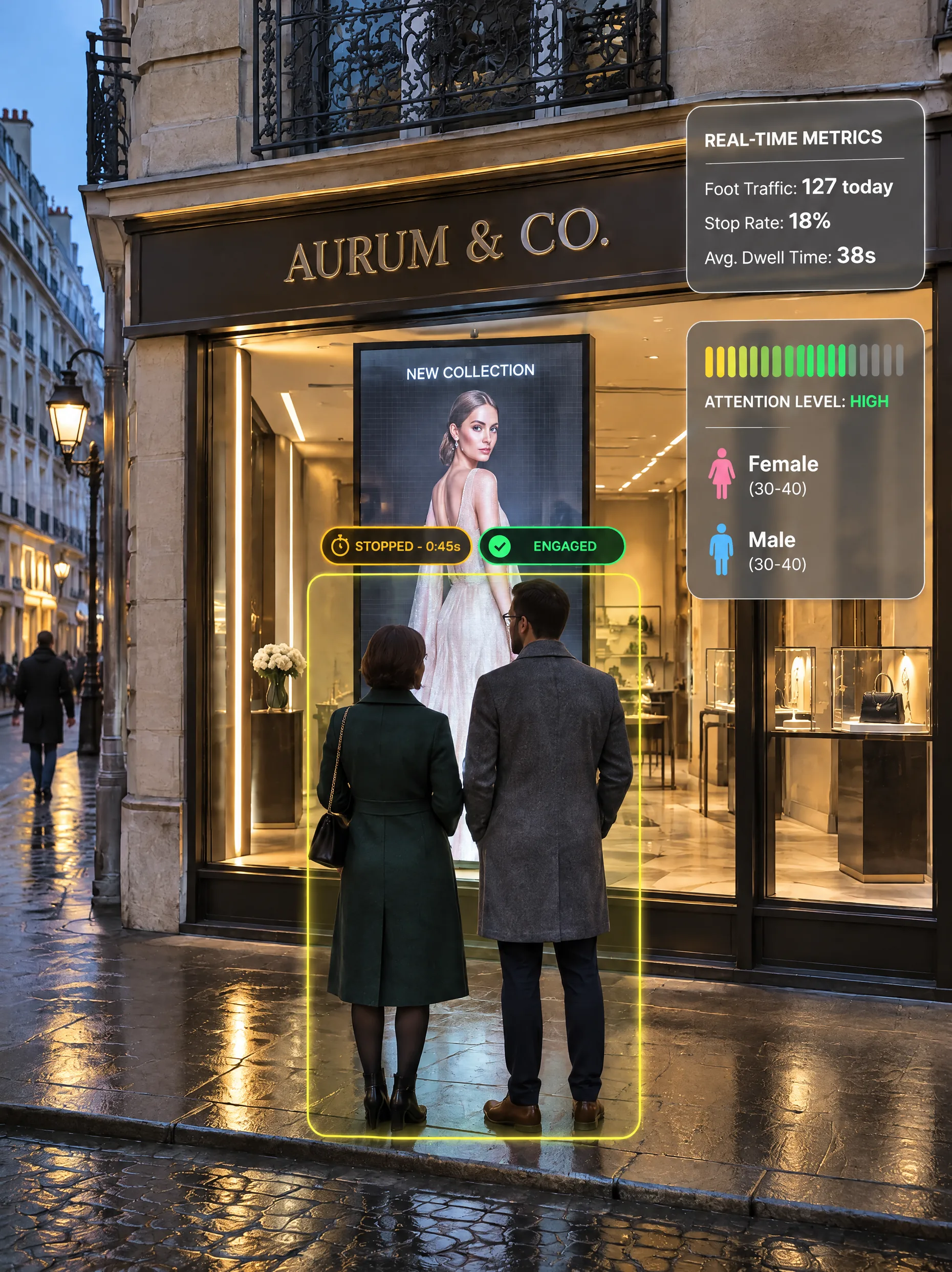
Passers-by and stops
Dwell time, attention time
Estimated age and gender brackets
Metrics only: no face is recognised, no image is kept.
03Option, on top of 02
React
A default loop
A sequence per anonymous profile
The first person detected sets it
Rules written by your team
Each level rests on the one below. To show something else to someone else, the screen first has to measure who is in front of it.
Offered, never imposed: your screens also play your own sources. Follow a campaign
Screens it runs, and the others.
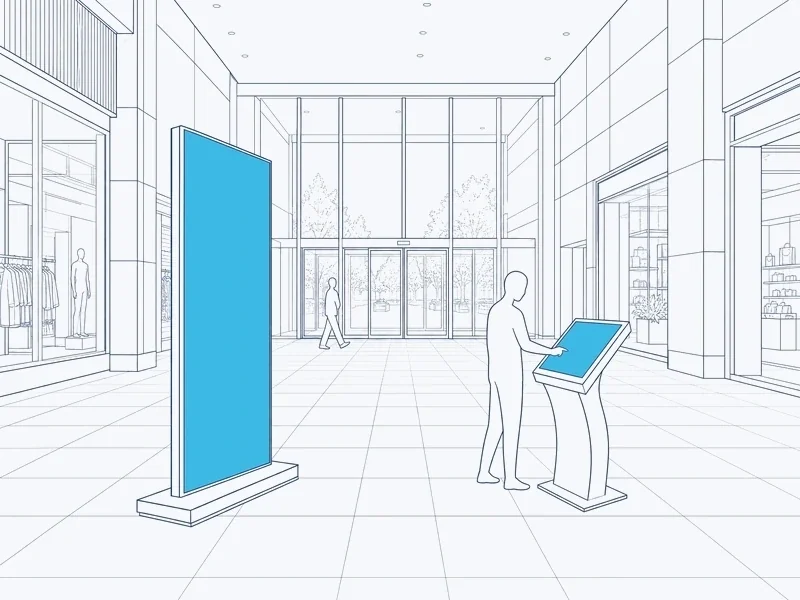
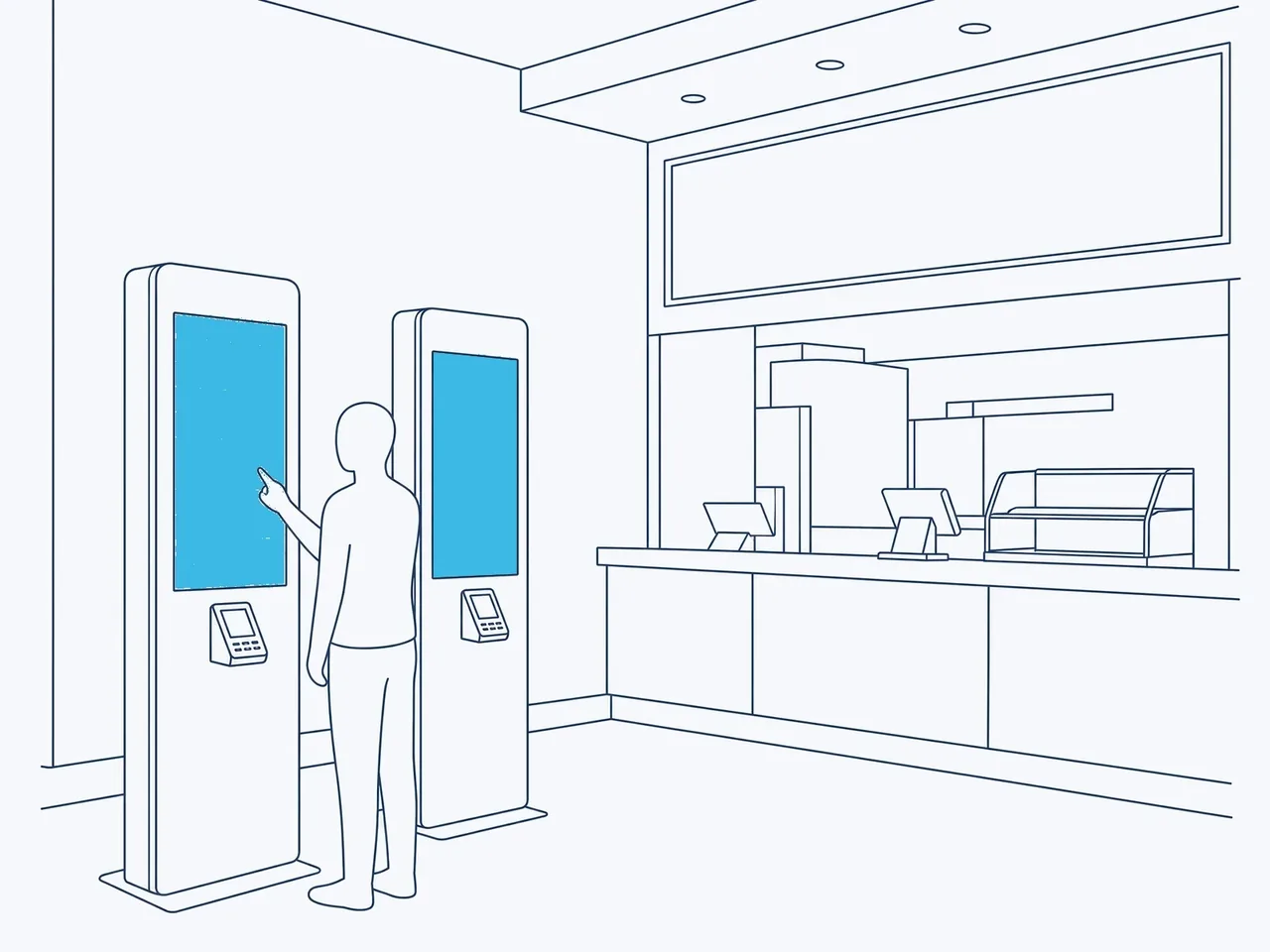
DATAVSN runs the screens you buy for a fixed place. Kiosks, HoloBox Nova and a few others run their own software or play their own sources.
DATAVSNIn a web browserThe scheduleBy screen, zone and hourHosted in SwitzerlandSent to the playersA storeIts own teamA shopping centreIts own zones and teamA terraceThe same accountAtrium playerOffline: keeps its figuresAisle totemOnline · up to dateSafety messageAt onceCamera on the screenOnly the people in frontThe playerThe image is processed hereSequence for this profileThe first detected sets itLive dashboardBy hour, content and siteEvery MondayIn your inbox
One campaign, desk to street.
Follow a campaign through DATAVSN: published once, played where and when you chose, measured if you wish, then back as figures.
Scroll to follow it
01The desk
Upload once.
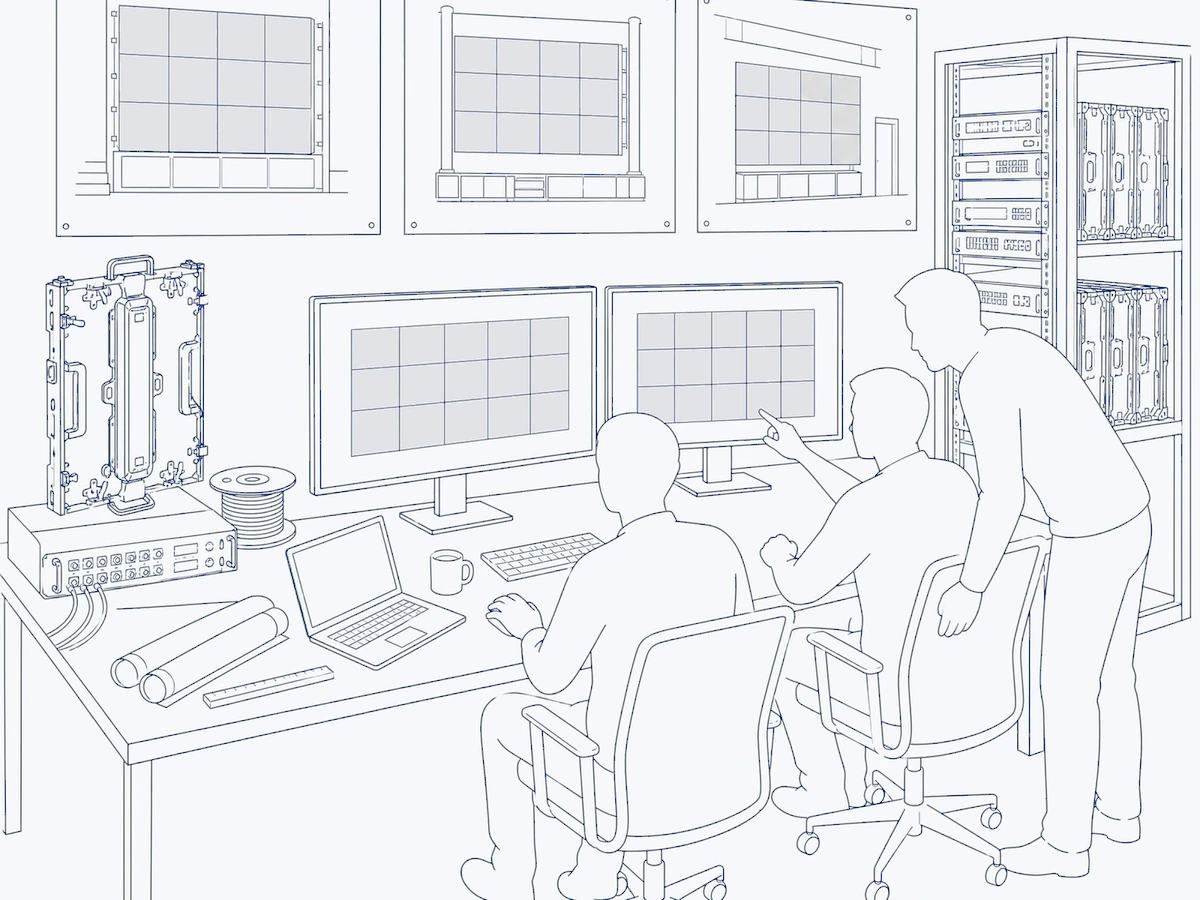
A film and an image go into DATAVSN once, from a web browser. They are ready for the screens of each of your sites.
02The schedule
Set the hours.
Morning, noon and evening, screen by screen and zone by zone: the programme is prepared in advance and changed remotely.
03Sending
Sent from Switzerland.
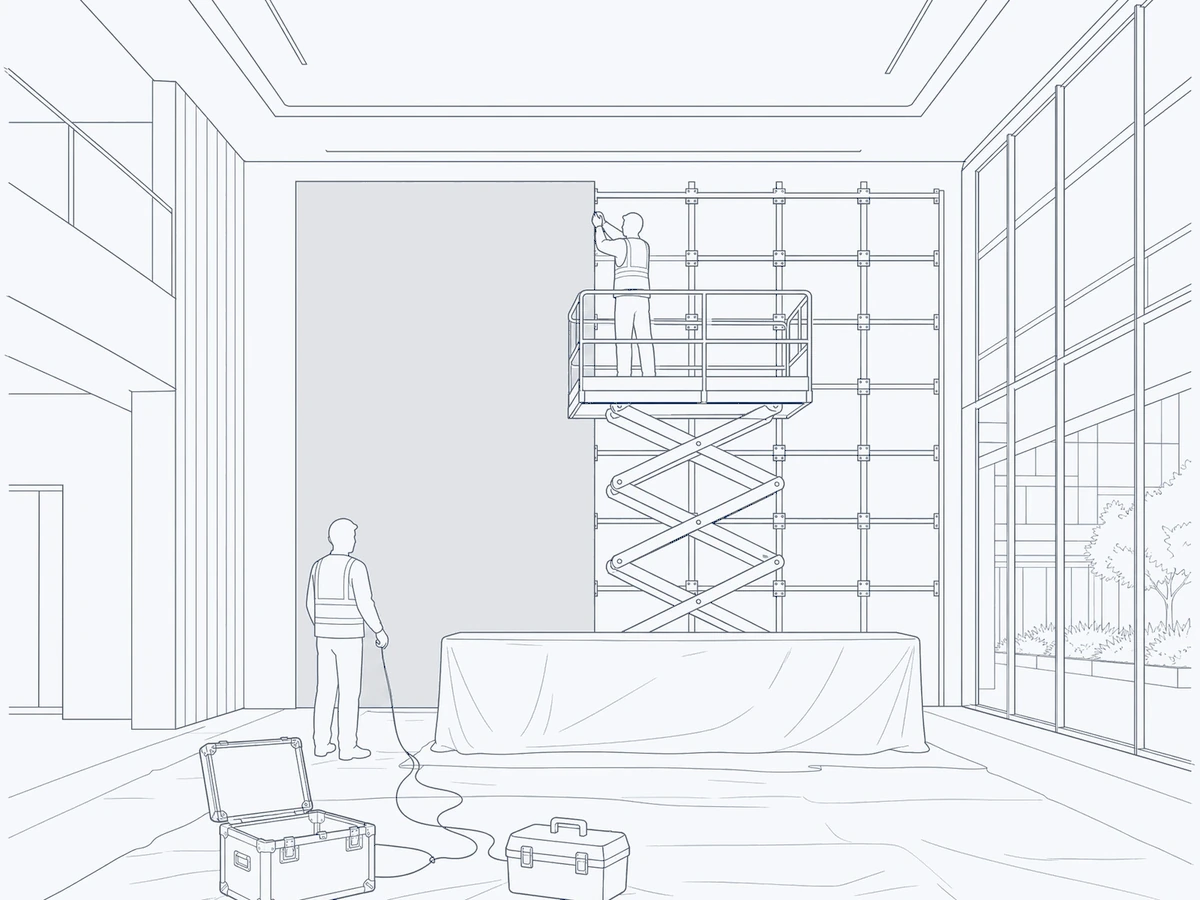
DATAVSN is hosted in Switzerland. The campaign reaches the players of the screens it runs; the kiosk and the LED ceiling keep their own software and sources.
04Your sites
Several sites, one account.
A store, a shopping centre, a terrace: all in one account, each with its own screens, zones and team.
05The players
Every player, in view.
Each player reports whether it is online and up to date. Offline, it keeps its figures and sends them when the network returns.
06The shopping centre
One message, at once.
One message on every screen DATAVSN runs in the centre, at once, sent by the people you choose.
07Option 1 · Measure
Count, without knowing who.
A small camera on the top edge of the screen sees only the people in front of it.
Passers-by
1,240
Stop rate
18%
Attention time
6.2 s
Metrics only: no face is recognised, no image is kept.
08The player
Processed on the player.
The image is processed on the player. What reaches your dashboard are anonymous figures. No face is recognised.
09Option 2 · React
The screen answers.
When someone stops, the screen plays the sequence your team set for that anonymous profile. With two people, the first detected sets the sequence; the other is next.
10The figures
Back as figures.
By hour, by content and by site, in a live dashboard: which campaign holds attention, where and when.
11Monday
Your week, already read.
Every Monday, a report in your inbox and in the dashboard: performance, sites ranked, audience and the week ahead.
Overview
One CMS. Two options.
Publish on its own. Add the measurement when you need it, then interactivity on top.
The base of every DATAVSN installation. Your team publishes to its own screens directly, without going through anyone.
LibraryExample
new-collection.mp4
01
Upload once.
Films and images, uploaded once
Ready for every site
Updated remotely
ScheduleExample
07:0012:0019:00
Street window
Entrances
Aisles
Food court
Terrace
02
By screen, zone and hour.
Each zone its own programme
Hour by hour, day by day
Prepared in advance
SitesExample
Store1 screenAB
Shopping centre5 screensCD
Terrace1 screenE
03
Several sites, one account.
Each site, its own screens
Each team, its own rights
One view of the network
PlayersExample
Street windowOnline · up to date
Entrance totemOnline · up to date
AtriumOffline · keeps its figures
Food courtOnline · up to date
TerraceOnline · up to date
04
Every player, in view.
Online or offline
Up to date or not
What each screen shows
SafetyExample
SAFETY NOTICEPlease follow the instructions of our staff.
Shopping centre · every screen DATAVSN runsSend now
05
One message, at once.
On every screen DATAVSN runs
Sent by the people you choose
Across a site or a zone
Measure the audience.
An option, anonymous: a small camera on the top edge of the screen counts, times and estimates. You read the figures by hour, by content and by site.
AudienceWho passes, who looks
Passers-by in view of the screen
Viewers: people who looked at it
Estimated gender split
Estimated age brackets
The profile seen most often
AttentionHow long it holds
Dwell time
Attention time
Stop rate: viewers out of passers-by
Attention by estimated gender
How each film or image holds attention
ContextWhen and where
Reach by day and by week
Attention by day and by week
Peak hours
Sites compared
Where it makes senseWhere people pass: shop windows on the street, shopping centres. Never in a hotel lobby.
Metrics only: no face is recognised, no image is kept.
Person 1Person 2
React to who stops.
The second option, built on the measurement: the screen plays the sequence your team set for the anonymous profile in front of it.
With no one in front of it, the screen plays your usual content, as it does with the CMS alone.
Eight anonymous profilesBuilt from an estimated gender and age bracket, plus a default loop.
Rules written by your teamWhich sequence for which profile: your team decides, in DATAVSN.
Needs the measurementNo measurement, no reaction: interactivity rests on option 1.
Touch screens, surveys, ordering? That is custom software, developed by HYPERVISUAL. Custom software
Your figures, already read.
A live dashboard for every site, and a report that arrives every Monday: no query to write, nothing to set up each week.
AudienceExample
Passers-by1,240
Stop rate18%
Attention time6.2 s
By hour
By site
Store
Centre
Terrace
DATAVSNWeekly report
01Performance
02Sites
03Audience
04Next week
Example
01PerformanceThe week across the network, compared with the one before, and the peak hours.
02SitesYour sites ranked, with their trend.
03AudienceEstimated gender and age brackets, attention and time spent in front of the screens.
04Next weekThe trends, sites and audience shifts to watch.
By hour, content and siteWhere and when each campaign holds attention.
Sites comparedRanked, with their trend over the week.
ExportsYour figures, to take into your own tools.
Counted, never identified.
DATAVSN counts people and estimates anonymous profiles. It never identifies anyone.
Only the people in front
The camera sits on the top edge of the screen and sees only the people in front of it.
On the player
The image is processed on the player, at the screen.
Figures, not people
What reaches your dashboard are anonymous figures: counts, times and estimated brackets.
No face recognised
No facial recognition, no emotion detection, no one recognised when they come back.
Hosted in Switzerland
Content, schedules and figures are stored and processed in Switzerland.
Visitors are told
We supply an information sign for each measured screen.
How it starts, step by step.
Software and screens from the same team: we set up the players, the cameras if you measure, and DATAVSN, then stay with you.
01
Your screens
The screens you have or plan, your sites, and what you want to publish and to know.
02
A written offer
We visit the site if necessary, and we come back with a written offer: the level of each screen, the players and the cameras.
03
Installed and set up
Our crew fits the players and, if you measure, the cameras, then sets up DATAVSN for your screens and sites.
04
Your team publishes
Your team is shown how to publish, schedule and read the figures, on its own screens.
05
The same team
Software updates and support for the players, from the team that installed them.
What we need from you
A network at each playerCable or Wi-Fi on site.
A sign for visitorsWe supply it; you put it up at each measured screen once the measurement is on.
Your contentFilms and images from your team or your agency.
Under our general terms, the software is warranted for 12 months to perform as documented.
Your questions. Answered straight.
Anything specific to your screens is settled in the written offer.
Can we use DATAVSN as a CMS only?
Yes. The CMS is the base of every DATAVSN installation and a complete tool on its own: your team publishes, schedules and updates its screens from one place, with no camera on site. Audience measurement, then interactivity, are added on top when you need them.
Why does interactivity need the audience measurement?
Because a screen can only react to what it measures. To play another sequence for another visitor, DATAVSN first has to estimate the anonymous profile in front of the screen: that is the measurement. Touch applications, such as surveys or ordering, are custom software developed by HYPERVISUAL.
Does the camera recognise faces?
No. The image is processed on the player; what reaches your dashboard are anonymous figures: counts, times and estimated age and gender brackets. There is no facial recognition and no emotion detection. Metrics only: no face is recognised, no image is kept.
Which screens does DATAVSN run?
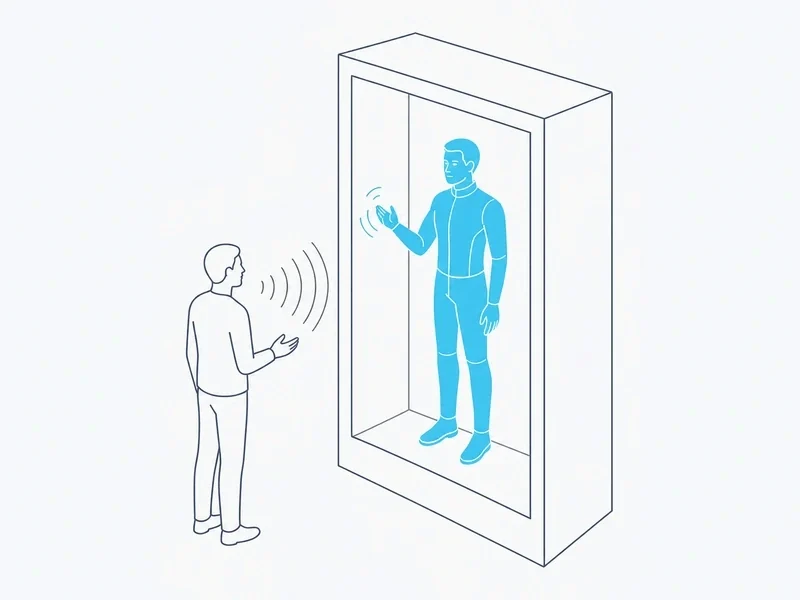
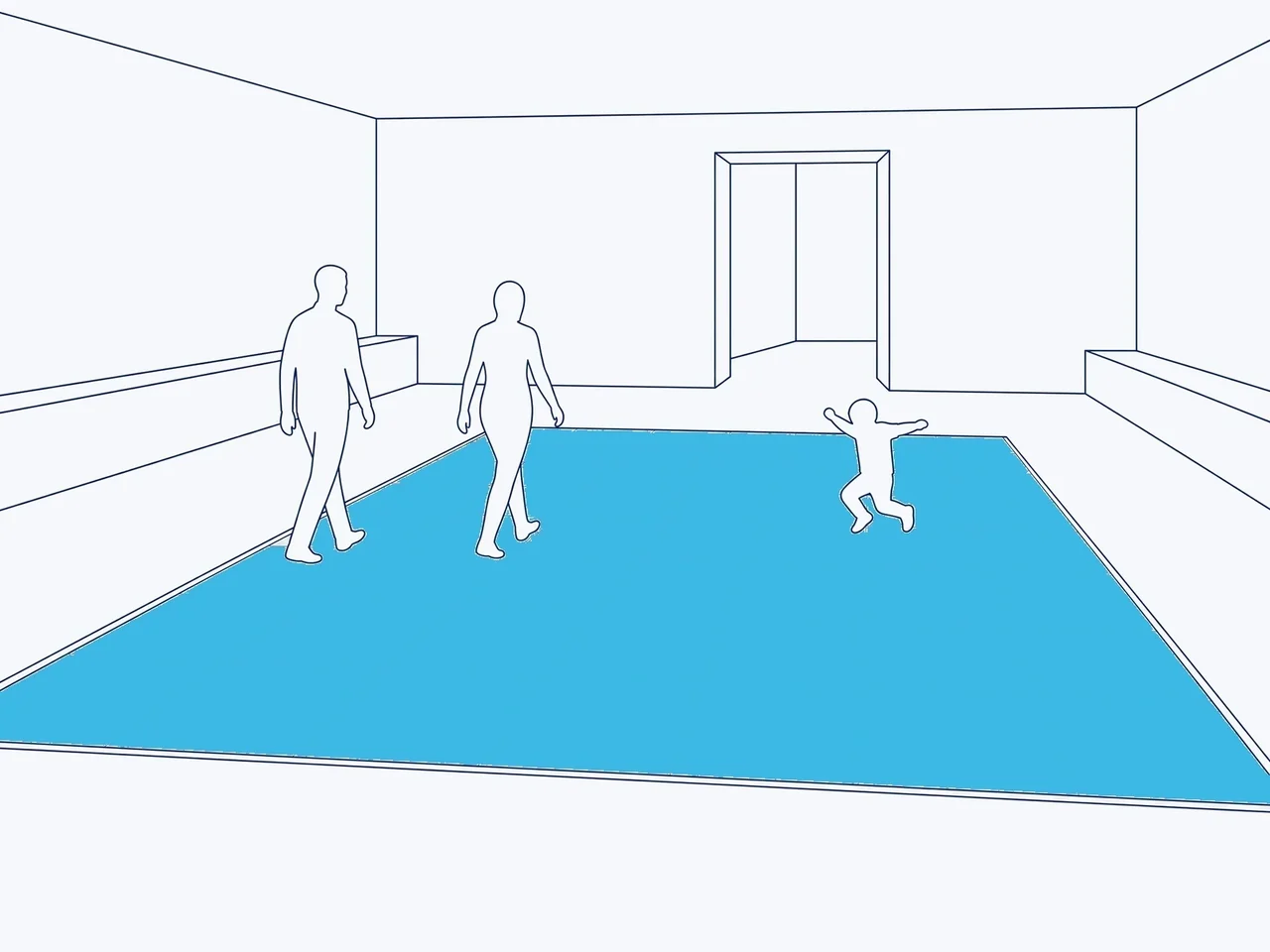
The screens you buy for a fixed place: indoor and outdoor LED screens, window LED, transparent LED film, invisible holographic LED, window displays, totems and open frame displays. Kiosks run the application HYPERVISUAL develops for them, HoloBox Nova its own editor; the LED ceiling, the interactive LED, the furniture and the holograms play their own sources. DATAVSN is never rented.
Does it work with the screens we already have?
Screens of any brand, with their own Android or an added box. The measurement and the interactivity need a camera on the screen and a player able to run them: tell us at the start which levels you may want, and the offer lists the right player.
What do we see, and when?
A live dashboard, by hour, by content and by site, and a report every Monday, in your inbox and in the dashboard: performance, sites ranked, audience and the week ahead. Your figures can also be exported.
Where is the data, and what must visitors be told?
DATAVSN is hosted in Switzerland: content, schedules and figures are stored and processed there. Where the audience is measured, an information sign goes up next to each measured screen: we supply it, and the operator of the screen puts it up.
How is DATAVSN priced?
We do not publish a tariff. DATAVSN is quoted with your screens, in a written offer that lists each item one by one: the level each screen runs, the players and cameras, the installation and the support.
Statistics, videos, maps and social networks use cookies: they load only if you accept. You can change your choice at any time.
Functional
Always active
The technical storage or access is strictly necessary for the legitimate purpose of enabling the use of a specific service explicitly requested by the subscriber or user, or for the sole purpose of carrying out the transmission of a communication over an electronic communications network.
Preferences
The technical storage or access is necessary for the legitimate purpose of storing preferences that are not requested by the subscriber or user.
Statistics
The technical storage or access that is used exclusively for statistical purposes.The technical storage or access that is used exclusively for anonymous statistical purposes. Without a subpoena, voluntary compliance on the part of your Internet Service Provider, or additional records from a third party, information stored or retrieved for this purpose alone cannot usually be used to identify you.
Marketing
The technical storage or access is required to create user profiles to send advertising, or to track the user on a website or across several websites for similar marketing purposes.