Live across Switzerland & Europe
EN · FR · DE

Shopping centres · HYPERVISUAL Switzerland

Digital Signage for shopping centres, from the road to the food court.

Screens that show visitors the way and promote your shops and events, zone by zone, hour by hour. Supplied, installed and maintained in Switzerland and Europe.

Two jobs come first.

Before the atrium and the food court: show every visitor the way, and put your shops and your events in front of them.

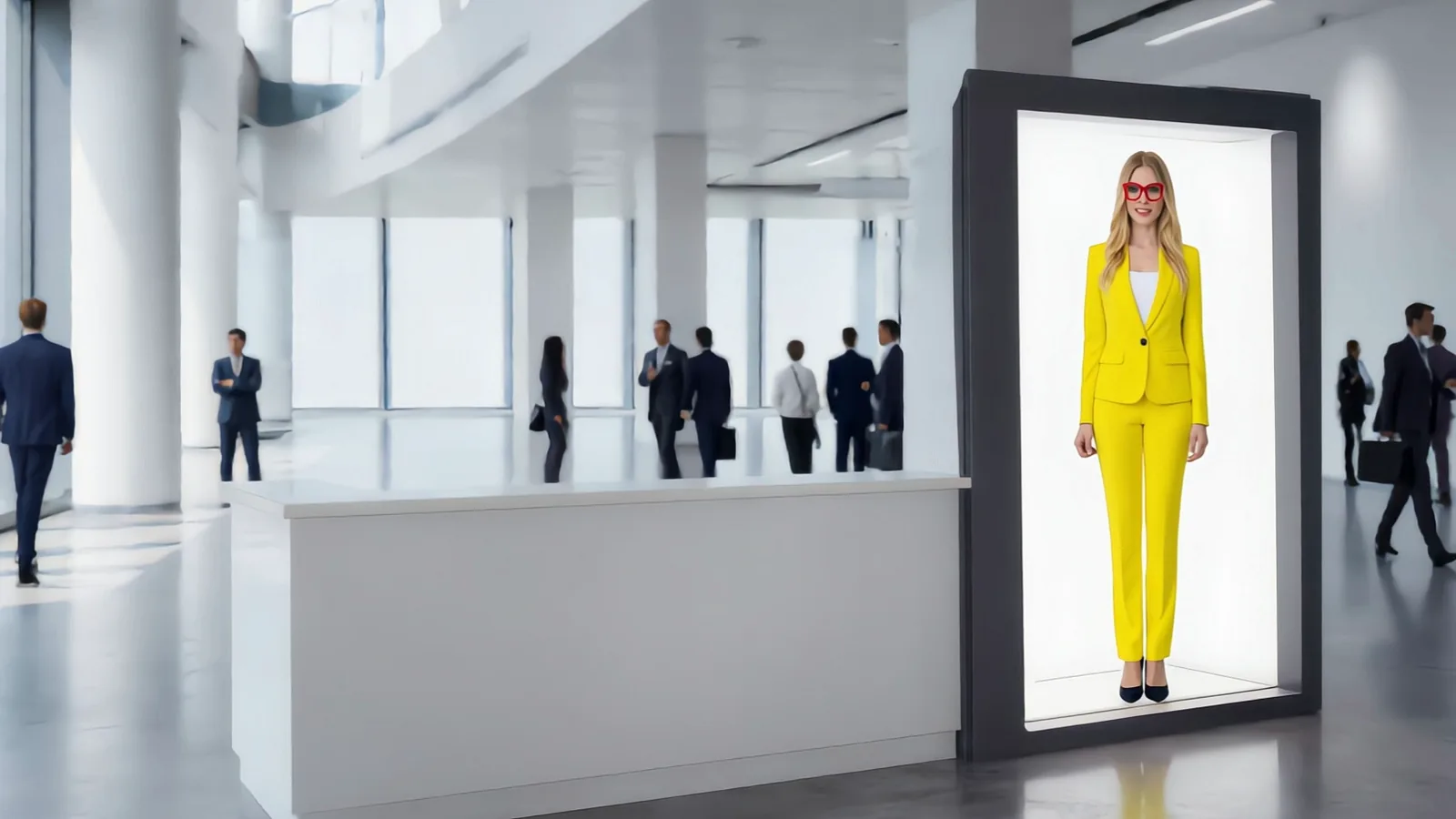
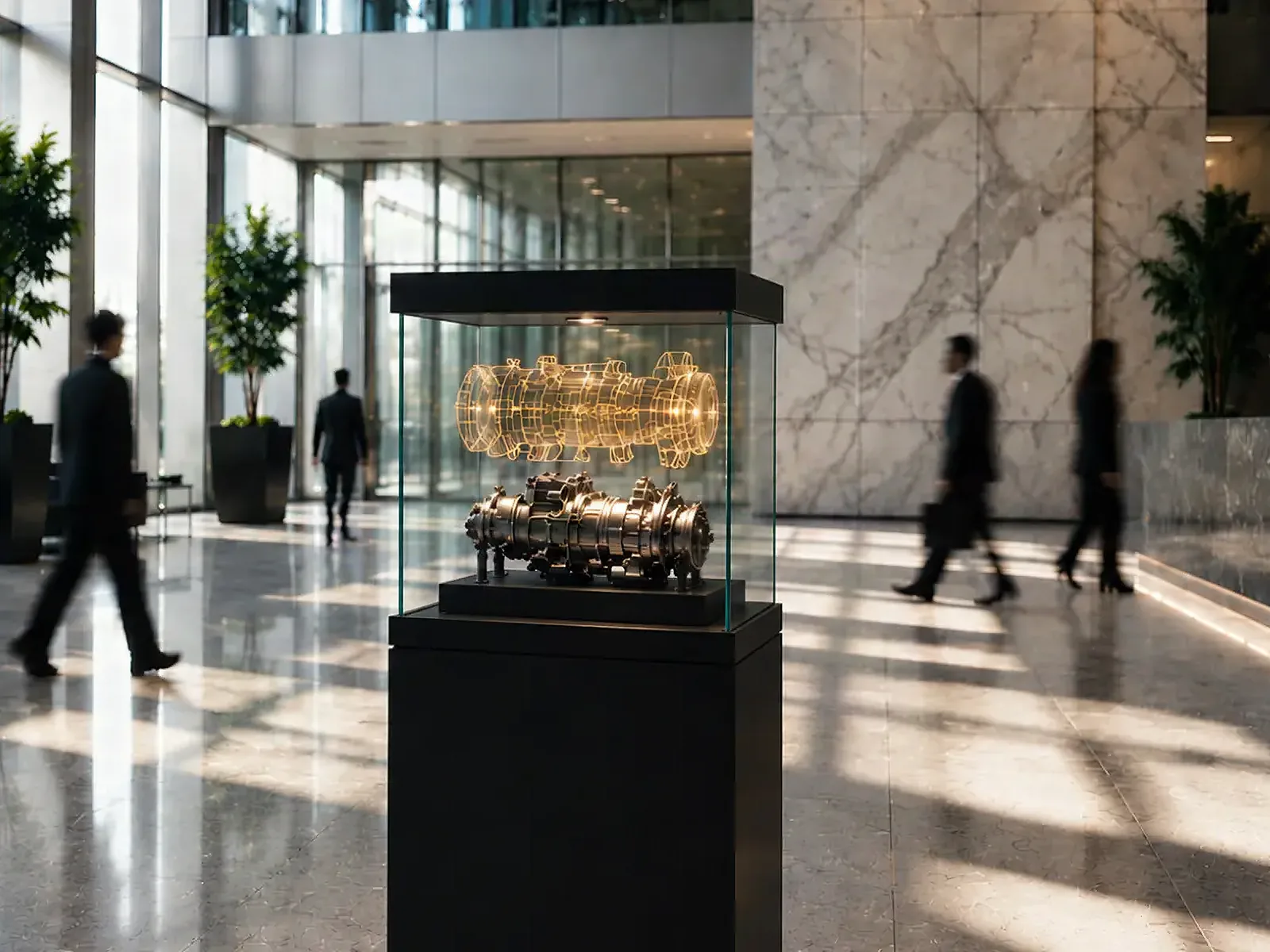
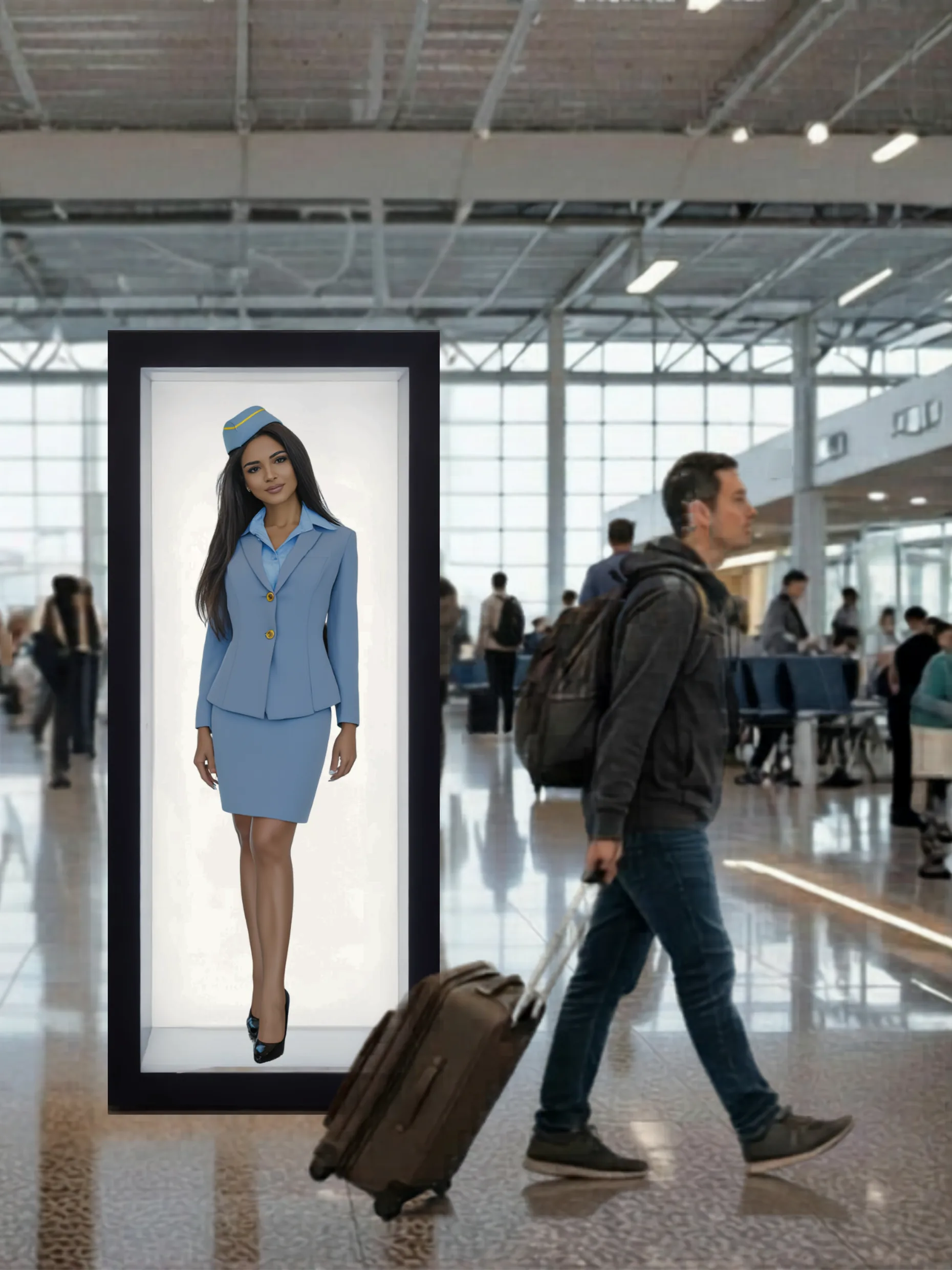
Life-size holographic avatar in a HoloBox Nova in a terminal hall, a traveller walking past

The right shop, first time.

  • Wayfinding totems and 32-inch kiosks at the entrances and crossings, with the application HYPERVISUAL writes for your plan.
  • Transparent totems where the architecture should stay in view.
  • HoloBox Nova at the info desk: an avatar that answers in up to 38 languages.
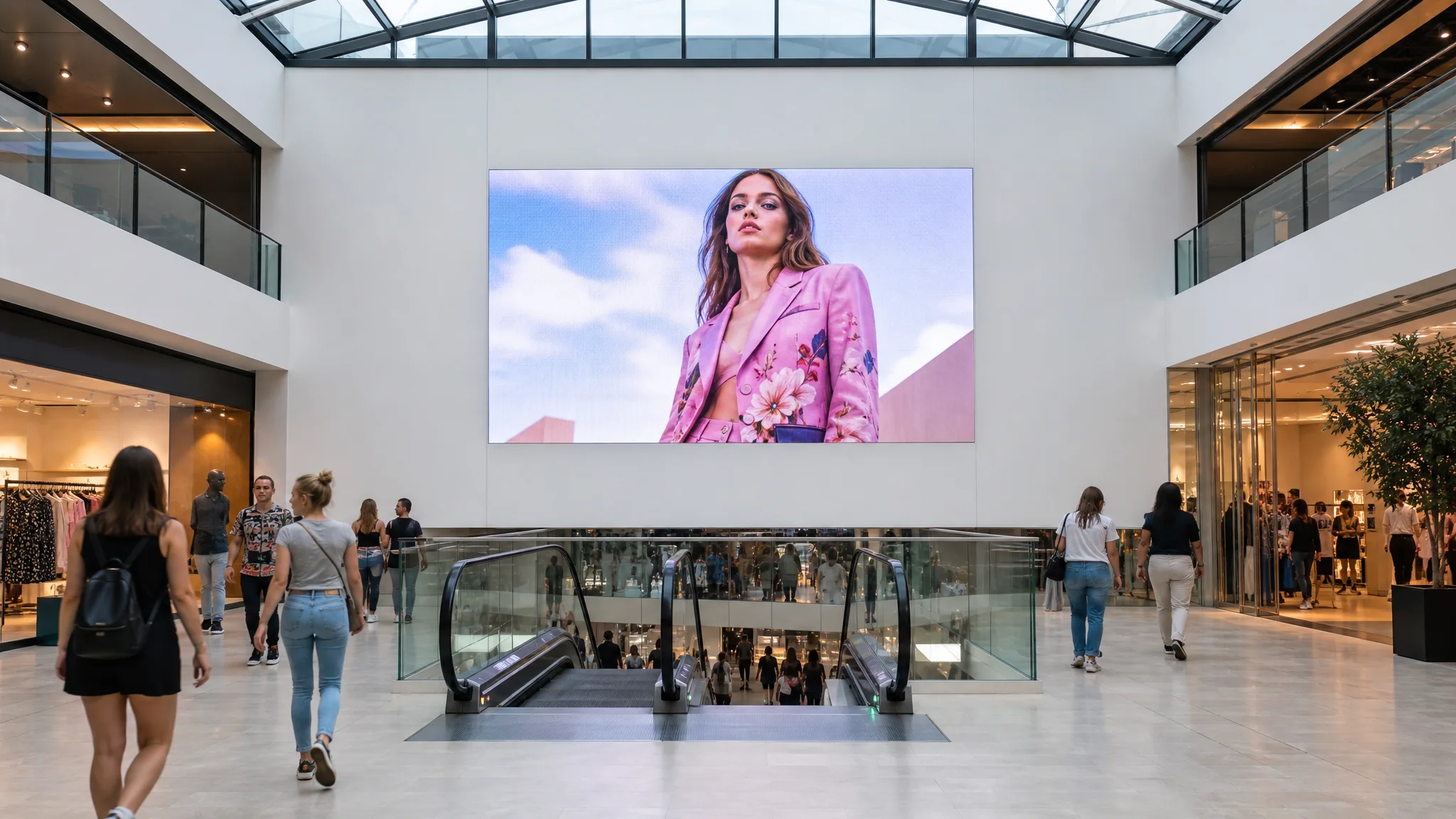
Shopping-centre atrium where a large LED screen and two portrait totems show a fashion campaign

Every zone, its message.

  • Double-sided totems along the aisles: the offers of your shops, seen from both directions.
  • The atrium LED screen, the largest of the network: flat, curved, around a column or across a corner.
  • DATAVSN programmes each zone hour by hour, from one place.
Skip the visit

From the road to the food court.

A shopping centre, seen from above and then on foot: sixteen stops, one screen at a time. Keep scrolling, the camera stops at each one.

Scroll to walk in

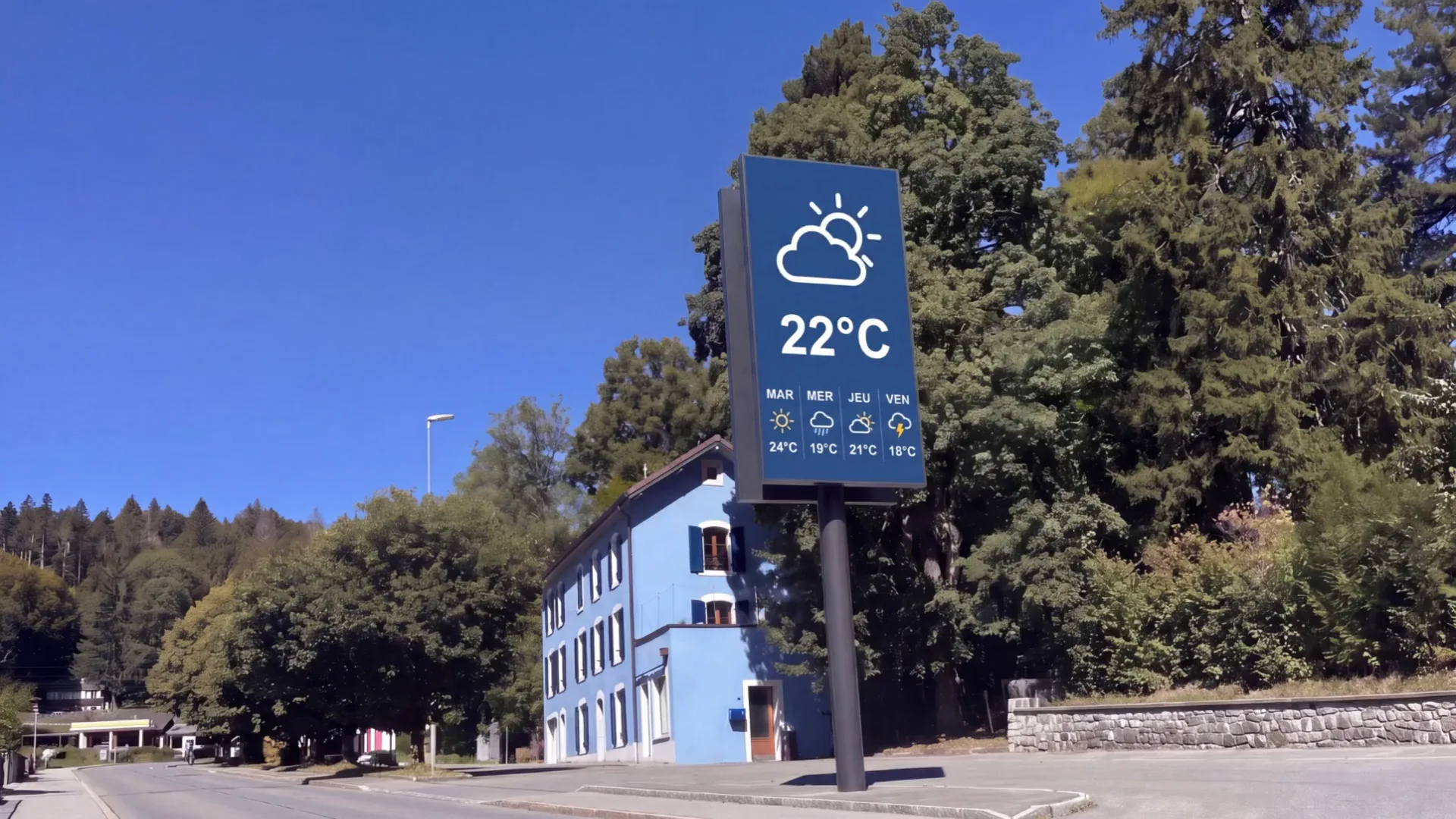
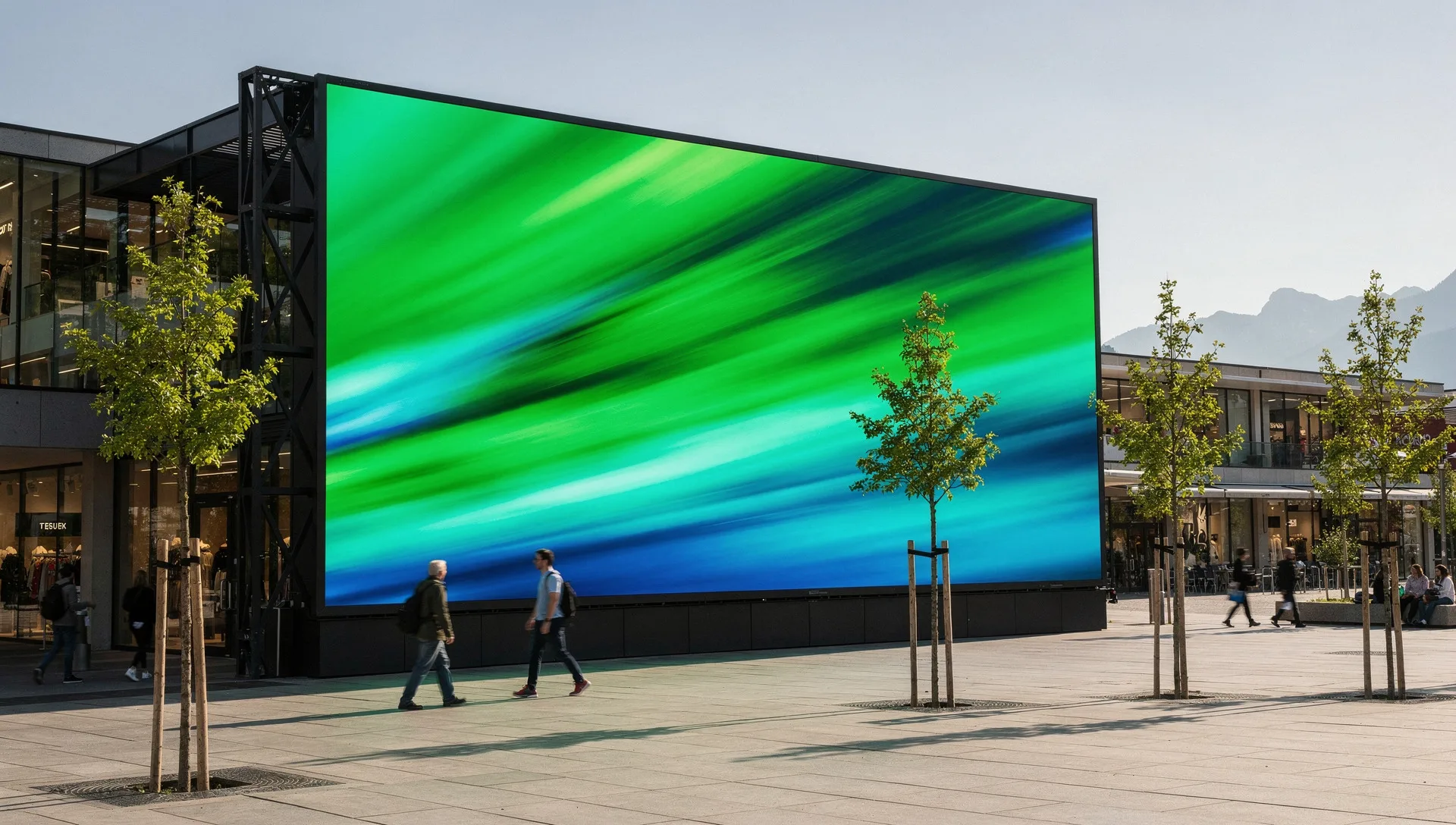
  1. Outdoor LED screen on a mast beside a road, readable in full daylight

    01The road

    Seen before anyone parks.

    Outdoor LED screen on a mast at the road: from 6’000 nits, readable at noon and turned down at night. Your commune may require a permit.

    SaleOutdoor LED

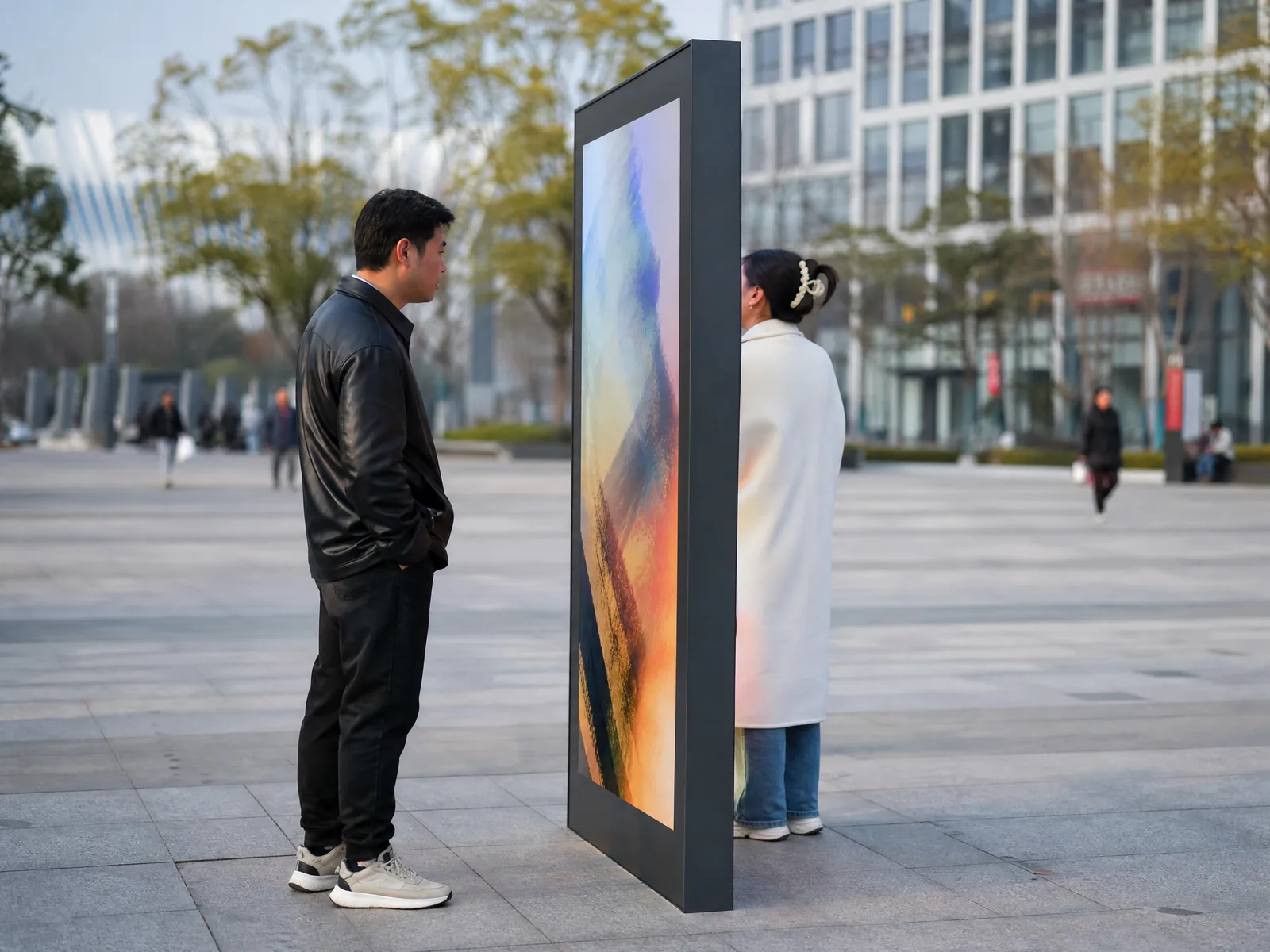
  2. Slim double-sided outdoor digital totem on a paved square, one passer-by reading each face

    02The car park

    The message follows the car.

    Outdoor totems along the path to the doors: double-sided, up to 5’000 nits behind tempered glass, sealed up to IP65.

    SaleTotems

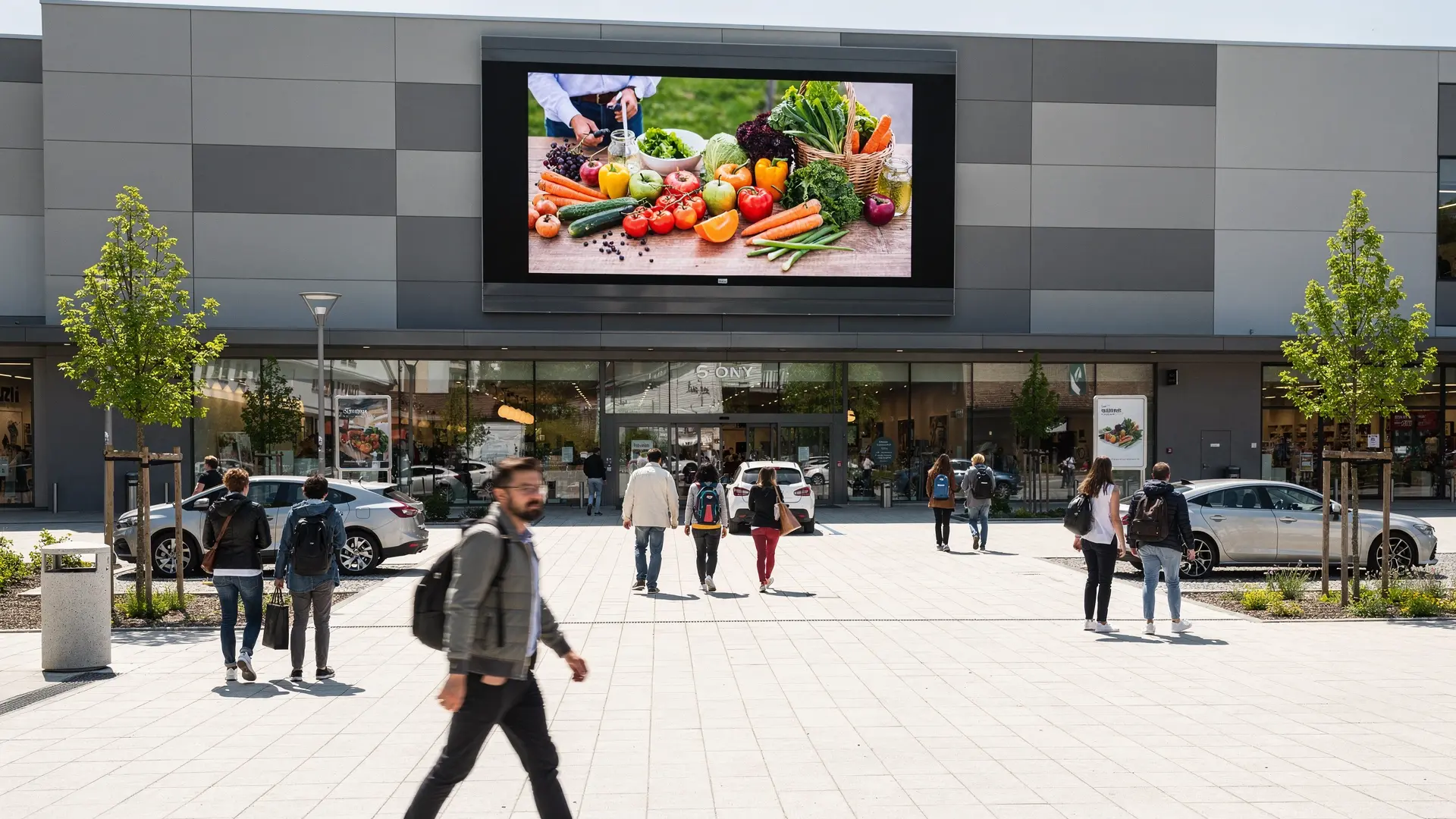
  3. Outdoor LED screen on the forecourt of a shopping centre

    03The façade

    The whole car park sees it.

    A giant outdoor LED screen on the façade, above the entrance: from 6’000 nits, sealed to IP65 and turned down at night.

    SaleOutdoor LED

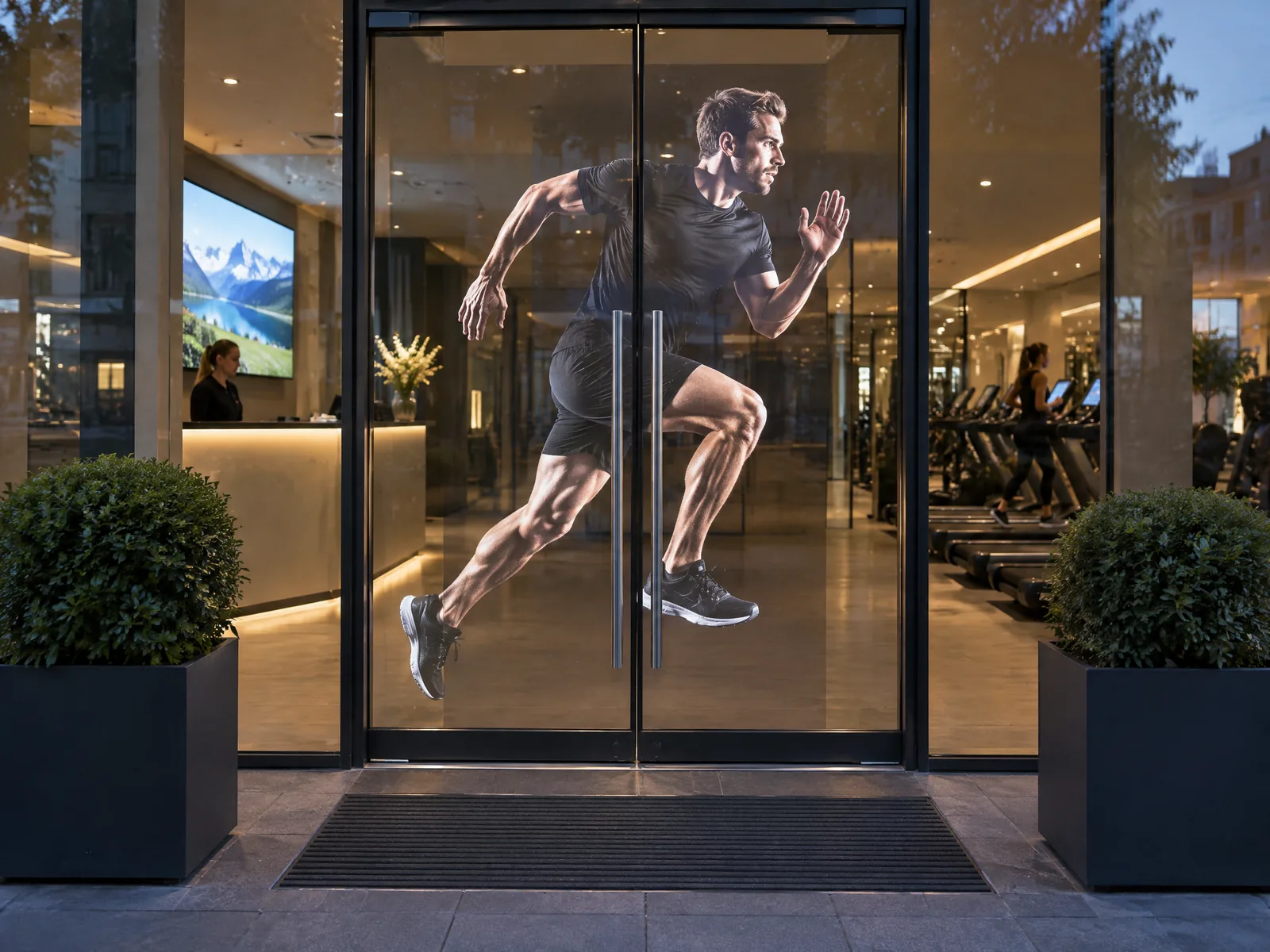
  4. Glass entrance door fitted with transparent LED film, a runner on the glass and the hall visible behind

    04The doors

    The glass becomes a screen.

    Transparent LED film on the inner face of the glazed entrance. Off, 92% of the light passes; on, 2’000 nits as standard, 4’000 where the sun hits.

    SaleLED film

  5. Visitor using a wayfinding totem touchscreen in a lobby at dusk

    05The entrance

    Find any shop from here.

    A wayfinding totem at each entrance, running the application HYPERVISUAL writes for your plan: every level, every shop, the route.

    SaleTotems and kiosks

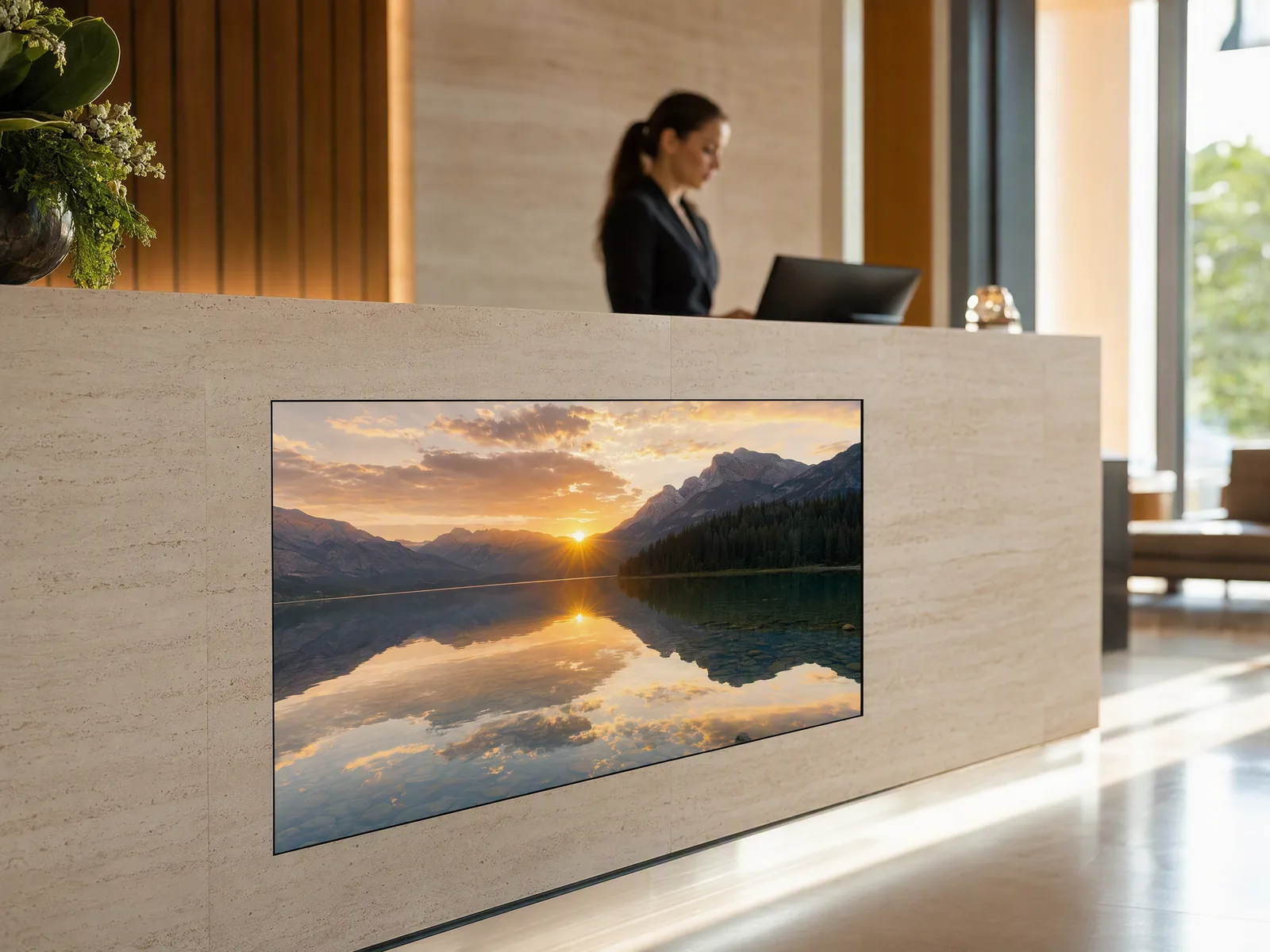
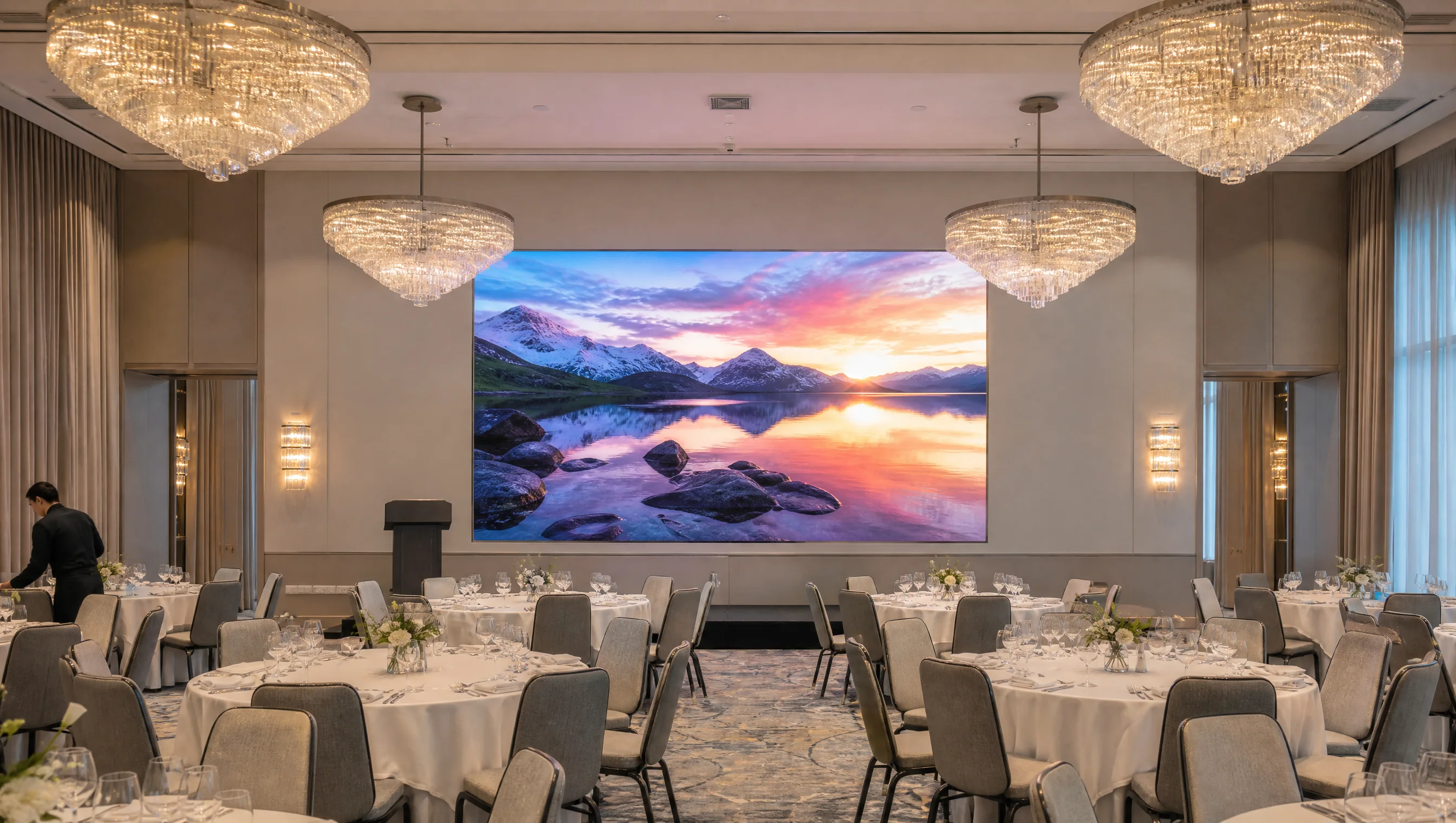
  6. Open frame display built into the front of a welcome desk, a lake at sunset on screen

    06The info desk

    Built into the desk.

    Open frame displays set into the desk by your shopfitter, so only the picture shows. 24 to 55 inches, touch as an option.

    SaleOpen frame

  7. HoloBox Nova in a bright lobby, a life-size avatar in a yellow suit inside the box

    07The info desk

    Ask, in any language.

    HoloBox Nova: a life-size avatar that answers in under a second, in up to 38 languages, from a knowledge base that is yours.

    SaleHoloBox Nova

  8. Daylit timber atrium with a large LED screen showing an alpine meadow in the morning mist

    08The atrium

    The heart of the centre.

    The atrium LED screen, the largest of the network, faces the escalators: flat, curved, around a column or across a corner for a 3D effect.

    SaleIndoor LED

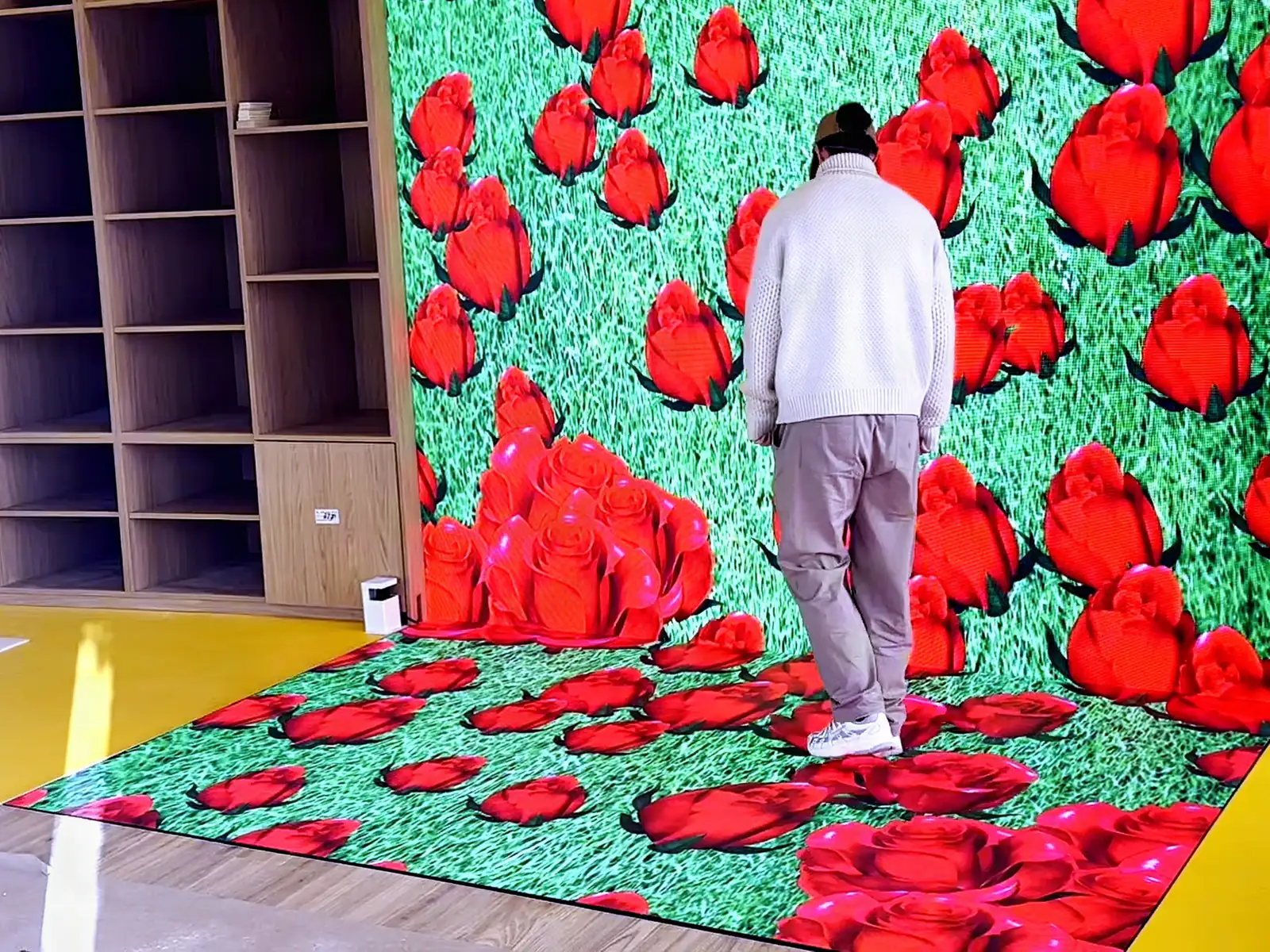
  9. Interactive LED floor showing a field of red roses under the feet of a visitor

    09The atrium floor

    The floor answers every step.

    An interactive LED floor: water ripples under each step. It carries 1.5 tonnes per square metre and is made to measure; a wall version answers hands.

    SaleInteractive LED

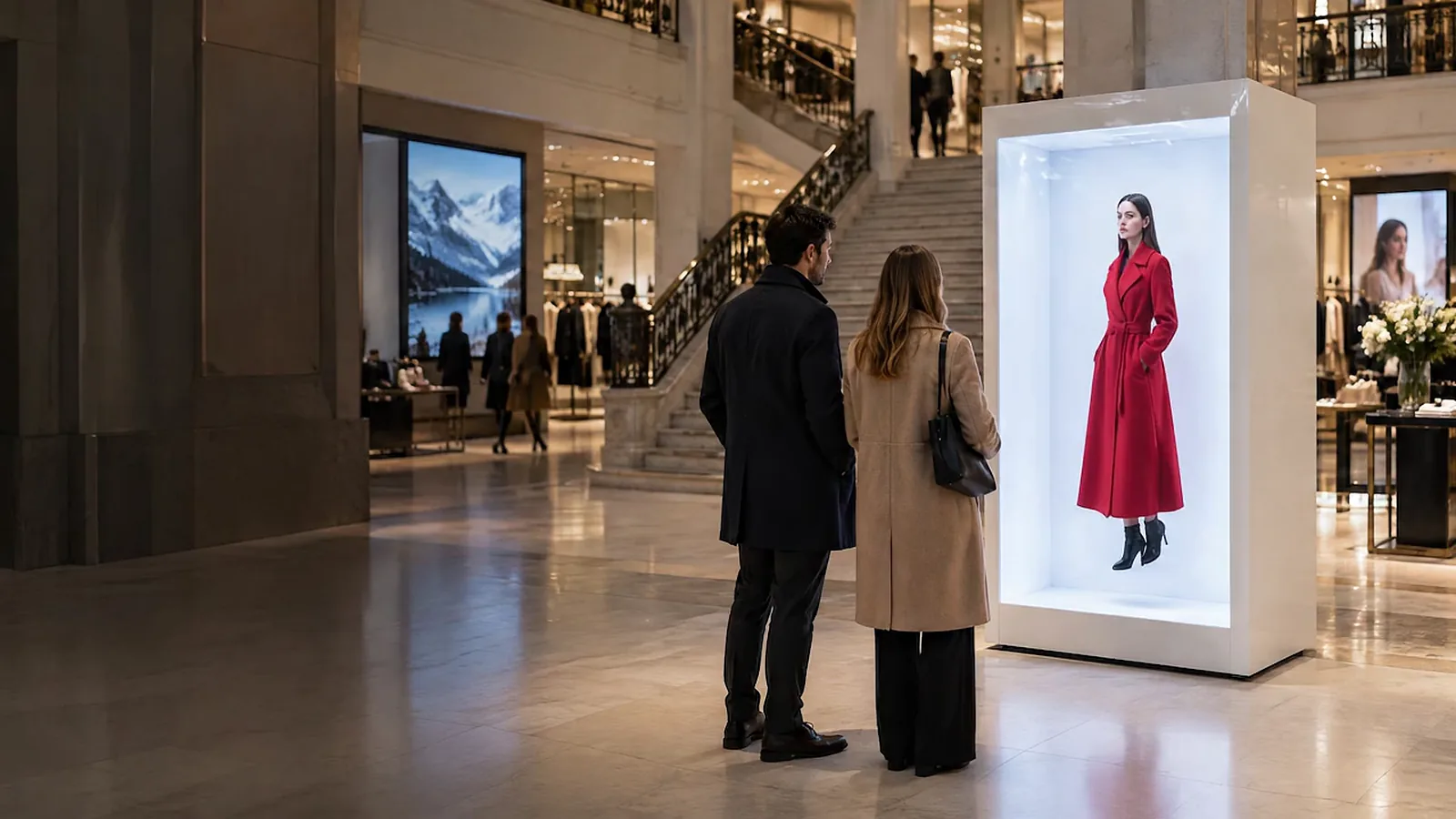
  10. HoloBox showing a woman in a red coat, life-size, in a shopping gallery; a couple stops in front of it

    10The atrium

    A launch, life-size.

    A HoloBox shows a product or a person life-size, in mid-air. Four sizes from 32 to 86 inches; a 32-inch unit is rented, subject to availability.

    Sale · RentalHoloBox

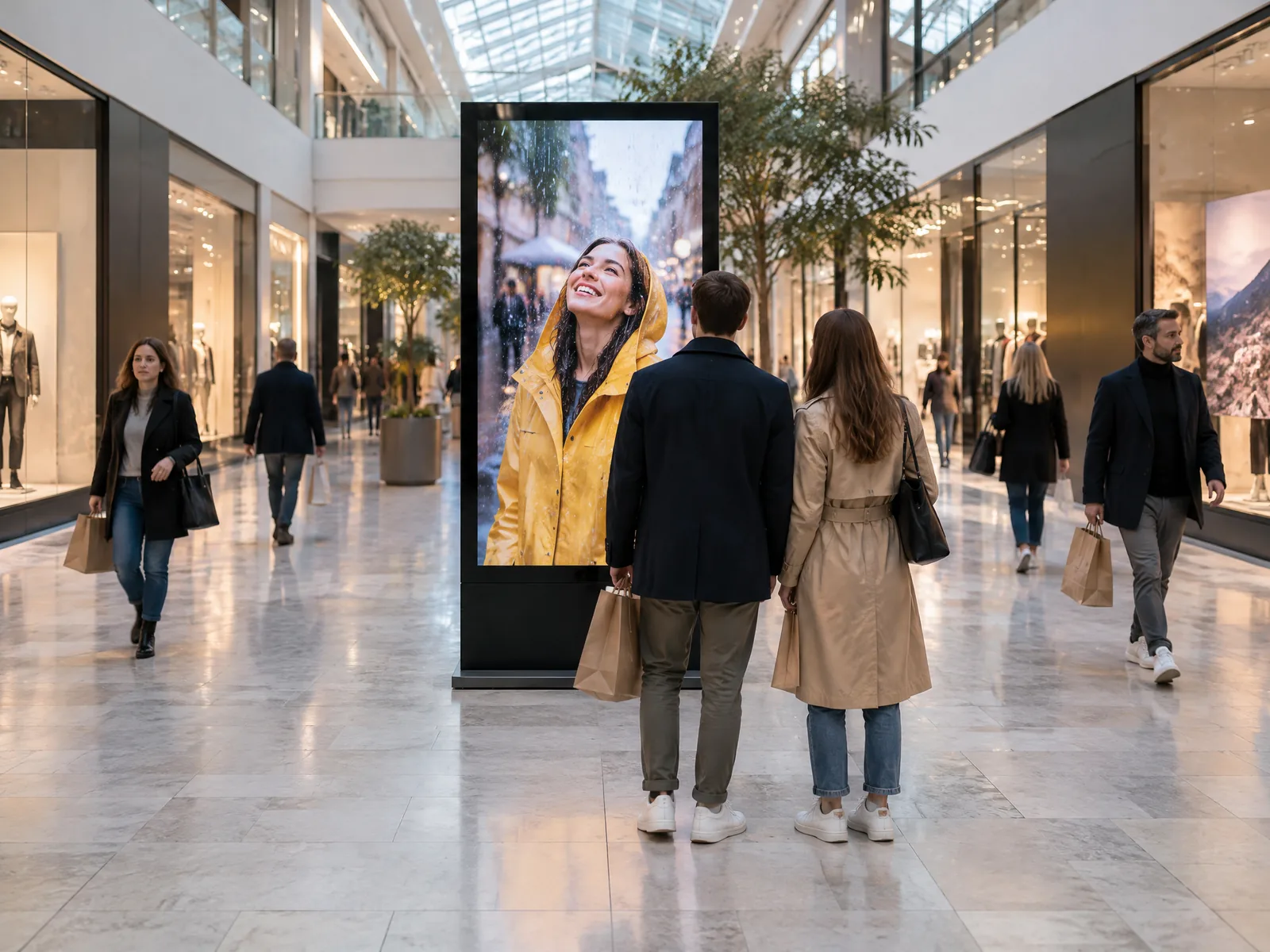
  11. Digital totem standing in the central aisle of a shopping centre, shoppers walking past

    11The aisles

    Seen from both directions.

    Double-sided totems along the aisles and at the foot of the escalators, the same format throughout: the offers of your shops and the events of the centre.

    SaleTotems

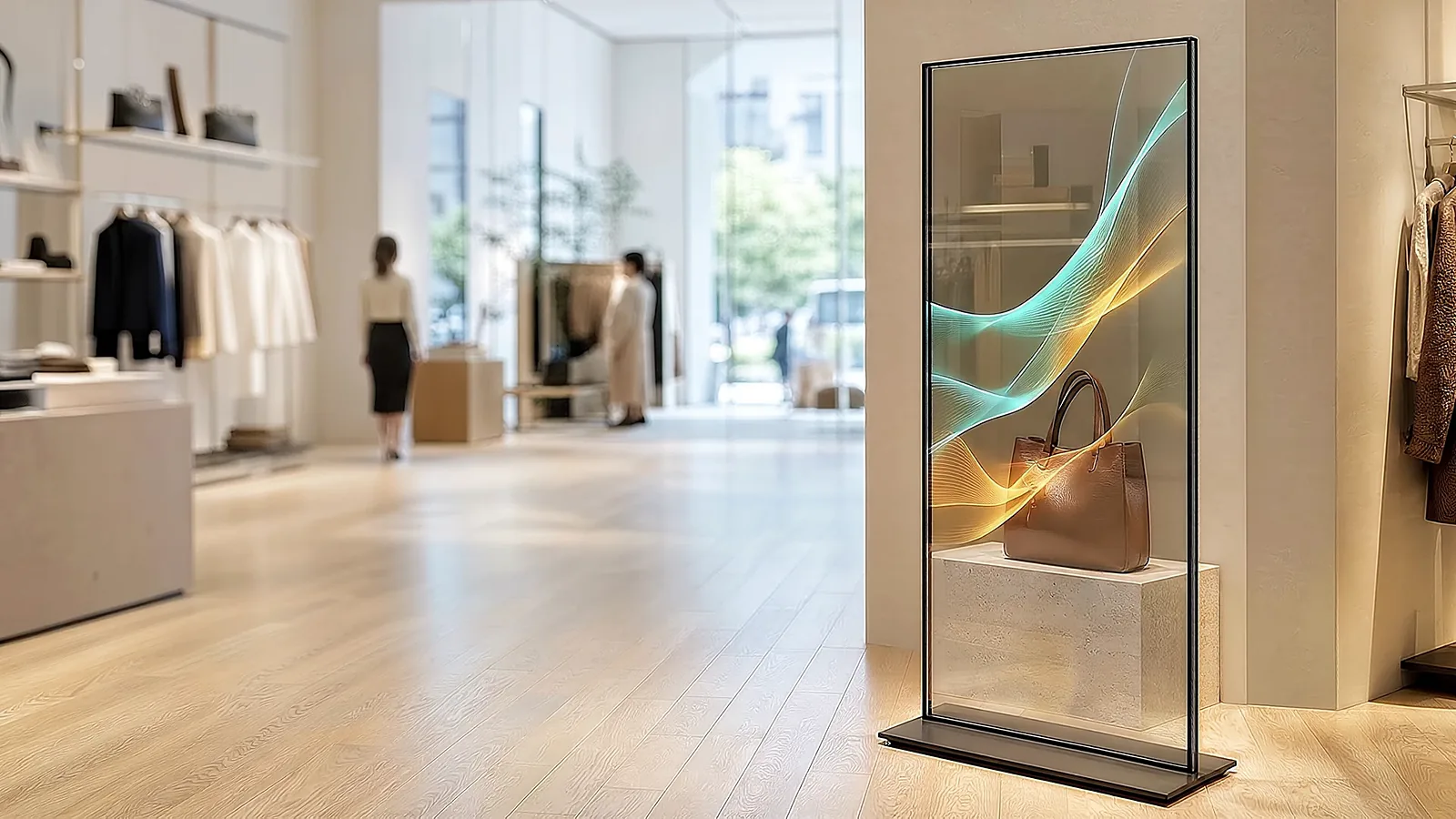
  12. Free-standing transparent totem in a shop, the product visible behind the content on the glass

    12The premium gallery

    The shop stays in view.

    A transparent totem: the directory plays on the glass and the architecture stays in view. Indoors, out of direct sunlight.

    SaleTransparent totems

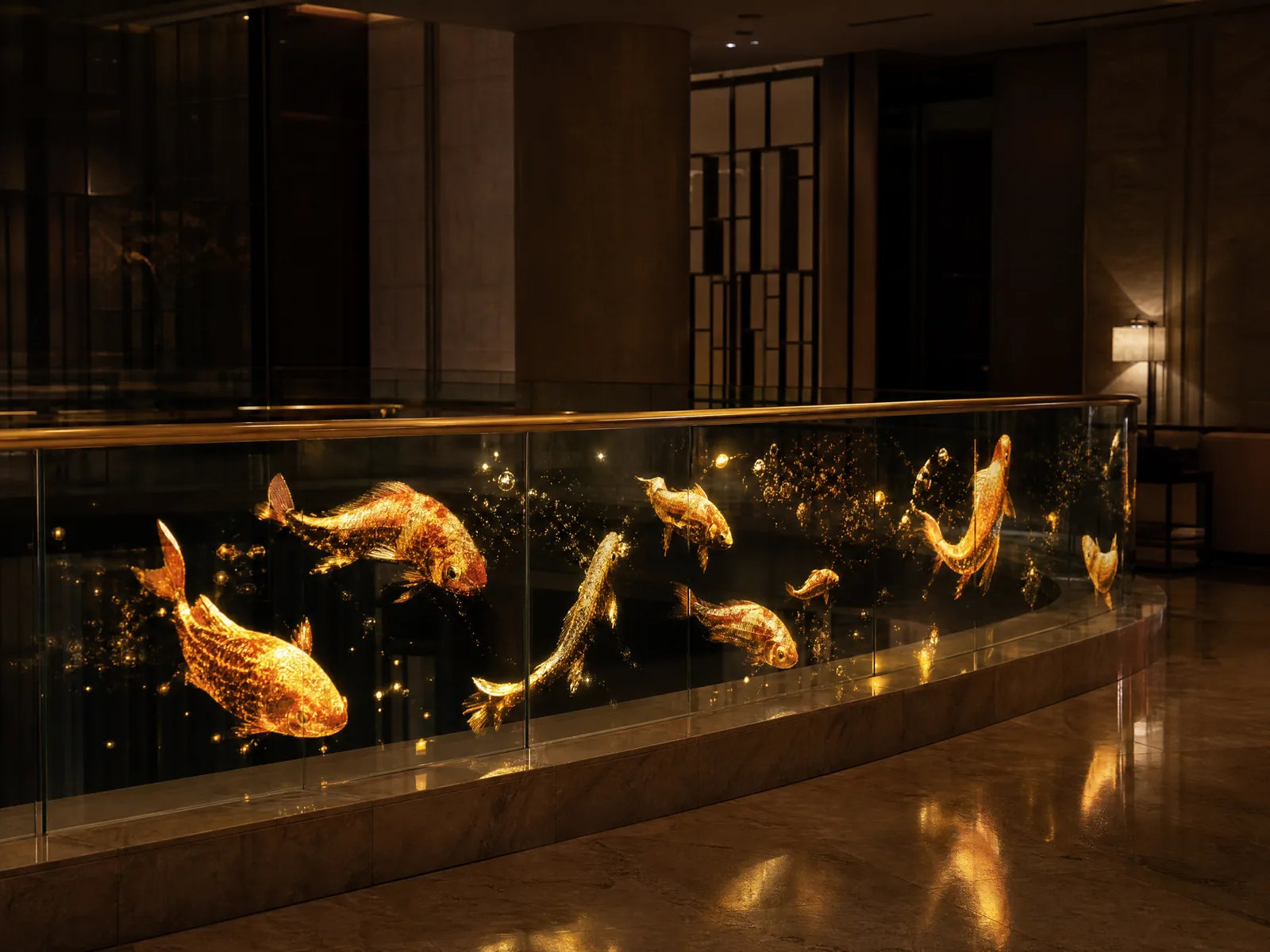
  13. Glass balustrade carrying an invisible holographic LED screen: golden fish seem to swim in the glass

    13The galleries

    A picture in the glass.

    Invisible holographic LED behind the glass balustrades. Off, it lets 92% of the light through; on, the picture seems to float.

    SaleHolographic LED

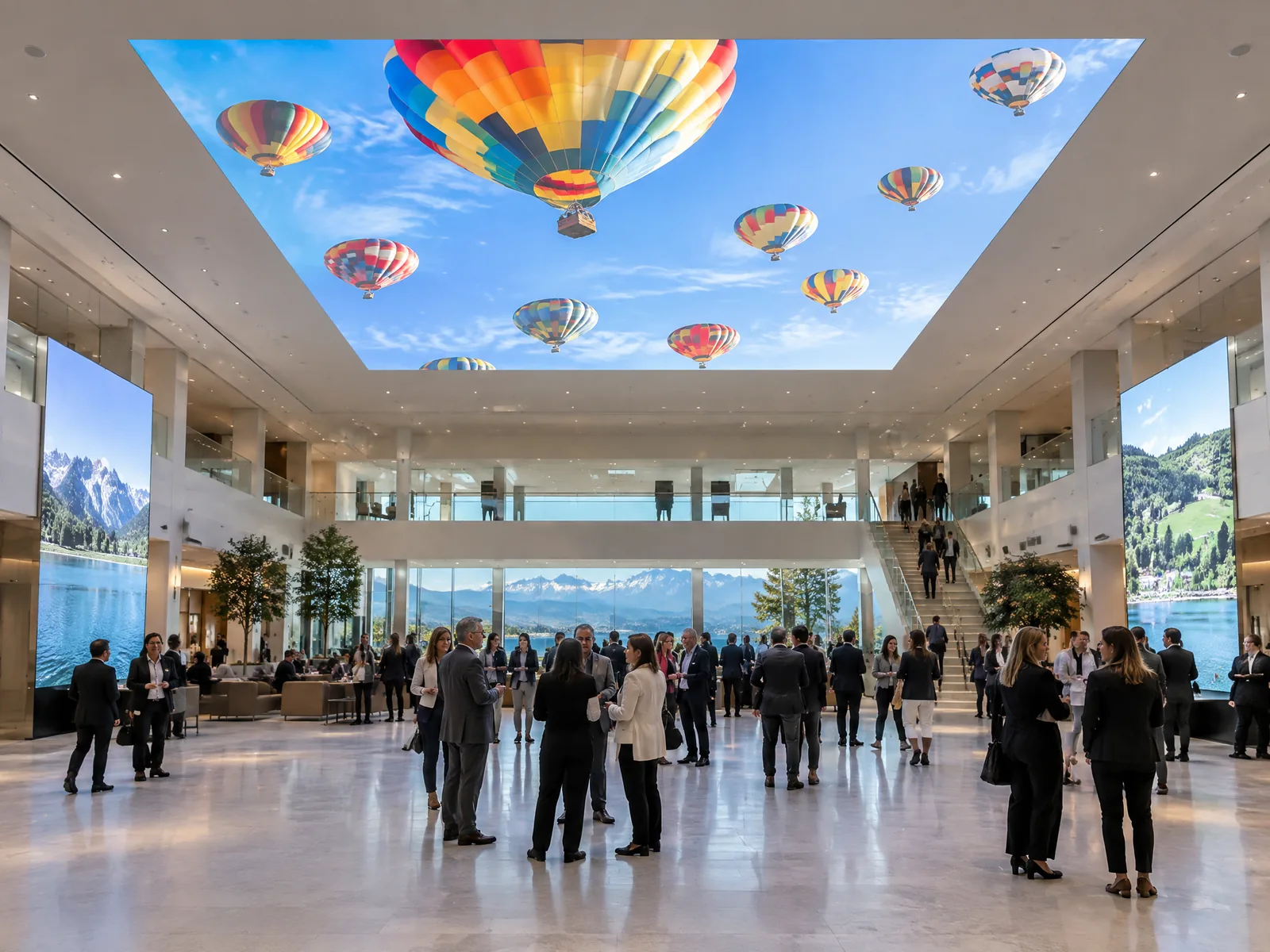
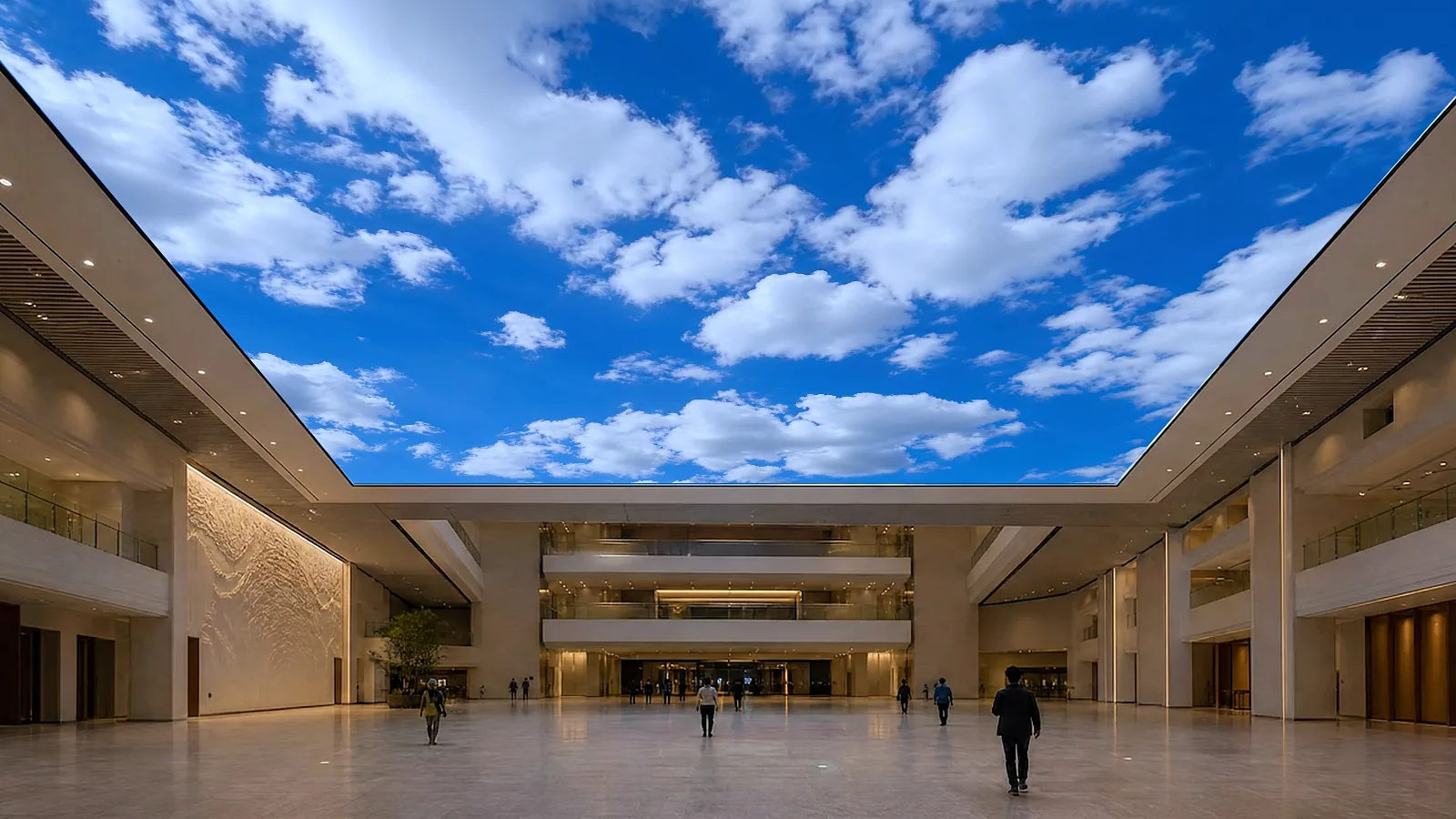
  14. LED ceiling above an atrium, hot-air balloons in a blue sky, visitors gathered below

    14Above the atrium

    Look up.

    An LED ceiling above the atrium, flat or curved: a sky, water, the season. It sets the mood rather than carrying promotions.

    SaleLED ceiling

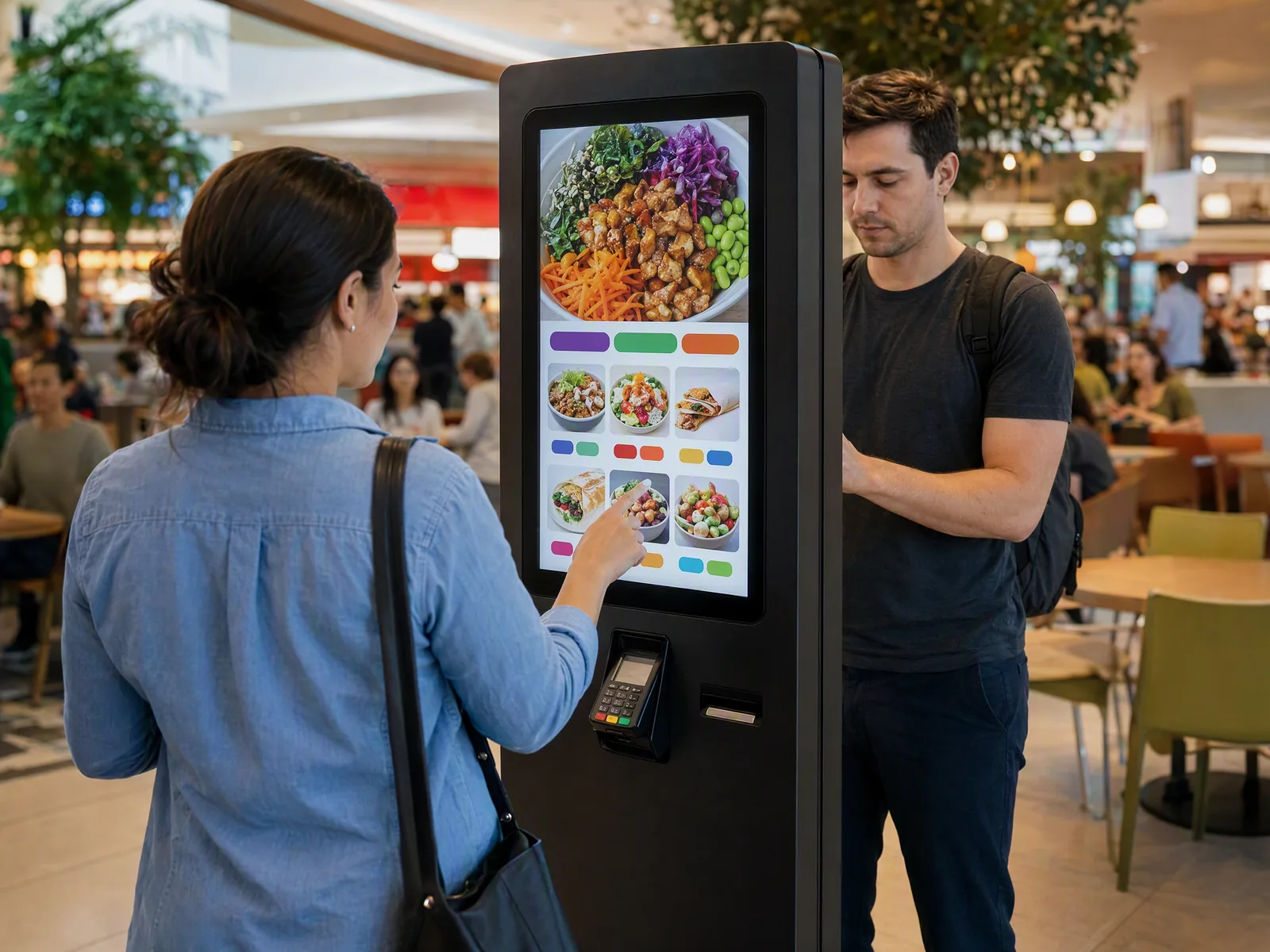
  15. Two people at a self-service ordering kiosk in a busy food court

    15The food court

    Order, pay, collect.

    Ordering kiosks: the visitor orders on the touchscreen and pays on the built-in terminal. HYPERVISUAL writes each outlet’s application.

    SaleKiosks

  16. Café and bakery with three screens above the counter showing a cappuccino, a croissant and a salad bowl

    16The food court

    The menu, at a glance.

    Menu screens: open frame displays built into the counters, so only the menu shows; the 27-inch goes up to 1’500 nits for a bright hall.

    SaleOpen frame

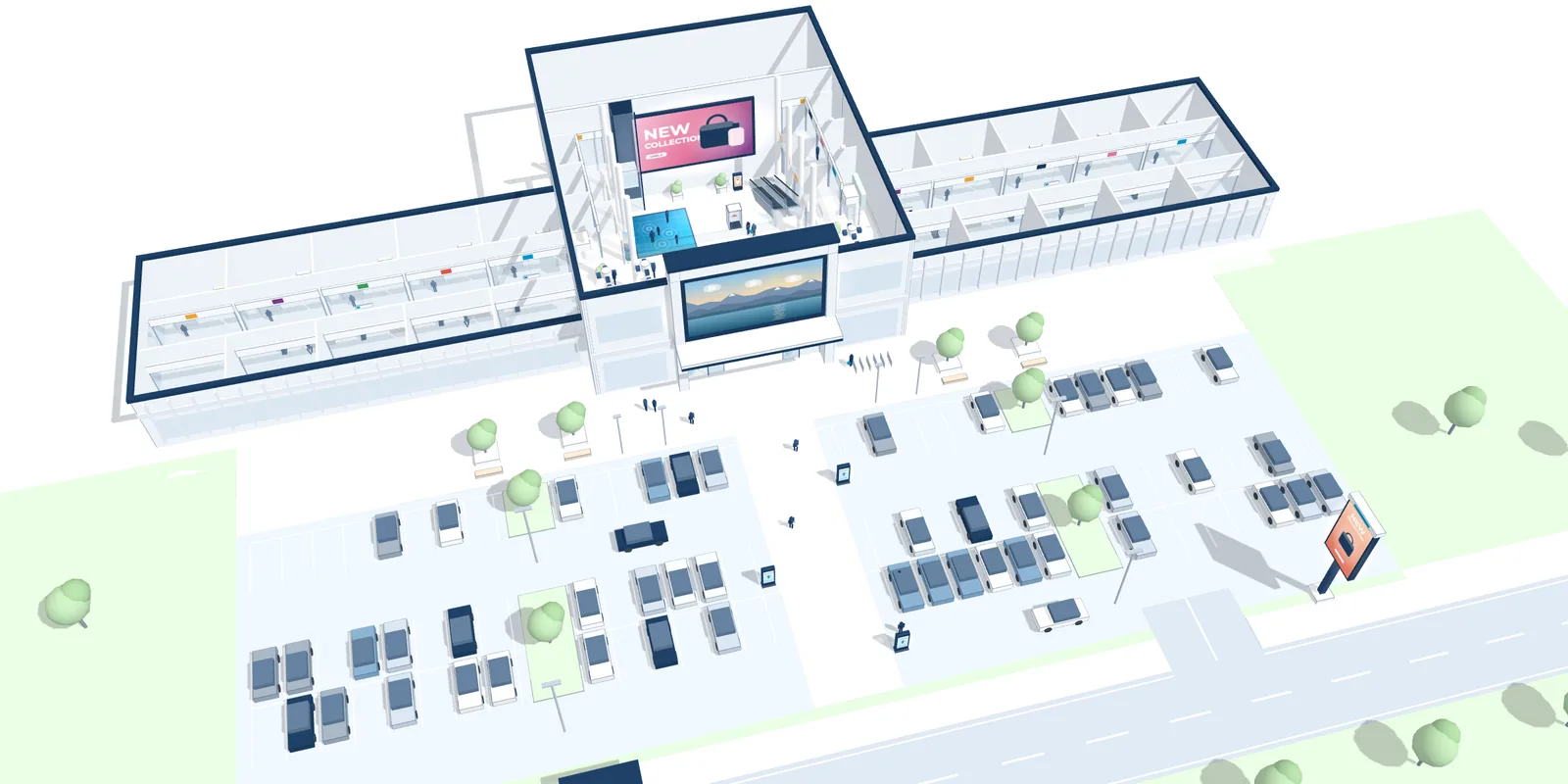
  17. Seen from above

    Sixteen screens, one centre.

    From the road to the food court, each screen where it works best. Yours are drawn on your plans, zone by zone.

    Describe your centre

00 / 16Overview

One network, zone by zone.

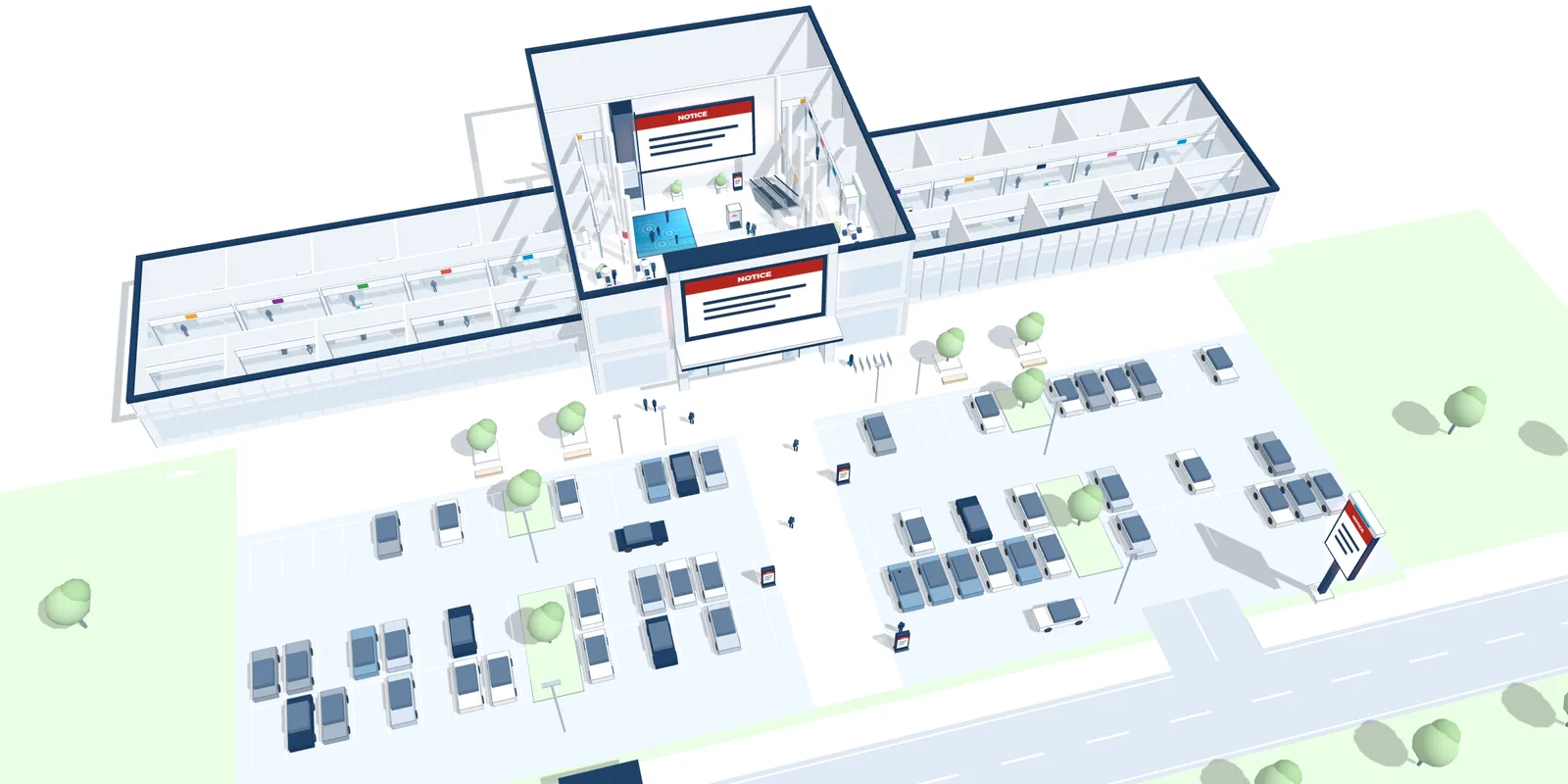
DATAVSN, the software HYPERVISUAL writes and hosts in Switzerland, runs the totems, the atrium and outdoor LED screens and the open frame displays from one place: each zone its own programme, hour by hour, and one message on all of them when it matters.

09:00. Each zone plays its own programme, set once, by zone and by hour.

The shopping centre of the visit seen from above, its five zones numbered: road and car park, entrances, atrium, aisles, food court on level 1; the screens DATAVSN runs are marked 123445
Screens DATAVSN runs
  1. 1

    Road and car parkOutdoor LED screen, totems

  2. 2

    EntrancesFaçade LED screen, info desk

  3. 3

    AtriumAtrium LED screen

  4. 4

    AislesDouble-sided totems

  5. 5

    Food courtMenu screens, level 1

  1. 01

    Zone by zone

    The road and the car park, the entrances, the atrium, the aisles and the food court: each zone its own programme, hour by hour.

  2. 02

    One safety message

    One message on every screen DATAVSN runs in the centre, at once, sent by the people you choose.

  3. 03

    Several centres

    All your centres in one account, each with its own zones and its own team.

  4. 04

    Audience, as an option

    An anonymous count of passers-by, the stop rate and the attention time, by hour, by content and by site. The image is processed on the player; no face is recognised.

Offered, never imposed: DATAVSN runs the totems, the atrium and outdoor LED screens and the open frame displays. The kiosks run the applications we write; the LED ceiling, the floor and the holograms play their own sources.DATAVSN, the software

Your centre, where to start.

Five kinds of centre, and the three screens we would start with in each, numbered as in the visit. The rest is sized on your plans, with you.

Atrium under an LED ceiling showing a blue sky with clouds, galleries on each floor

Atrium, aisles, car park

A network that guides and gives every zone its programme.

Visitors who find their way alone, an atrium people come back for, and the offers of your shops along every aisle.

Where we would start

  1. 8Atrium LED screen
  2. 11Double-sided totem network
  3. 1Outdoor LED screen

Buy for years, rent for a date.

The network is bought for the centre. The atrium and the car park can also host rented screens for an event, a launch or a season.

Railway station concourse with a large LED screen showing a family hiking
Sale

For the centre, for years.

  • The atrium screen, the totem network, the wayfinding totems and kiosks, the screens at the road, the film on the entrances and the food court kiosks.
  • Sized for your centre and installed by our crew.
  • Looked after by the team that installed them, with spare panels for the LED screens.
Giant LED wall on the stage of a gala evening
Rental

For an event, a launch or a season.

Indoors: event LED screens from 7 to 30 m², HYPERVSN holograms by the unit, a 32-inch HoloBox subject to availability, LED furniture, a totem and 32-inch kiosks.

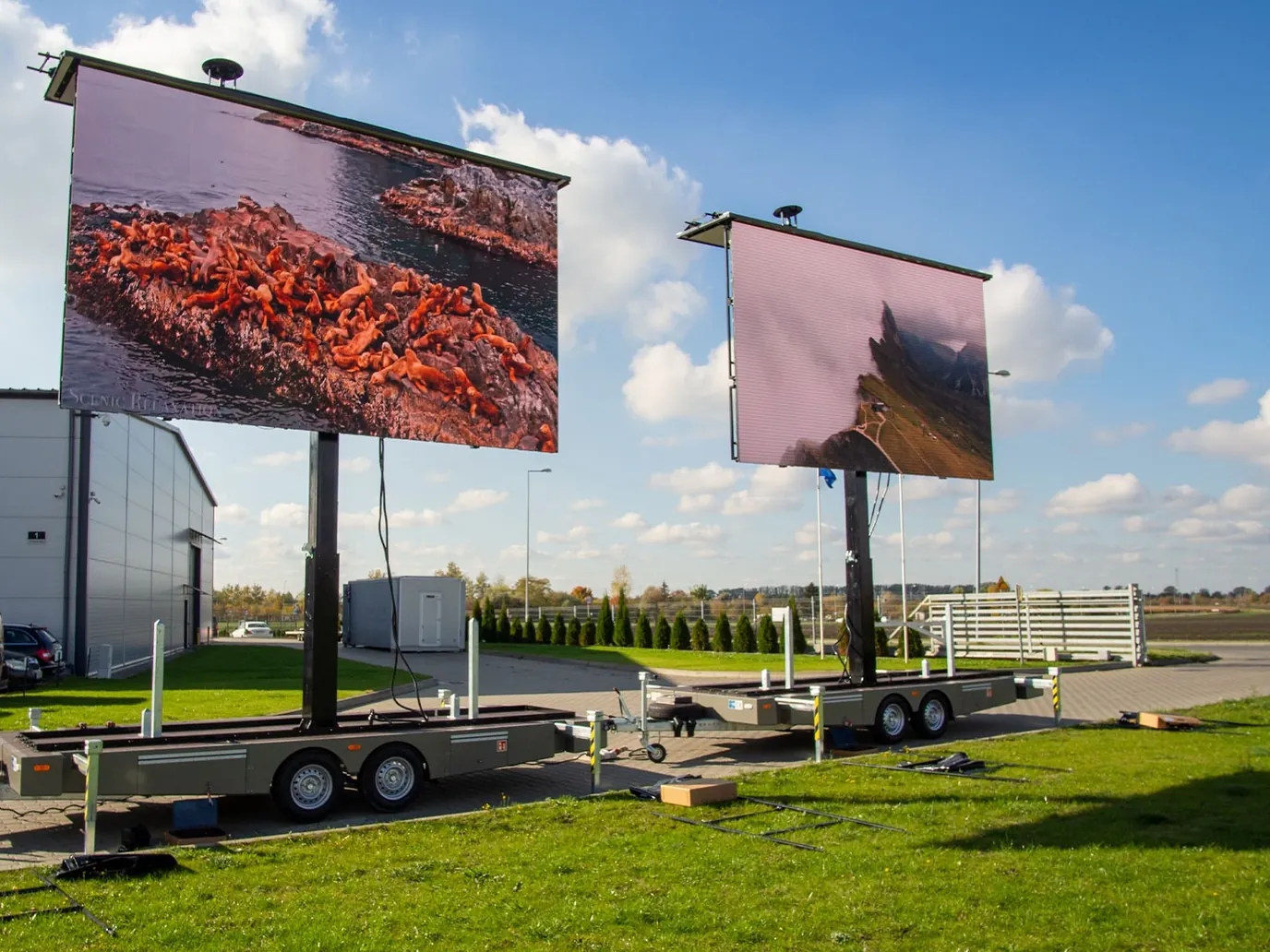
Two LED trailers side by side on grass, their screens raised

On the car park: an LED screen on a ground-support frame or on a trailer, up to 63 m².

Sound and light through a partner. Delivered, set up and taken back by our crew.

Applications, written for you.

The totems, the kiosks and the interactive walls run applications that HYPERVISUAL writes for your plan, your tenants and your visitors.

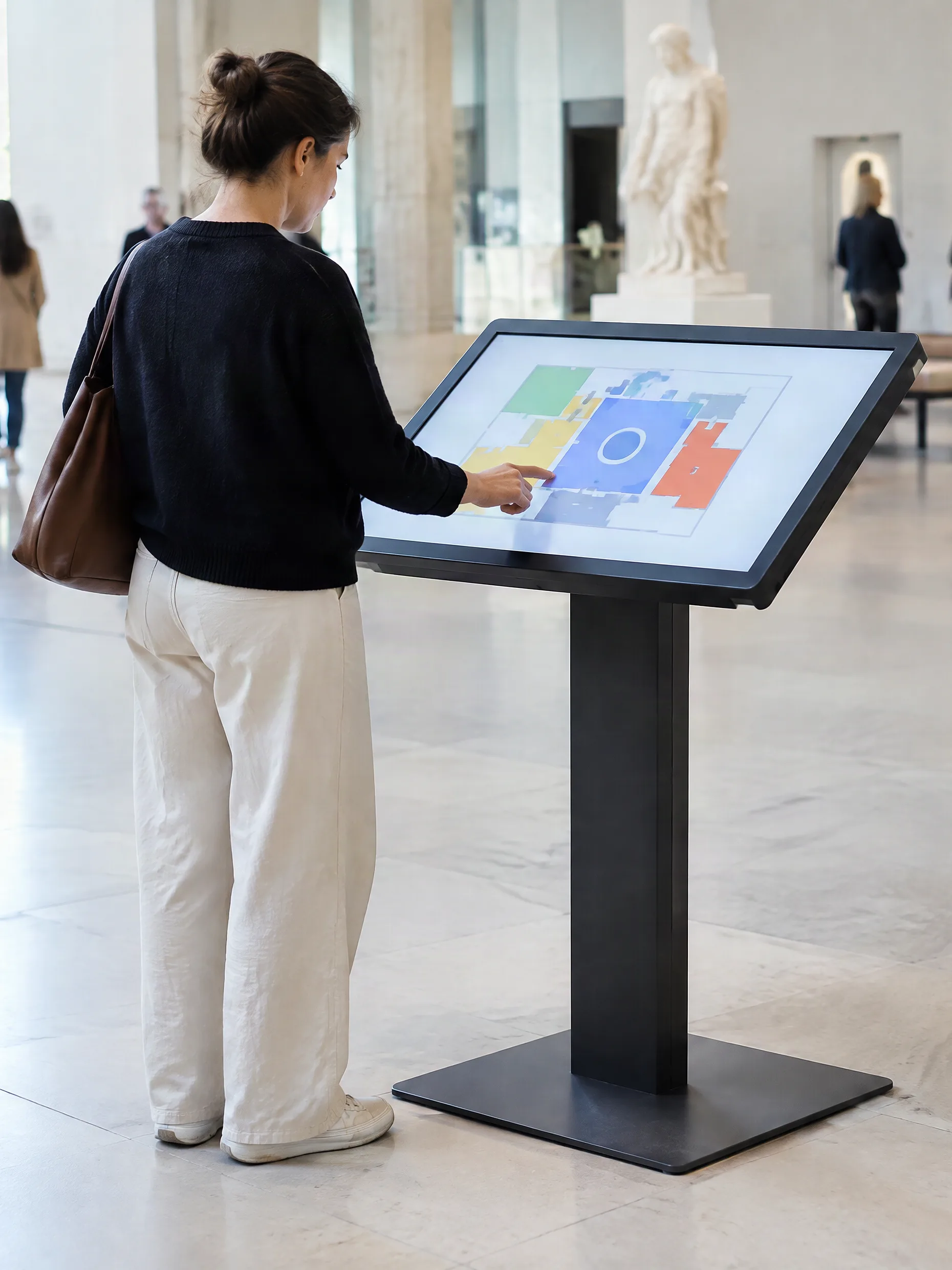
  • Visitor using a touchscreen kiosk tilted on a stand, a floor plan on screen

    Totem or kiosk

    Wayfinding

    The map of every level, a search by shop and the route from where the visitor stands, in several languages.

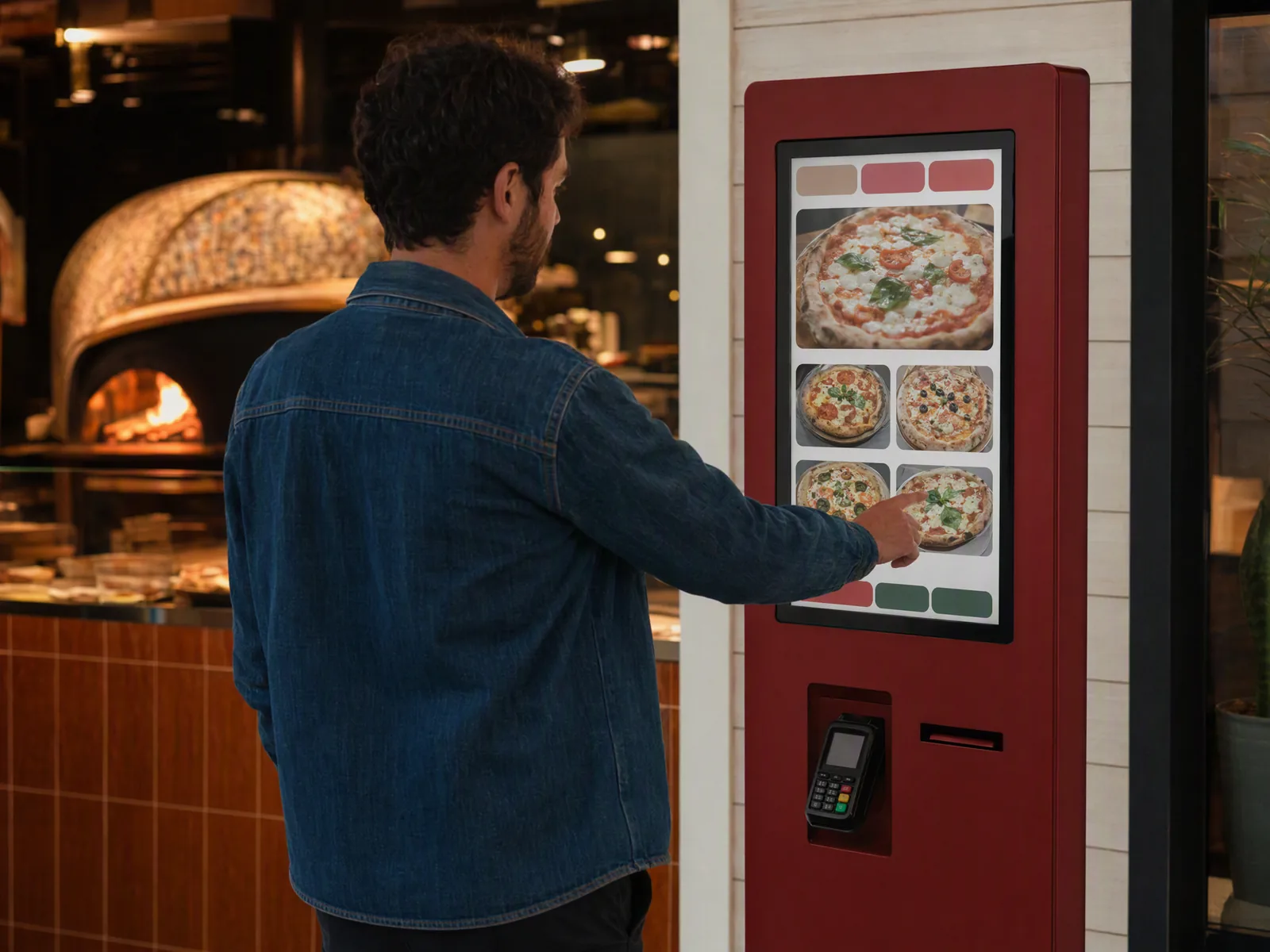
  • Customer ordering on a self-service kiosk in a restaurant

    Ordering kiosk

    Order, pay, collect

    The steps of each food court outlet, from the menu to the payment on the terminal.

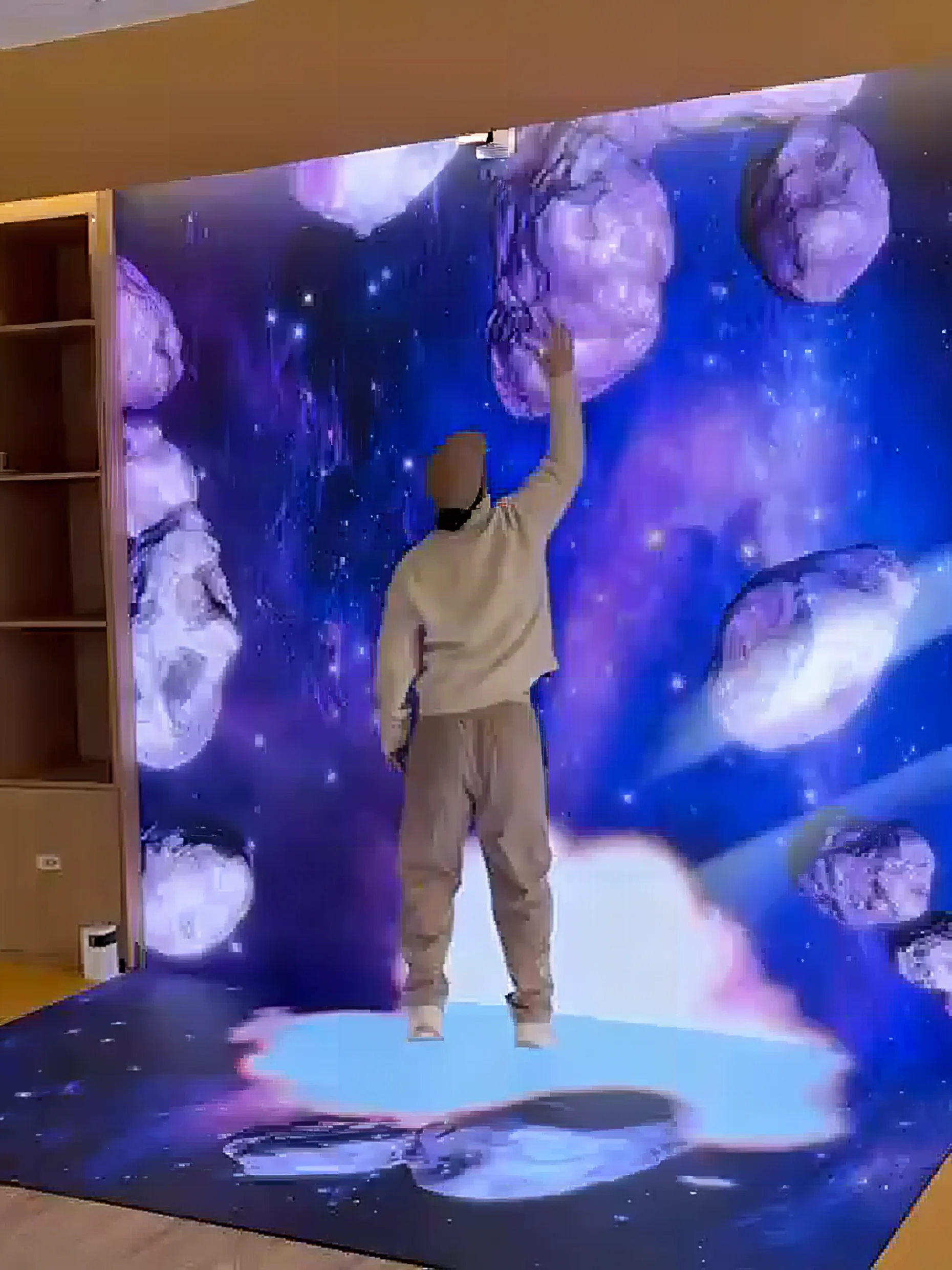
  • Interactive LED wall showing asteroids that drift away from the hands of a visitor

    Interactive wall or totem

    Seasonal game

    A game for Christmas or for a brand, played by hand on the screen, that ends with a sign-up.

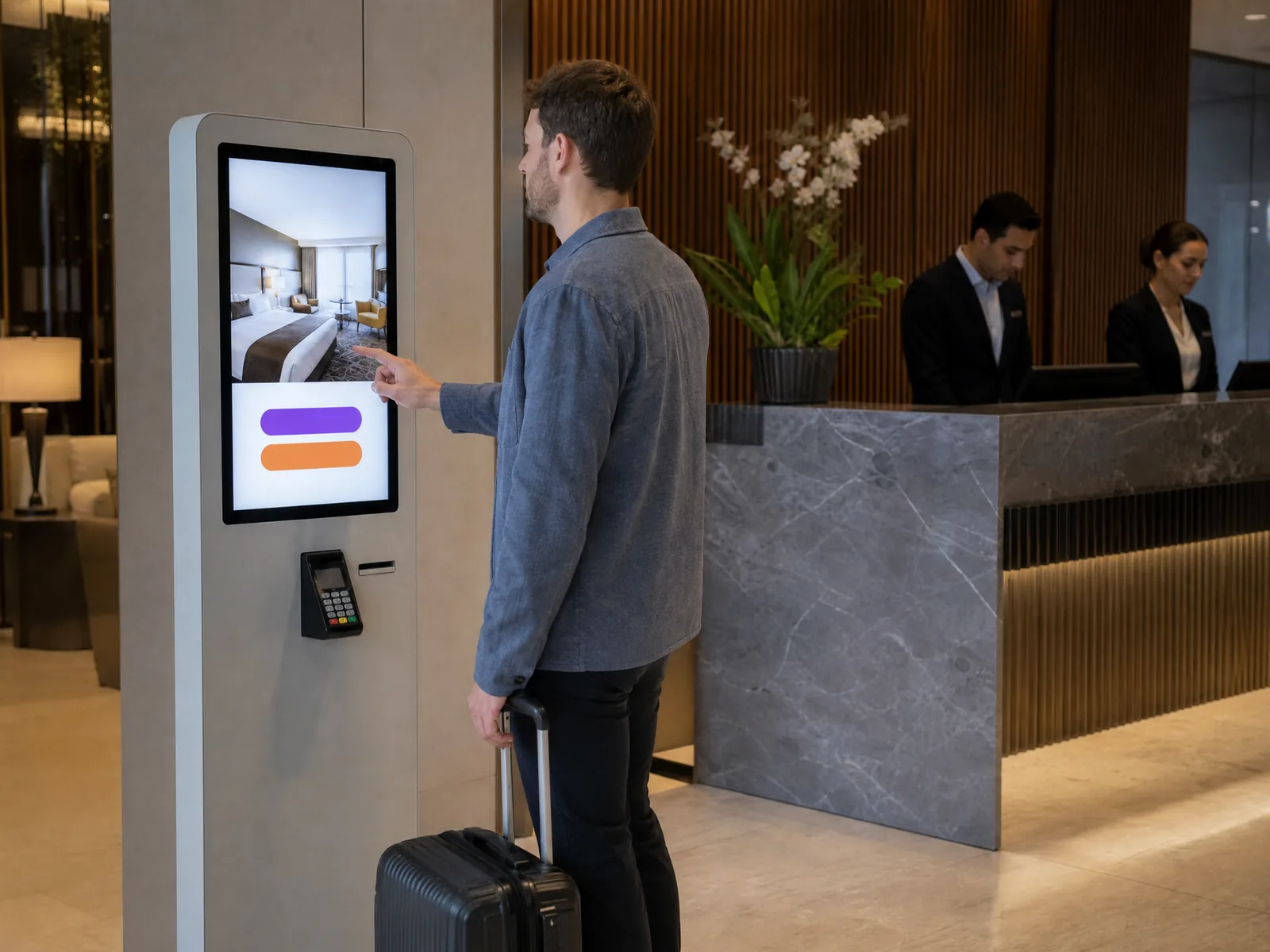
  • Self-service check-in kiosk at a reception

    Kiosk

    Visitor survey

    A few questions on the way out: what visitors came for, and what they did not find.

One team. Six steps.

  1. Line illustration: in a shopping mall atrium, the future screen is outlined in dashes on the wall above a shop entrance, a technician measures it with a laser meter while the client holds a tablet showing the project01
    SurveyYour plans first, then the site if needed: entrances, atrium, car park.
  2. Line illustration: the design studio of the integrator, two people at a desk with monitors showing the panel layout of a giant LED wall, printed elevations on the wall, an LED panel, a video processor and an equipment rack02
    DesignWhich screen goes where, zone by zone, drawn on your plans.
  3. Line illustration: the reception hall as a work site, a scissor lift in front of the wall, a technician fixing the panel, half the structure already covered, flight case and toolbox on the floor03
    InstallOur own crew, on your dates, outside opening hours when needed.
  4. Line illustration: a showroom in the evening, the display lit on the back wall, a technician on a flight case with a laptop and a colour probe on a tripod04
    CalibrateBrightness and colour set on site, by day and by night.
  5. Line illustration: a hotel lobby with a giant screen lit on the back wall, a technician handing the control tablet to the client05
    OperateYour team shown the controls, your first content on the screens.
  6. Line illustration: the hotel lobby, one panel removed from the giant screen and held by a technician06
    CareThe team that installed the screens looks after them, with spare panels.

What we settle before we start.

  • Open seven days a weekWork planned outside opening hours; LED walls serviced panel by panel, from the front where there is no access behind.
  • Escape routesEach totem and kiosk placed with your safety team, clear of the escape routes.
  • One message on the whole networkWho sends the safety message, from where and in which languages, agreed before the network goes live.
  • Power and networkA dedicated supply and a network point at each screen, drawn on your plans before the works.
  • A screen at the roadYour commune may require a permit and limit brightness at night: the offer is built on the screen you are allowed to install.
  • Content rulesFormats, what may be shown and who publishes it, agreed before the first programme runs.

Your questions.
Answered straight.

Anything specific to your centre is settled on your plans, or on site.

Can each zone of the centre show its own content?

Yes, on the screens DATAVSN runs: the road and the car park, the entrances, the atrium, the aisles and the food court each play their own programme, hour by hour, set from one place. The kiosks run the applications HYPERVISUAL writes for them.

What does DATAVSN measure?

As an option, numbers, never people: an anonymous count of passers-by, the stop rate and the attention time, with estimated age and gender brackets, by hour, by content and by site. The image is processed on the player and no face is recognised.

How many screens does a centre need?

It depends on the plan, not on the number of shops. We would start with a wayfinding totem or kiosk at each entrance and main crossing, a totem network along the aisles and a screen where the atrium is seen from the escalators; then the road, the car park and the food court. We count them with you on your plans, zone by zone, in a written proposal.

Does a wayfinding totem replace the printed map?

It does what paper cannot: the map of every level, a search by shop and the route from where the visitor stands, in several languages. When a tenant moves, the directory changes once, on every totem. HYPERVISUAL writes the application for your centre.

How do you maintain the screens without closing an aisle?

Panel by panel, outside opening hours when the centre needs it. An LED panel comes out on its own, from the front where there is no access behind, without dismantling the screen, and we hold spare panels for the screens we install. The team that installed them is the one that looks after them.

Can one message reach the whole network in an emergency?

Yes, on the screens DATAVSN runs: the totems, the atrium and outdoor LED screens and the open frame displays show the same message at once. Who sends it, from where and in which languages is agreed with your safety team before the network goes live. The LED ceiling, the interactive floor and the holograms play their own sources.

Can the screens show free parking spaces?

Only if your car park system provides the figures: the link with it is studied project by project, once we know the system. Without it, a screen at the car park still shows what DATAVSN schedules on it: the levels, the entrances, the opening hours and the events of the day.

Can we rent screens for an event in the atrium or on the car park?

Yes, for part of the range. Indoors: event LED screens from 7 to 30 m², HYPERVSN holograms by the unit, a 32-inch HoloBox subject to availability, LED furniture, a totem and 32-inch kiosks. On the car park: an LED screen on a ground-support frame or on a trailer, up to 63 m². Our crew delivers, sets up and takes back.
Digital Signage for shopping centres in Switzerland and Europe

Let’s talk about your centre

Tell us about the centre. We come back with a written proposal: which screen goes where, and what it will do.

  1. Where the screens go. The entrances, the aisles, the atrium, the road, the food court.
  2. What they are for. Guide, promote, bring to life, be seen, serve, measure.
  3. How many centres, and the date that matters: an opening, a renovation, a season.
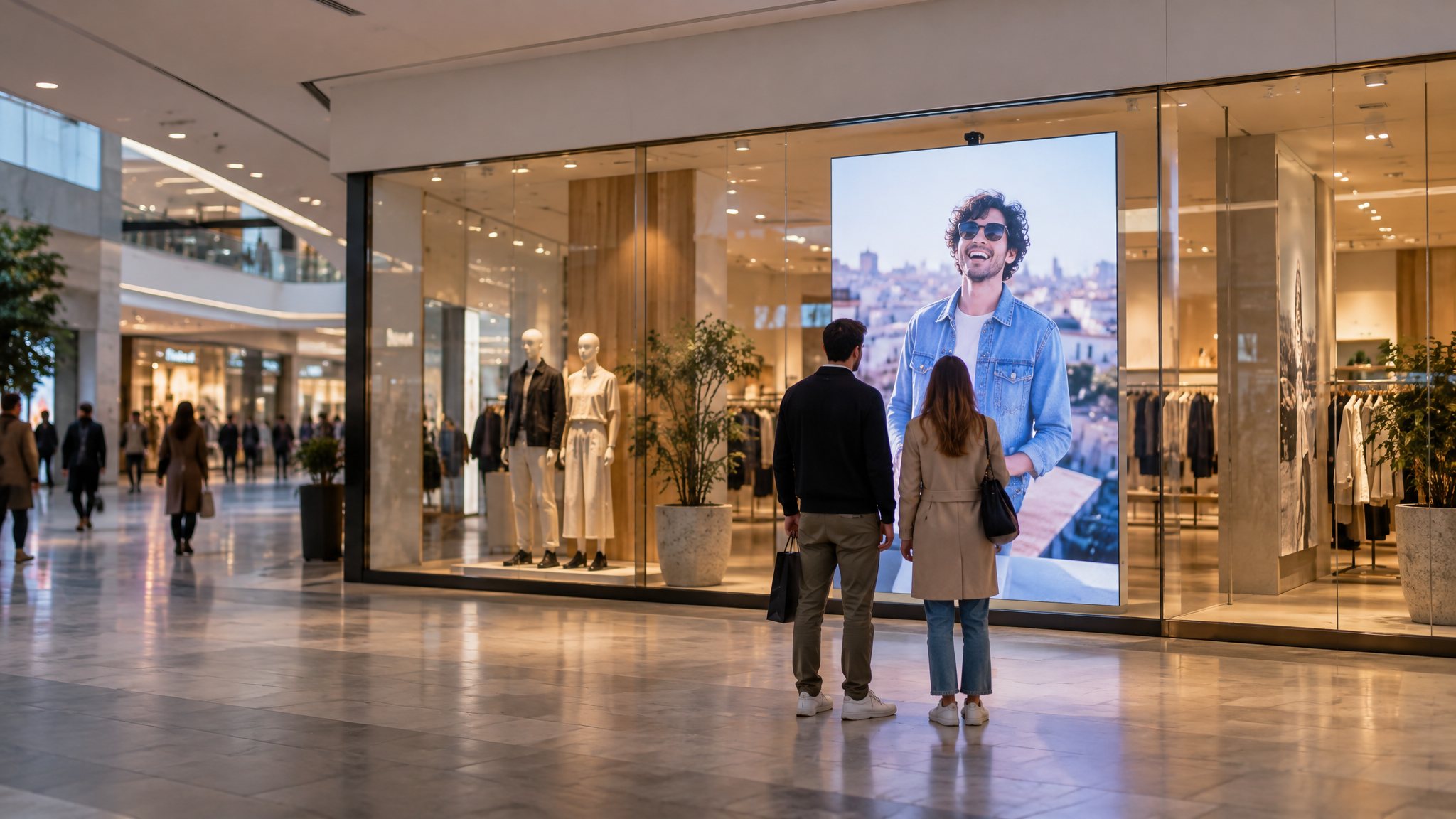
Fashion store window in a shopping centre with a portrait LED screen and a small camera on its top edge
A portrait LED screen in a shop window of a centre; the small camera on top counts people and recognises no one.