Digital Signage software, the content management system (CMS) behind your screens, controls what plays, where and when. This guide explains what the software layer does, describes the six families of platforms on the market, from enterprise cloud to open source, and gives a four-step method for choosing yours.
On this page
According to Grand View Research (June 2026 edition), the global Digital Signage market is expected to reach USD 58.4 billion by 2033, growing at 8.2% a year from 2026, and the software layer is where much of that value is decided. Choosing a platform remains hard: the market offers a great many solutions, each claiming unique advantages.
A word on where we stand: HYPERVISUAL develops its own Digital Signage software, DATAVSN, hosted in Switzerland and offered as an option with our permanent installations. We publish this overview of the market anyway: a client who understands the landscape chooses better, and chooses with confidence.
What Digital Signage software actually does
Modern Digital Signage software has evolved far beyond simple content scheduling. Today’s platforms act as the central nervous system of visual communication, combining content management, real-time data feeds, audience analytics and multi-location control.
Core capabilities to evaluate
Content management (CMS): the foundation. Look for an intuitive drag-and-drop editor, template libraries and support for diverse formats: HTML5, 4K video, interactive widgets.
Scheduling and automation: dayparting, weather-triggered content, event-based playlists and automatic content expiry keep the messaging relevant without manual work.
Network management: for multi-screen fleets, centralised control with role-based access, a status view of every player and batch updates become critical.
Analytics and reporting: proof of performance through impression tracking and engagement metrics. We cover anonymous audience recognition in depth in our DATAVSN analytics guide.
Security and compliance: encrypted connections, user authentication, audit trails and data processing that complies with the GDPR in Europe and the Federal Act on Data Protection (FADP) in Switzerland. For Swiss organisations, also check where the data is actually hosted.
The six families of platforms
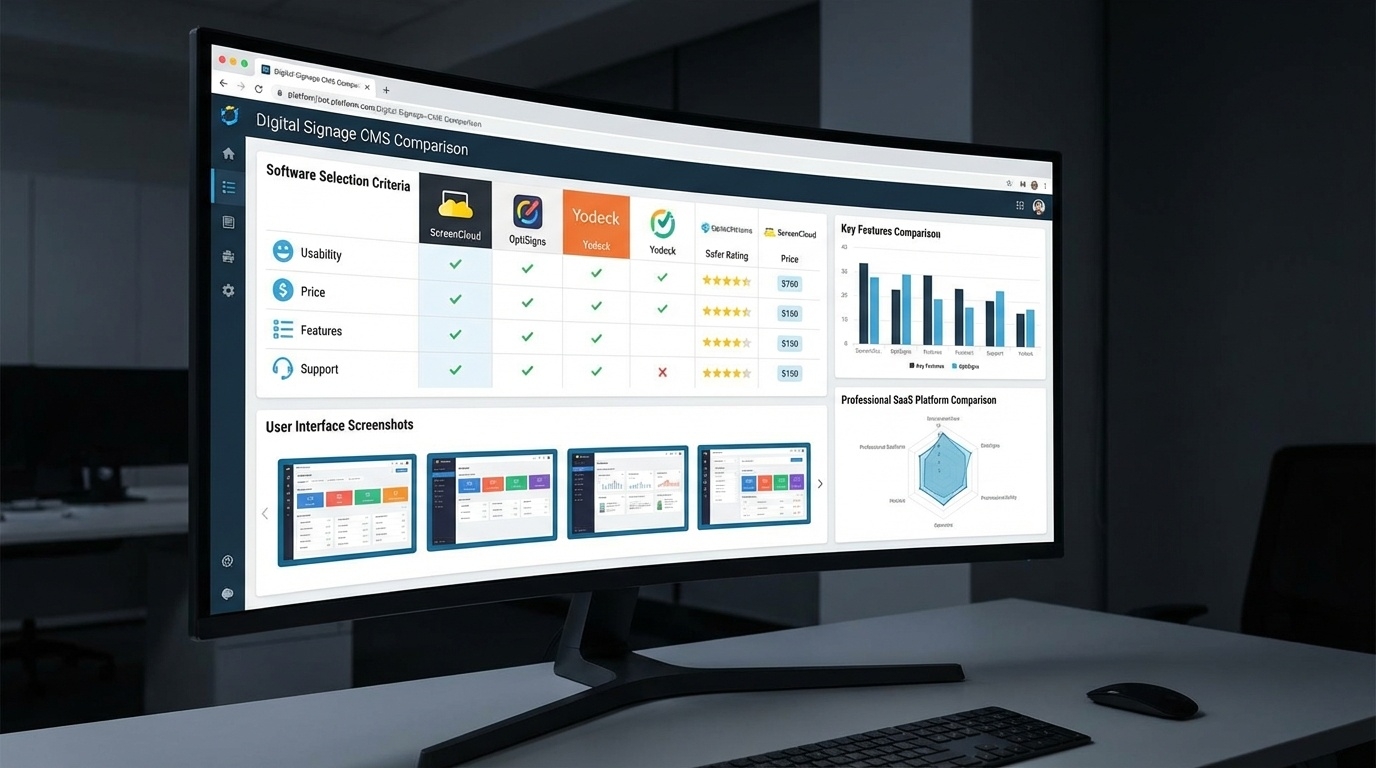
Platforms fall into six families, each suited to a different fleet size, budget and level of in-house technical skill.
Enterprise cloud platforms
For: large, distributed fleets, demanding service levels (SLAs) and integration with corporate IT.
Typical strengths: advanced scheduling with proof-of-play reporting, integration with the organisation’s cloud services, role-based access and analytics dashboards. Some specialise, for example in schools and corporate communications with emergency alerting, or in retail and hospitality with an app marketplace and point-of-sale (POS) integrations.
What to check: pricing, usually per screen per month at the top of the market range and often on request, and whether the vendor’s support covers the regions where you operate.
Mid-market platforms
For: organisations running tens of screens that want a managed cloud service without specialist help.
Typical strengths: broad feature sets, intuitive widget-based editors, social media integration and multilingual interfaces; depending on the platform, AI-assisted content creation with sector templates, or an API-first architecture that your own developers can extend.
What to check: per-screen pricing in the mid range, and the licensing model, since some platforms offer flexible licences for those who want to avoid being tied to a subscription.
Entry-level platforms
For: first deployments of a handful of screens, and small organisations.
Typical strengths: entry-level pricing per screen, simple onboarding, interfaces designed for non-technical users, inexpensive players and a catalogue of ready-made app integrations.
What to check: what the entry price includes (players, number of screens, support), and whether the platform can grow with your fleet.
Open-source platforms
For: organisations with technical skills in-house that want to keep control of the code and the data.
Typical strengths: full access to the source code, complete control of the data, an active community, and no per-screen licence when self-hosted. The most minimal projects (one player, one playlist) suit single-screen technical deployments.
What to check: who hosts, updates and supports the system; some projects also offer a managed cloud version, for those who want open code without the hosting burden.
Hardware-native platforms
For: fleets built on displays from a single manufacturer, or on dedicated media players.
Typical strengths: the software comes with the hardware, whether professional displays with a built-in player or dedicated media players; dedicated players are valued in professional integrations for their reliability and their offline behaviour.
What to check: these platforms are less relevant in mixed-hardware environments, so make sure the software would still suit you if you changed display brand.
On-premise platforms
For: very large fleets, continuous operation, and organisations whose data must stay on their own servers.
Typical strengths: a server-based architecture installed on your own infrastructure, full control of the data and of updates, and operation that does not depend on an external cloud.
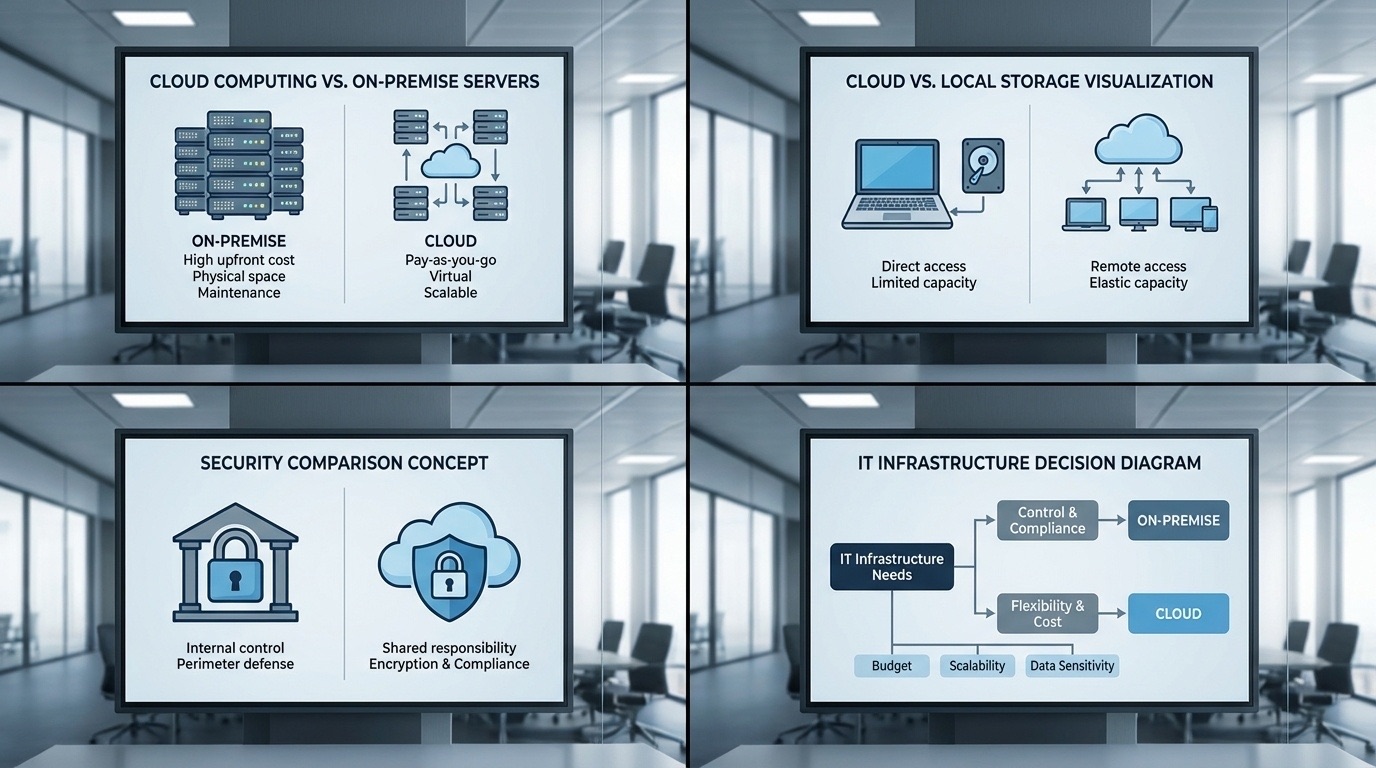
What to check: your IT team runs the servers and the updates, and pricing is usually on request. We compare the two hosting models in our guide to cloud and on-premise CMS.
How to choose your platform
Decision framework
Step 1: define your scale.
- 1–10 screens: entry-level platforms, or a lightweight open-source player if you have the skills in-house
- 10–100 screens: mid-market platforms
- 100+ screens: enterprise cloud platforms, or on-premise platforms if the data must stay in-house
Step 2: assess your technical resources.
- No IT team: a managed cloud platform with templates, entry-level or mid-market
- Small IT team: a mid-market cloud platform
- Dedicated IT: self-hosted open source, or an enterprise platform in the cloud or on-premise
Step 3: decide what the pricing model should reward. Per-screen subscriptions scale linearly with the fleet; licence-plus-hardware models front-load the cost. Which curve suits you depends on how many screens you run and for how long; our ROI method follows the same reasoning.
Step 4: check sovereignty and support. Where is the data hosted, under which law, and who answers when a screen goes dark on a Saturday? For Swiss organisations this question eliminates more candidates than any feature list. Look at the vendor’s track record too: younger platforms often move faster, on interactivity for instance, but call for the caution owed to any young ecosystem.
Industry-specific pointers
Retail: prioritise POS integration and audience analytics, for instance a CMS paired with anonymous audience recognition such as DATAVSN, which was part of our proposal for the network of ten pop-up stores described in our case study. Education: template libraries and emergency alerting. Corporate: data-feed integration and role-based access matter most. Hospitality: menu-board agility and multi-site scheduling. Industrial and transport: offline resilience and server-based control.
FAQ
Is there free Digital Signage software?
Yes, within limits. Open-source platforms carry no per-screen licence when you host them yourself, and some commercial platforms offer a free tier for very small deployments. The players, the hosting and your team’s time still have a cost.
Can Digital Signage software run without an internet connection?
Yes. Dedicated media players, on-premise systems and several enterprise platforms offer robust offline modes: content plays from local storage and re-syncs when the connection returns. If your sites have unreliable connections, check this behaviour before you choose.
What drives the length of an implementation?
Content and governance more than technology: the number of sites, content preparation and internal approvals weigh more than the software set-up itself.
Conclusion
The Digital Signage software landscape offers a solution for every scale, budget and technical capability. The right choice follows from an honest assessment of your resources, your integration needs and your growth trajectory, and from the cost curve you prefer, as covered in our ROI method article. For the broader picture, see our complete Digital Signage guide.