Interactive kiosks let visitors look up information, find their way or complete a transaction on their own. This buyer’s guide covers six points to check before you buy: the kiosk category (information, wayfinding or self-service), hardware, software and integration, return on investment, deployment, and the rules that apply in Switzerland and the EU.
On this page
Key takeaways
- Global interactive kiosk market: USD 37.2 billion in 2025, projected to reach USD 65.3 billion in 2033, a compound annual growth rate of 7.3% from 2026 to 2033 (Grand View Research, June 2026 edition)
- Three main categories: information, wayfinding, and self-service kiosks
- Screens: 22- to 55-inch projected capacitive (PCAP) touchscreens are common, with about 350 to 500 nits indoors and 1’000 to 5’000 nits behind a shop window or outdoors, depending on sun exposure
- In the EU, the European Accessibility Act applies to payment terminals and certain other self-service terminals placed on the market after 28 June 2025
Kiosk categories
Information kiosks
Information kiosks provide instant access to data, helping users navigate complex environments. Common applications include:
- Corporate lobbies and reception areas
- Shopping centres and retail environments
- Hotels and hospitality venues
- Museums and cultural institutions
- Healthcare facilities
These kiosks typically feature large 22- to 55-inch touchscreens, with intuitive interfaces designed for users of all technical abilities. For museums, see also our article on interactive displays for museum collections.
Wayfinding kiosks
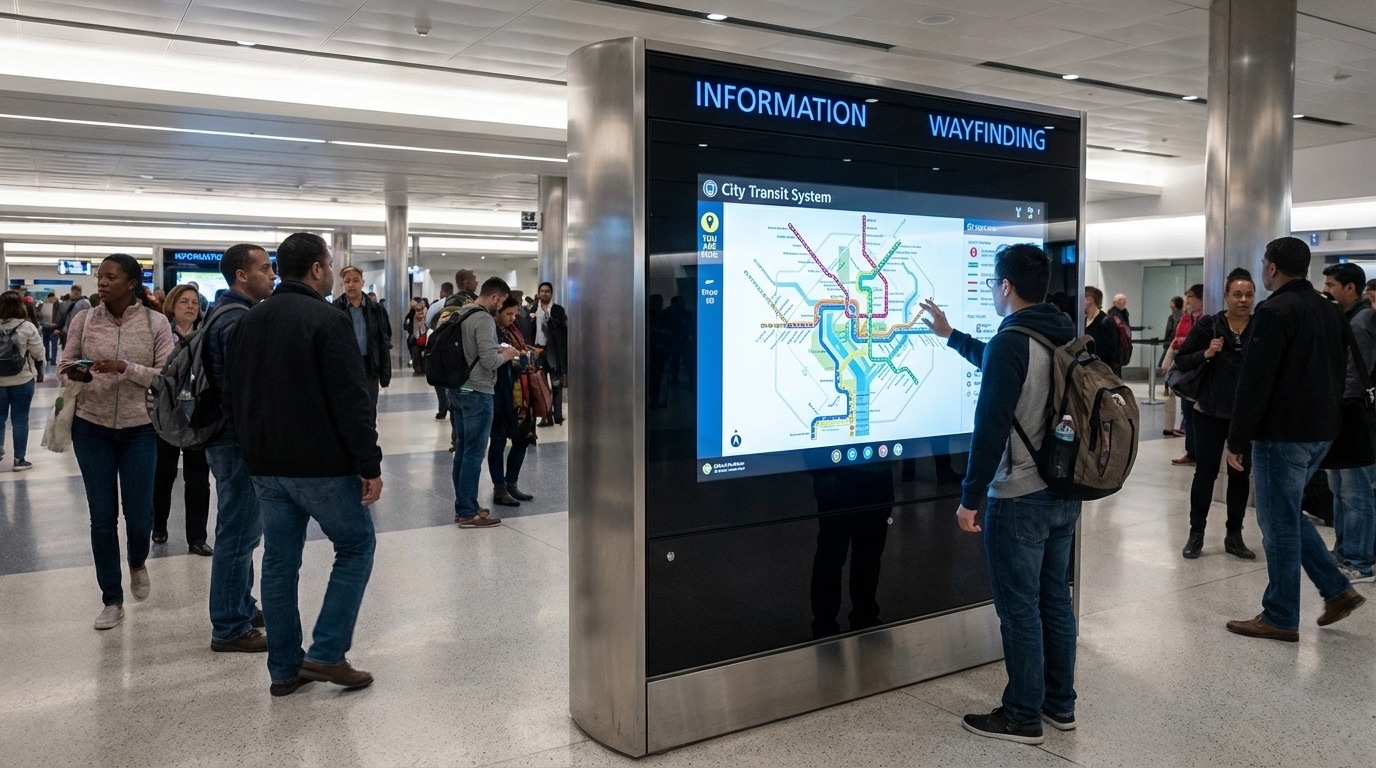
Wayfinding kiosks address a critical need in large venues: directional assistance. Modern wayfinding solutions offer interactive maps, often in 3D, providing:
- Step-by-step directions to specific locations
- Estimated walking times
- Accessible route options
- Real-time updates for temporary closures
- Multi-language support
Major airports operate interactive wayfinding kiosks at scale to help passengers navigate their terminals in multiple languages.
Self-service kiosks
Self-service kiosks are widely used in retail and hospitality to streamline transactions. Key applications include:
- Check-in and check-out processes
- Order placement and payment
- Ticketing and reservation systems
- Product information and catalogue browsing
- Returns and exchanges processing
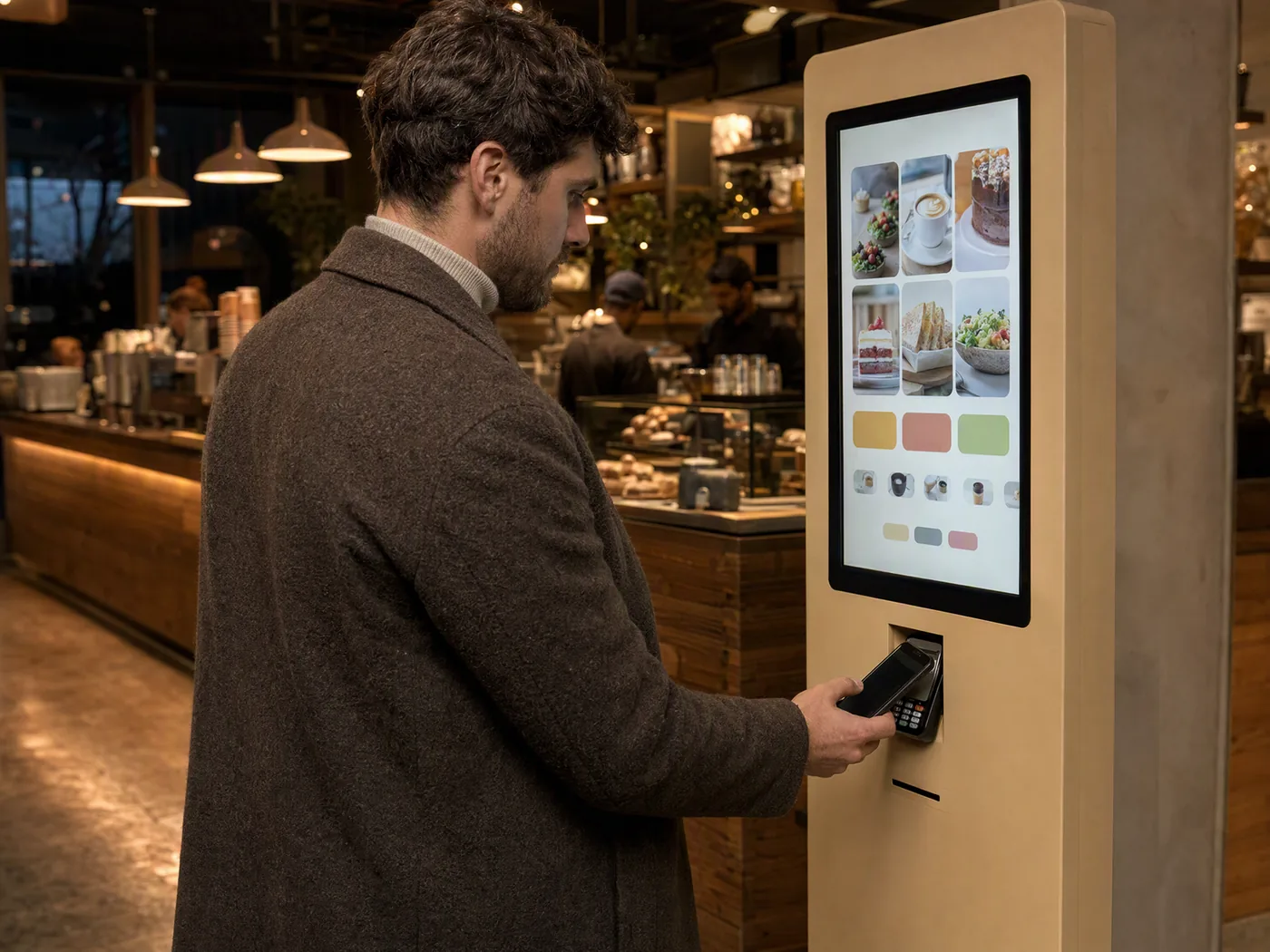
Ordering and payment kiosks combine the touchscreen with an integrated payment terminal: customers order and pay on their own.
Hardware specifications
Display technology
The display represents the primary user interface. Consider these factors:
Screen Size: 15-inch displays suit compact spaces, while 32- to 55-inch screens work better for high-traffic public areas. For wayfinding applications, larger screens improve map readability.
Touch Technology: Projected capacitive (PCAP) touchscreens offer superior responsiveness and multi-touch capability. For outdoor or industrial environments, resistive touch is sometimes preferred: it responds to pressure, so it works with gloves and tolerates water or dirt on the surface.
Resolution: Full HD (1920 × 1080) remains standard, though 4K displays are increasingly common for detailed wayfinding maps and product visualisation.
Brightness: Indoor kiosks typically require about 350 to 500 nits. Behind a shop window or outdoors, far more is needed: window displays range from about 1’000 to 5’000 nits depending on exposure, and direct sunlight often calls for more than 2’500 nits. Learn more in our LED display brightness guide and, for shop windows, in our storefront display guide.
Enclosure design
Kiosk enclosures must balance aesthetics with durability:
Materials: Powder-coated steel provides security for public spaces. Stainless steel suits healthcare and food service environments requiring frequent sanitisation.
IP Rating: For outdoor or high-moisture environments, an IP65 rating ensures protection against dust and water jets.
Accessibility: Accessible designs accommodate wheelchair users with appropriate height, reach and approach considerations. The EU rules are summarised in the regulations section below; see also our European guide to Digital Signage accessibility.
Computing platform
Most interactive kiosks run on Windows or Android operating systems:
Windows: Offers broader software compatibility, enterprise security features, and familiar IT management tools. Recommended for complex applications requiring legacy system integration.
Android: Provides lower hardware costs, faster boot times, and simplified deployment. Ideal for single-purpose applications like menu boards or check-in stations.
Software and integration
Content management system
A robust CMS enables centralised control across multiple kiosk locations:
- Remote content updates without physical access
- Scheduling capabilities for time-based content
- Analytics and usage reporting
- User session management
- Multi-language content support
Integration requirements
Modern kiosks rarely operate in isolation. Plan for integration with:
- Point-of-sale systems
- Customer relationship management (CRM) platforms
- Building management systems
- Payment processing gateways
- Existing Digital Signage networks
If the kiosks are to join an existing Digital Signage network, our complete Digital Signage guide gives a broader overview of the technologies.
Return on investment (ROI)
Interactive kiosks can generate returns in several ways:
Labour Cost Reduction: Self-service check-in kiosks can absorb a large share of routine arrivals and transactions, reallocating staff to high-value interactions.
Increased Throughput: Self-order kiosks shorten queues and encourage add-on purchases through consistent, systematic prompts at the point of decision.
Extended Service Hours: A kiosk keeps information and basic transactions available outside staffed hours, day and night if required.
Data Collection: Anonymous analytics show how a kiosk is used, without identifying anyone.
Deployment best practices
Location planning
Kiosk placement significantly impacts adoption rates:
- Position at natural decision points and high-traffic areas
- Ensure adequate lighting for screen visibility
- Provide sufficient approach space for queuing
- Consider power and network connectivity requirements
- Plan for maintenance access
User testing
Before full deployment:
- Conduct usability testing with representative user groups
- Validate accessibility compliance
- Test all integration points under realistic conditions
- Develop troubleshooting protocols and staff training
Regulations in Switzerland and the EU
Kiosk deployments in Switzerland and the EU require attention to specific rules and standards:
Data Protection: If a kiosk collects personal data, the GDPR applies in the EU and the Federal Act on Data Protection (FADP) in Switzerland.
European Accessibility Act: In the EU, Directive (EU) 2019/882 applies to payment terminals and to certain self-service terminals (ATMs, ticketing and check-in machines, interactive information terminals for the services it covers) placed on the market after 28 June 2025. National transitional rules may allow terminals already in use before that date to remain in service until the end of their economically useful life, but for no more than 20 years after they were put into use.
Payment Standards: Kiosks that accept card payments must comply with PCI DSS, the security standard required by the card schemes.
Multi-Language Requirements: Consider the linguistic diversity of your user base when planning content strategy.
What HYPERVISUAL offers
HYPERVISUAL sells, rents and installs interactive kiosks in Switzerland. Our touchscreen kiosks and digital totems are available to buy in all sizes or to rent; the rental kiosk has a 43-inch touchscreen. Ordering and payment kiosks, from 43 to 85 inch, are sold with a custom application developed by HYPERVISUAL or with your own business software.
On purchased digital totems, the DATAVSN CMS lets you update content remotely, and anonymous audience recognition can be added.