The real lifespan of a professional LED or LCD display depends less on the theoretical figures in its datasheet than on component quality, operating environment, usage and maintenance. This guide explains how to read lifespan specifications, which factors shorten service life, which maintenance practices extend it and when replacement becomes the better option, so that you can plan budgets, maintenance schedules and replacement cycles.
On this page
Understanding display lifespan specifications
Manufacturers typically describe LED display lifespan with terms like MTBF (Mean Time Between Failures) and half-life ratings, expressed in tens of thousands of hours. On paper, these figures suggest very long service lives. However, real-world performance tells a different story.
The half-life specification indicates when brightness will decline to 50% of original output, not when the display fails completely. This gradual degradation means displays become progressively less effective for commercial applications long before they stop functioning entirely: as brightness falls, content starts to look washed out under ambient lighting conditions.
Realistic lifespan expectations
Service life varies widely with the technology and the environment:
Indoor LED Displays work in stable conditions and generally last considerably longer than outdoor ones. With controlled environmental conditions and proper maintenance, premium indoor LED installations last longer still. Conference rooms and corporate lobbies, where displays operate intermittently rather than continuously, often see extended lifespans.
Outdoor LED Displays face significantly harsher conditions and generally have a shorter service life. Heat, temperature fluctuations, UV exposure, moisture, and dust accelerate component degradation. Extreme climates shorten service life further.
Commercial LCD Displays with LED backlighting age mainly through their backlight, whose brightness declines over time, and faster at high brightness settings. As an example, the LED backlights of the 23.8-, 46- and 55-inch open frame displays we supply are rated at 50’000 hours in their datasheets. OLED technology is even more sensitive to brightness and static images: the transparent OLED displays we supply are specified for 30’000 hours, for use 12 hours a day, 7 days a week.
Rather than a theoretical maximum, plan budgets and renewals around the service life specified for your actual operating conditions: hours of operation per day, brightness and environment.
Critical factors affecting lifespan
Component quality
The manufacturing process, chip quality, and raw materials directly determine longevity. High-grade LED chips deliver higher luminous efficiency, slower brightness degradation, and more stable performance over time; lower-cost alternatives lose brightness noticeably faster.
Newer technologies offer significant durability improvements. COB (Chip on Board) displays are chosen, despite higher initial costs, for their superior longevity and reduced maintenance requirements. GOB (Glue on Board) technology similarly reduces pixel failure risks compared to traditional SMD encapsulation.
Environmental conditions
Temperature represents the most critical environmental factor: the hotter LEDs run, the faster they age. Good thermal design limits this effect: ventilation around the panels and, where needed, fans regulated by temperature sensors.
Humidity, dust, and corrosive gases accelerate internal component deterioration. Outdoor installations require IP65-grade water and dust protection as minimum specifications. Controlled indoor environments with stable temperature, humidity, and ventilation significantly extend operational life.
Usage patterns
Continuous 24/7 operation, common in command centres and Digital Signage networks, accelerates component wear compared to intermittent use in conference rooms or event venues. Rest periods between active operation reduce the cumulative thermal stress on components.
Brightness settings dramatically impact longevity. Running LEDs at maximum brightness continuously accelerates decay. For indoor applications, 800–1’200 nits typically provides sufficient visibility while preserving component life. Reducing brightness to appropriate levels for actual ambient conditions extends lifespan considerably.
Maintenance best practices
Proper maintenance can extend display life well beyond baseline expectations.
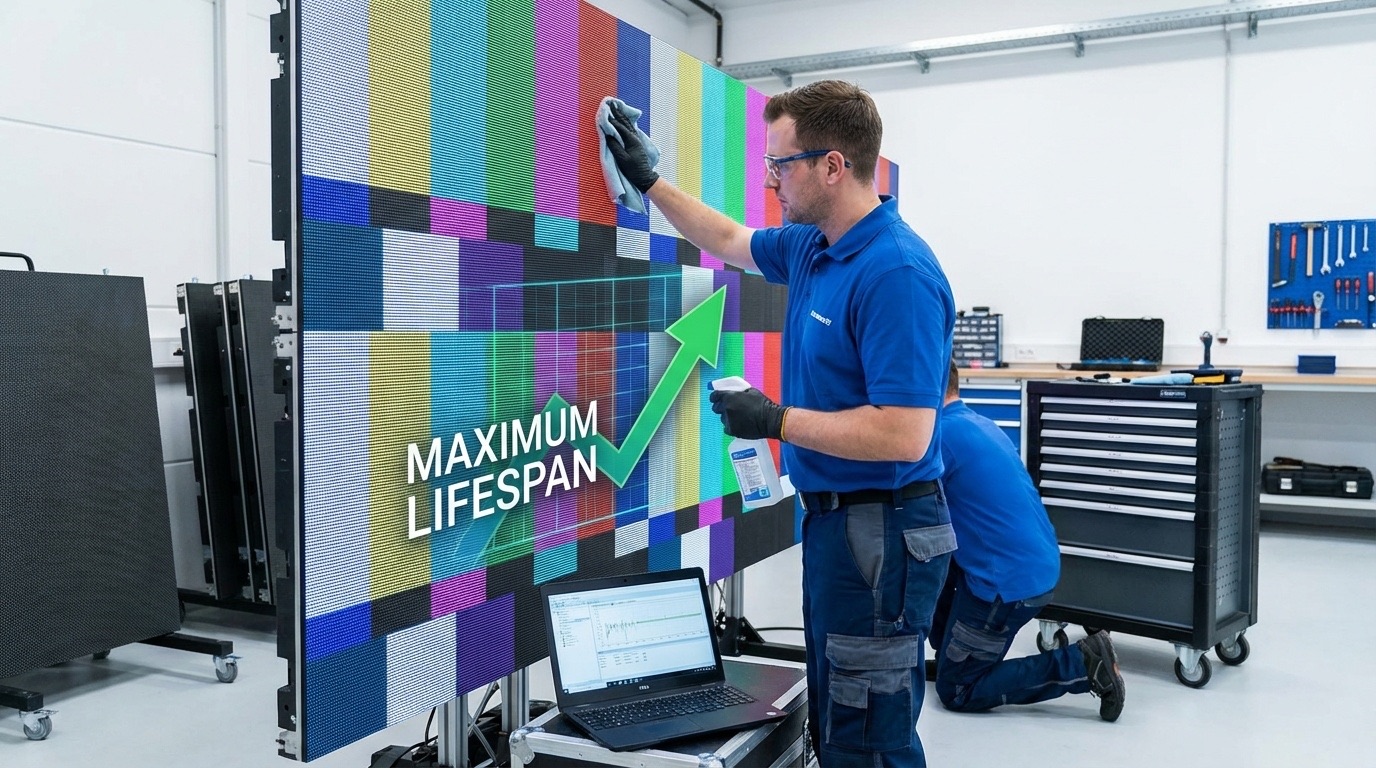
Cleaning: on LED walls with exposed LEDs (SMD), use a soft brush or an air blower rather than a cloth, which can catch on the components; smooth surfaces (COB, LCD, OLED) are cleaned with a dry microfibre cloth. Regular cleaning prevents dust accumulation that impairs heat dissipation.
Calibration: Annual calibration ensures consistent colour reproduction and brightness across panels. When colour variance exceeds a Delta E of 5.0 after calibration, viewers notice discolouration, a sign that the end of effective service life is approaching.
Pixel Refresh: Static images left on screen for long periods age pixels unevenly. Rotating content through the CMS schedule, and using the display’s pixel refresh function where it has one, distributes wear evenly across the display surface.
Predictive Maintenance: Some display management systems let the operator track voltage and temperature trends and spot components that are about to fail, so that repairs can be planned instead of handled as emergencies.
From our projects: what actually extends service life
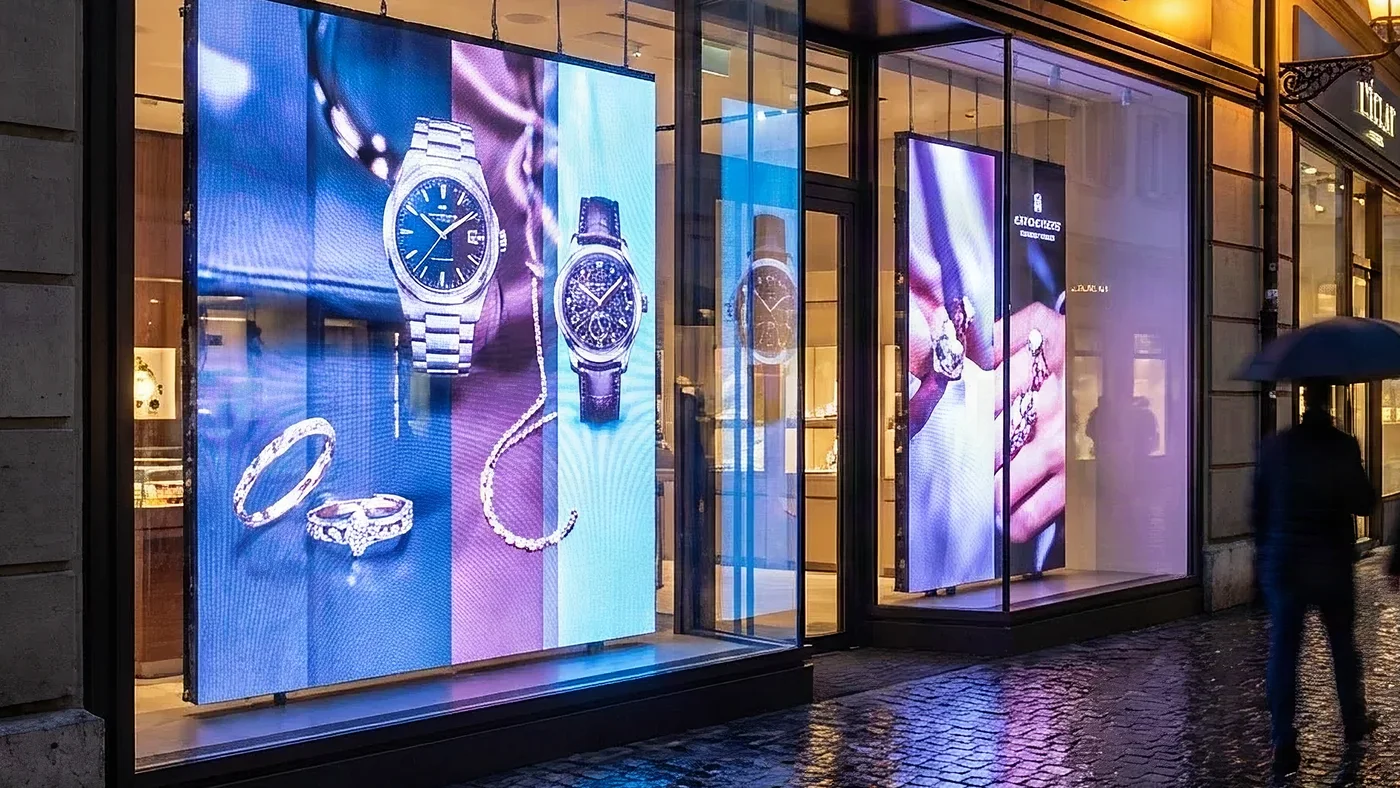
Two practices from our own deployments matter more than any datasheet figure. The first is central management through the CMS. In the jeweller’s boutique network described in our case study on presence detection, every display is connected to a central CMS through which the client adjusts content, playback duration and scheduling window by window, without a store visit. The settings that determine when and how long each screen runs can be changed on one window or across the whole network at once.
The second is planning for the failure rather than hoping against it. In a design study for a network of ten pop-up stores, carried out for an international brand, the architecture provides for a stock of spare units held at our premises in Fribourg: a failing unit is swapped, not repaired on site. Add brightness driven by an ambient sensor rather than run at maximum, and scheduled shutdown outside opening hours, and you have three simple measures that extend service life.
When to replace
Several indicators suggest a display is approaching end of useful life:
- Brightness recovery after professional service becomes insufficient
- Colour accuracy cannot be restored through calibration (Delta E exceeding 5.0)
- Dead pixel clusters become visible to viewers
- Power consumption increases significantly without corresponding output
Modular panel designs offer cost-effective upgrade paths, allowing replacement of individual tiles rather than entire walls, which makes end-of-life upgrades much cheaper than a full replacement.
Making the investment decision
When evaluating display purchases, consider total cost of ownership rather than initial price alone. Premium displays with longer lifespans, lower maintenance requirements, and better energy efficiency often deliver superior value despite higher upfront costs.
For European businesses, selecting suppliers that offer a clear warranty, maintenance support, and readily available replacement components protects the return on display investments. Today’s technology can deliver many years of reliable operation; success depends on choosing quality equipment, proper installation, and consistent maintenance discipline.