Choosing an LED screen’s pixel pitch starts with the viewing distance: the closer your audience, the finer the pitch needs to be. This guide gives the formulas that link the two, typical pitches by application, and the other factors (resolution, brightness, content and budget) that settle the choice.
On this page
Key takeaways
- Pixel pitch is the distance between the centres of adjacent pixels: the smaller the pitch, the denser the pixels, and the closer viewers can stand
- Rule of thumb: the minimum viewing distance in metres roughly equals the pixel pitch in millimetres (about 2.5 metres for P2.5); the most comfortable distance is 2.5 to 3 times greater
- Cost per square metre follows LED density: going from P2.5 to P1.5 places nearly 2.8 times more LEDs on the same surface
- Over-specification wastes budget and under-specification leaves the pixel structure visible: the right pitch comes from measured viewing distances, not from a catalogue
Understanding pixel pitch fundamentals
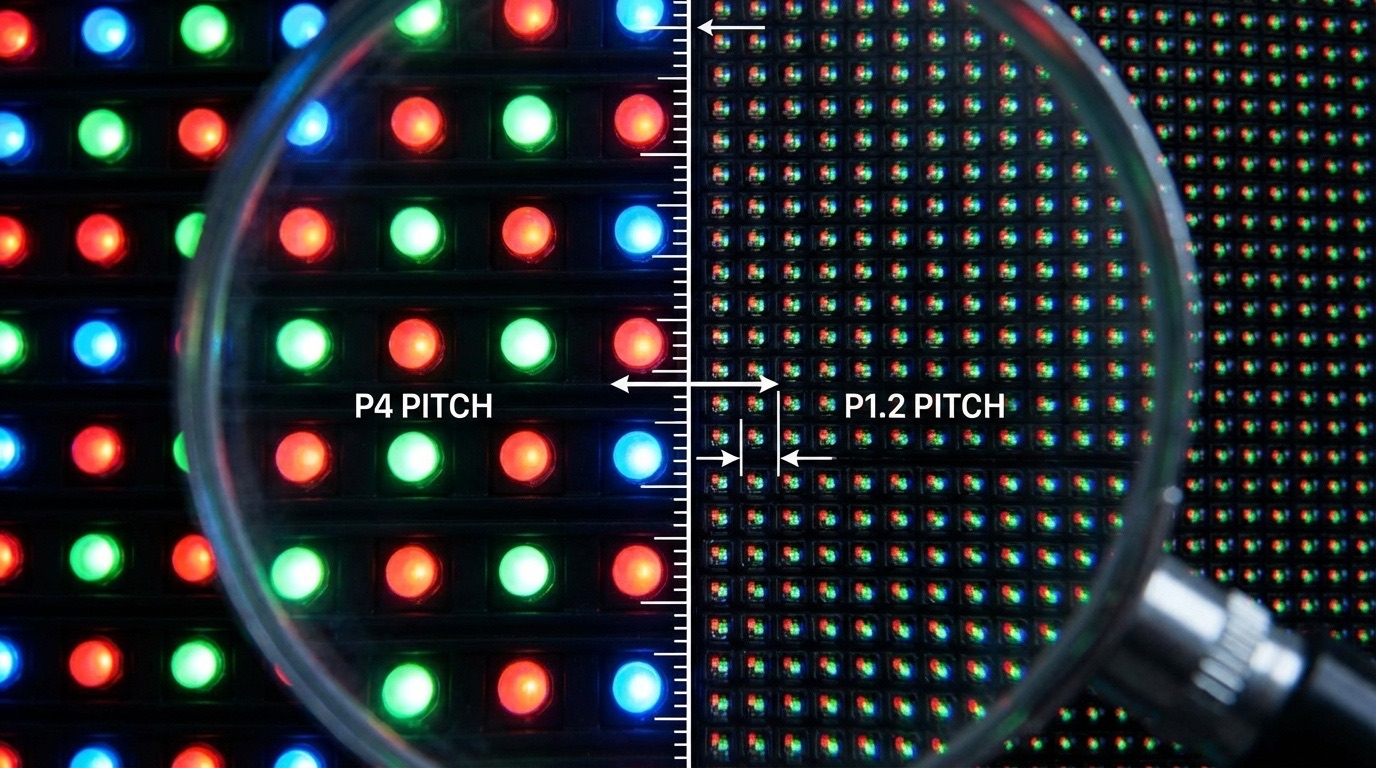
Pixel pitch measures the distance in millimetres between the centre of one LED pixel and the centre of the adjacent pixel. This specification directly determines two critical factors: resolution density and optimal viewing distance. A P2.5 display, for example, has 2.5 millimetres between pixel centres, which sets its pixel density per square metre.
The relationship is straightforward: smaller pixel pitch means higher pixel density, sharper images, closer optimal viewing distances, and higher costs. A P1.5 display contains approximately 444’444 pixels per square metre, while a P3 display contains roughly 111’111 pixels per square metre, four times fewer pixels despite being only twice the pitch value.
The viewing distance formulas
Three rules of thumb help determine the appropriate pixel pitch from the viewing distance.
Minimum Viewing Distance is the closest distance at which the image remains acceptable to most viewers. The usual rule: Minimum Viewing Distance (metres) = Pixel Pitch (mm) × 1
For a P2.5 display, this yields a minimum viewing distance of about 2.5 metres; closer than that, individual pixels become obvious.
The 10x Rule provides quick estimation for feet-based calculations: multiply pixel pitch by 10 to determine approximate viewing distance in feet. A P2 display works well from 20 feet (about 6 metres), while a P4 display suits 40-foot (about 12-metre) viewing distances.
Average Comfortable Viewing Distance (ACVD) is where most viewers find the picture comfortable to watch, not just free of visible pixels: Comfortable Viewing Distance (metres) = Pixel Pitch (mm) × 2.5 to 3
A P2.5 display achieves optimal viewing comfort at 6.25 to 7.5 metres. When deploying transparent LED displays with specific pixel pitches, these formulas help ensure viewers enjoy sharp images from your planned viewing distances.
Pixel pitch selection by application
Corporate Boardrooms and Executive Spaces position viewers 2–4 metres from displays during presentations and video conferences. Fine pixel pitch displays of P1.2 to P1.8 deliver the resolution density necessary for readable text, detailed graphics, and professional video conferencing quality.
Control Rooms and Monitoring Centres require operators to view displays from 1.5 to 3 metres while maintaining focus for extended periods. Ultra-fine pitch displays of P0.9 to P1.5 minimise eye strain during long shifts.
Retail Environments and Showrooms present diverse viewing scenarios, with customers observing displays from 3 to 8 metres in most configurations. Standard pixel pitches of P2.5 to P4 balance visual quality with investment efficiency.
Lobbies, Atriums, and Reception Areas feature viewing distances of 5–15 metres depending on space dimensions. Pixel pitches of P3 to P5 deliver impressive visual impact while optimising budget allocation.
Trade Shows and Events involve temporary installations with viewing distances that vary from 2 to 10 metres. HYPERVISUAL rents out LED screens for events in P2.6 for indoor use and P3.9 for outdoor use.
Outdoor Advertising and Stadiums accommodate viewing distances of 10–50+ metres. Large pixel pitches of P6 to P16 provide excellent visibility while significantly reducing the cost per square metre.
These ranges reflect common market practice. For reference, the fixed indoor LED screens HYPERVISUAL sells and installs range from P0.9 to P2.6, most often P1.8.
Beyond pixel pitch: additional selection factors
Resolution Requirements depend on content type. Video walls displaying 4K content require sufficient total pixels across the display surface. A 4K resolution (3840 × 2160 pixels) on a 4-metre-wide display needs approximately P1.0 pitch.
Brightness and Environment affect perceived quality. A screen that is too dim for its surroundings looks washed out whatever its pitch, and one that is too bright for a dark room tires the eye: brightness has to match the site, as our guide to LED brightness in nits and lumens explains.
Content Type influences requirements significantly. Text-heavy applications demand finer pitch than video-centric displays.
Budget allocation inevitably factors into decisions. Cost per square metre follows LED density: going from P2.5 to P1.5 places nearly 2.8 times more LEDs on the same surface, and the component cost rises with it.
When pixel pitch is not the deciding factor
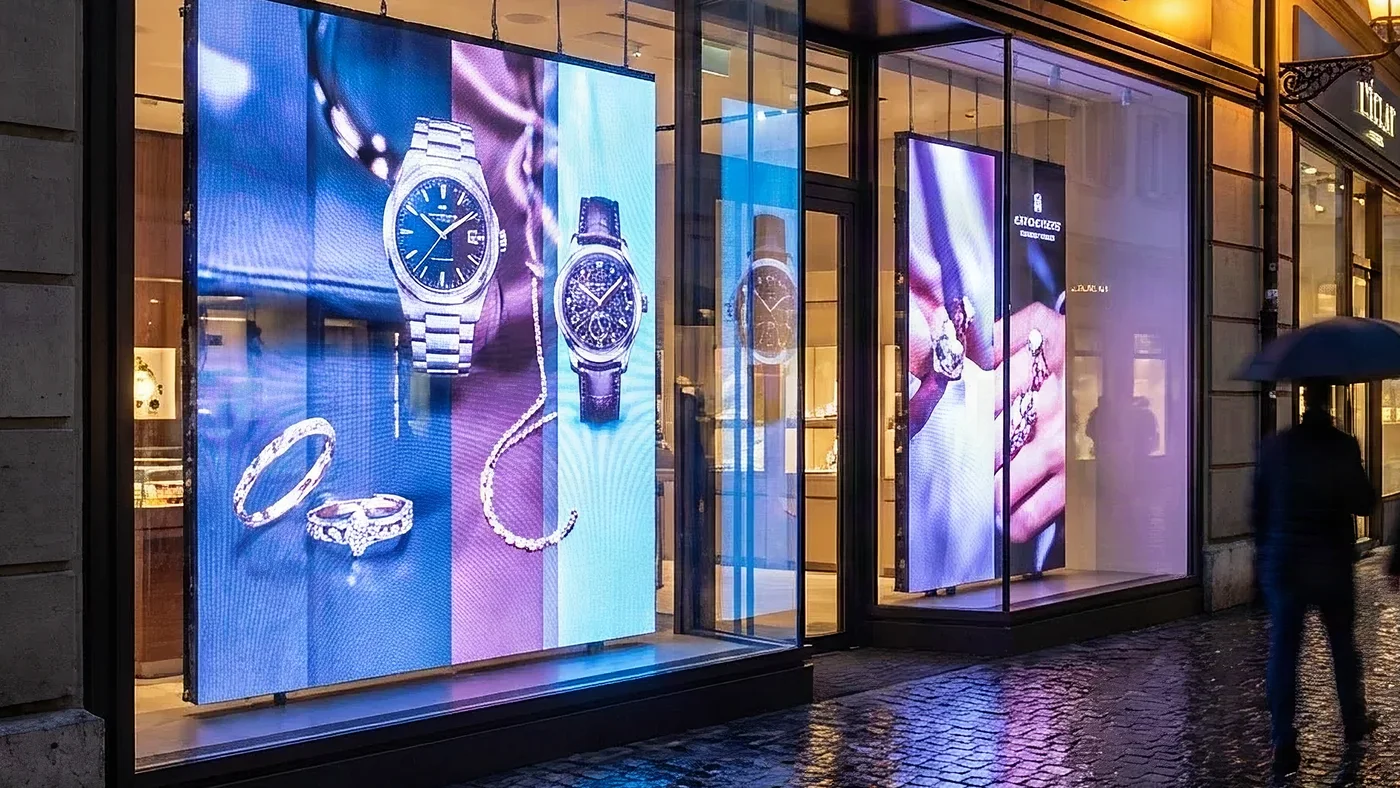
Pixel pitch dominates the specification conversation, but it is not always what settles a project. For a jeweller’s boutique network we equipped with open frame LCD displays behind two-way mirrors (documented in our case study on presence detection), pitch was not the question: with LCD panels, it follows from the screen size and resolution. What drove the choice of displays was brightness: behind shop glass in daylight, only high-brightness panels, at 1’000 to 1’500 nits, stay readable, and an impeccable image on a dim panel is simply invisible.
A different trap appears in furniture integration. In a design study for an international brand’s pop-up stores, the binding constraint was dimensional: the exact frame, visible area and thickness had to be frozen before the joinery was designed. Specify pitch first and you can still end up with a screen that does not fit its housing.
Common pixel pitch selection mistakes
Over-specification occurs when budgets accommodate fine pitch displays, leading to purchases that exceed actual requirements. A boardroom with 4-metre viewing distances gains nothing from P0.9 displays compared to P1.5.
Under-specification happens when budget pressure drives selection toward larger pitch than viewing distances support. The resulting pixelation undermines the entire investment.
Making your final decision
The optimal pixel pitch selection process follows a clear sequence. First, determine your primary viewing distances by analysing how people actually use the space. Second, apply the viewing distance formula to establish your maximum acceptable pixel pitch. Third, consider content requirements. Finally, consult with experienced integrators who can validate calculations.
For most commercial indoor applications, pixel pitches between P1.8 and P3.0 deliver excellent results.
Frequently asked questions
What is the best pixel pitch for indoor LED displays?
Indoor applications typically require P1.5 to P3.0 depending on viewing distance. Boardrooms benefit from P1.2–P1.8 and control rooms from P0.9–P1.5, while retail environments perform well with P2.5–P4.0. When combining pixel pitch selection with accessibility compliance requirements, remember that larger fonts and clearer visuals support inclusive design.
How do I calculate the viewing distance for my pixel pitch?
Use the formula: Minimum Viewing Distance (metres) = Pixel Pitch (mm) × 1. For comfortable viewing, multiply by 2.5–3. A P2.5 display has a minimum distance of 2.5 metres and optimal viewing at 6.25–7.5 metres.
Why is smaller pixel pitch more expensive?
Smaller pixel pitch requires more LEDs per square metre, increasing both material costs and manufacturing complexity. A P1.5 display contains four times more pixels than a P3.0 display.
Can I use fine pixel pitch for outdoor displays?
While technically possible, fine pitch outdoor displays face challenges including higher brightness requirements and wasted resolution at typical outdoor viewing distances.
What pixel pitch do I need for 4K resolution?
The required pixel pitch depends on display size. Calculate by dividing your display width in millimetres by 3840.